
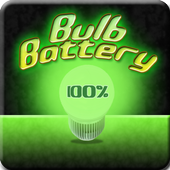
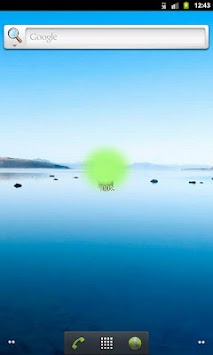
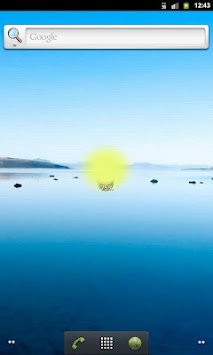
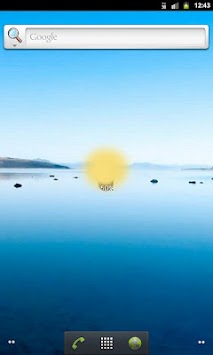
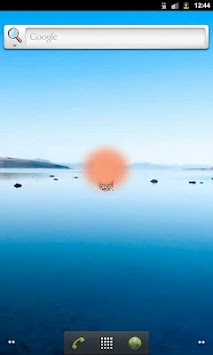
Cool looking bulb battery widget with percentage battery state text. A bulb changes color from green to yellow and red depending on battery state. It shows you clearly when it's dangerously low.
How to run the widget:
1. Go to the desktop.
2. Touch the screen anywhere and hold it until a new windows shows up.
3. Select "Widgets" and find this one!
That's all!

9Apps 4.9















