
Boss status saver icon

Boss status saver

1.1 for Android
3.3 | 5,000+ Installs | Reviews

Boss V

Description of Boss status saver

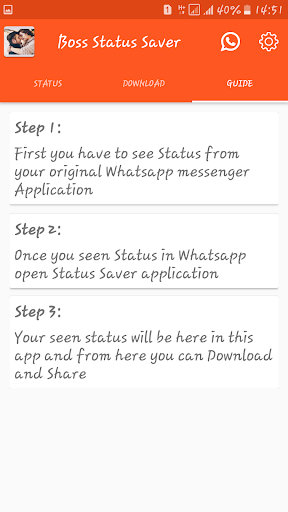
How to Use?
1 - Check the Desired Status/Story...
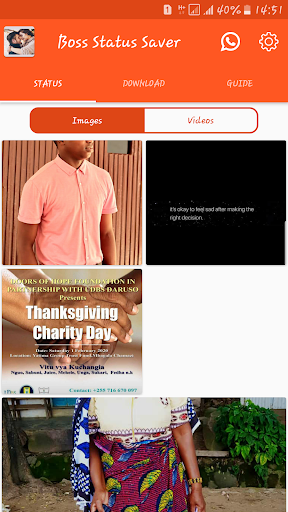
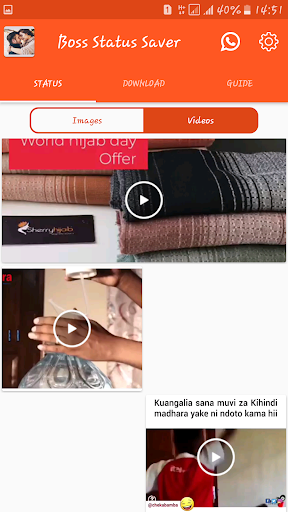
2 - Open Status Saver, Click on any Image or Video to View...
3 - Click the Save Button...
OR
1 - Check the Desired Status/Story...
2 - Hold on a Status to Enable Multi Selection,
3 - Select "Save" from the Toolbar Menu!
The Status Image/Video is Instantly saved to your Gallery! 😉😃
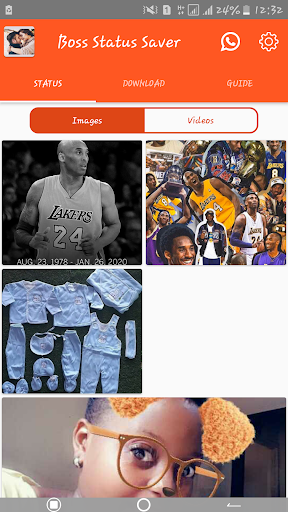
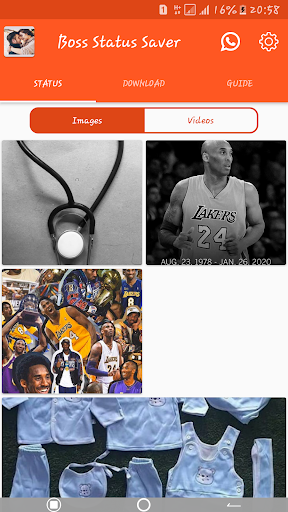
The Only App in the Store which shows you Statuses from 4 Different Apps/Environments!
They include -
1) Normal Statuses,
2) G.B Statuses,
3) Business Statuses,
4) Normal Statuses from Parallel Space Pro!
Notable Features:
* Multi Save, Delete, Repost / Share, Delete,
* Easy Repost even without Saving,
* Easy & Fast Saving,
* Built in Image Viewer & Video Player,
* Easy Navigation!


Information

  • Category:
    Social
  • Latest Version:
    1.1
  • Updated:
    2020-01-31
  • File size:
    7.6MB
  • Requirements:
    Android 4.1 or later
  • Developer:
    Boss V
  • ID:
    com.bossvstatus.app
  • Available on:
Reviews
  • avatar
    Boss status saver App is the adorable status downloader where you can share whatsapp status like videos and status images on whatsapp app. It Downloads status videos and images from other's whatsapp status.Also it Saves status videos in gallery and play it and share with friends. you can easily download latest video and photos on Boss status saver . Enjoy free Whatsapp status download app. Save all videos and images in your Gallery. Features of Boss status saver  Download status videos or images from the other's status in whtasapp app. Boss Status saver app Disclaimer This app is in not affiliated with sponsored or endorsed by WhatsApp Inc. We are not responsible for any kind re-usage of any type media downloaded by user. "WhatsApp" name is copyright to WhatsApp inc.we are not working with any 3rd party. Thanks for reading and understand
    2020-02-14 04:31