Boot Apps icon

Boot Apps

2.6 for Android
3.5 | 100,000+ Installs | Reviews

Argon Dev

⚠️ You need 9Apps App to install .XAPK File. How to install XAPK?

Description of Boot Apps

TUTORIALS
https://youtube.com/playlist?list=PLUskUU-NvGqjXl4yDvHkQj9ssV1BMySMm
TROUBLESHOOTING
https://julietapp.blogspot.com/p/troubleshooting-general.html
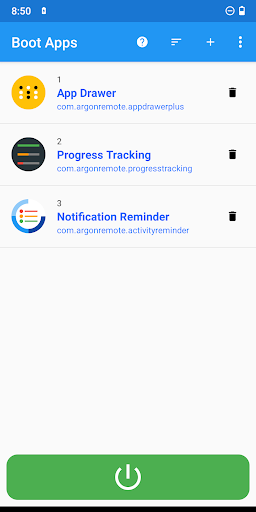
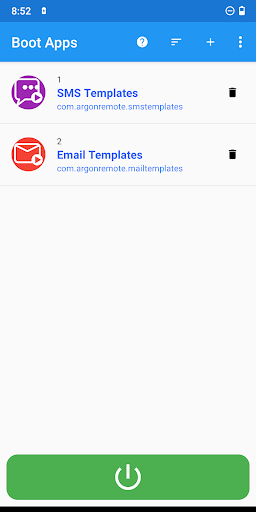
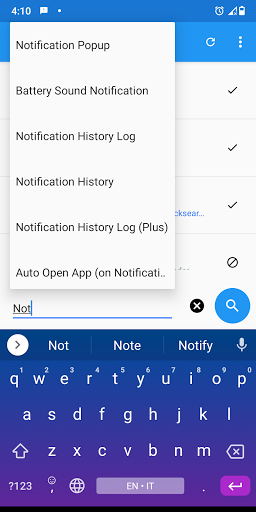
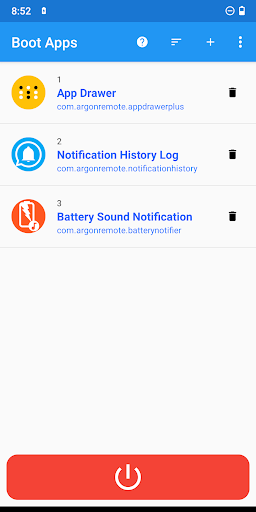
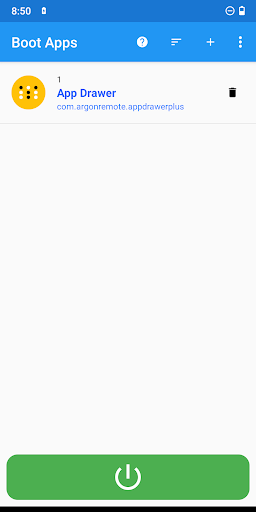
This app allows you to manage a list of apps to open automatically at startup (when you turn on or restart your smartphone).
NOTES
• The apps will not be opened immediately but when the system is ready
• The selected apps will be opened automatically and brought to the foreground
FEATURES AND BENEFITS
• No root
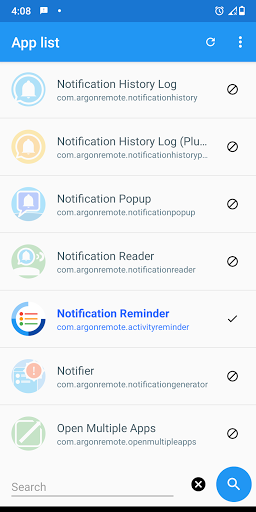
• Ability to open multiple apps
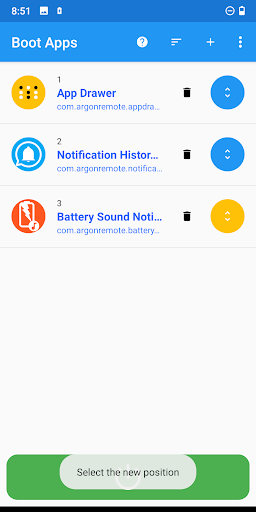
• Ability to set app startup order
• Startup app manager
• Easy to use
BENEFITS OF PREMIUM
*** One-time purchase
• More than 3 services
• Future advanced updates
• No ads

What's New with Boot Apps 2.6

General improvements

Information

  • Category:
    Productivity
  • Latest Version:
    2.6
  • Updated:
    2023-12-28
  • File size:
    11.2MB
  • Requirements:
    Android 6.0 or later
  • Developer:
    Argon Dev
  • ID:
    com.argonremote.launchonboot
  • Available on:
Reviews
  • avatar
    Opens apps in order I need, since upgrade to Android 11. Was able to remove ads and add apps with one small payment.
    2020-10-06 04:16
  • avatar
    Needs Overlay Permission for Android 10+ Not on 10, & Android 6 throws a fit if an Overlay is detected.
    2020-08-13 02:02
  • avatar
    Works very well. No problems.
    2020-04-23 07:13
  • avatar
    Incredibly useful app. Not sure why it still says "Go Premium" after I already did, but this doesn't affect the experience one bit. Seriously, *thank you* for making this app.
    2020-02-21 10:12
  • avatar
    Please add dark theme too much white
    2020-01-01 09:31
  • avatar
    Does not autostart Android pie. Edit - Thank you for the link. I had read all of those prior to posting. The settings you recommend, for enabling autostart, are not present in Android 8.1 or 9.0 Additionally, the app itself shows "no permissions requested" and the ability to change permissions is "greyed out". Besides my original statement that this does not autostart in Android Pie (9), I can now also state that it does not Autostart in Android 8.1 It works just fine on an Android 7 device, however.
    2019-12-27 06:13