
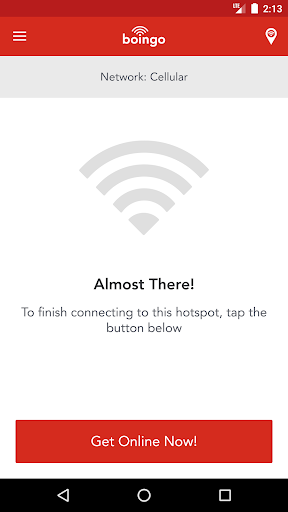
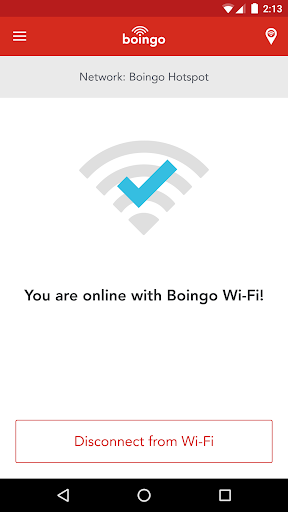
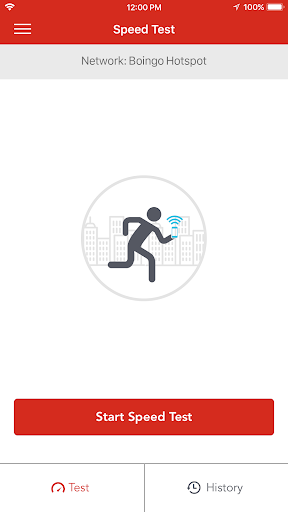
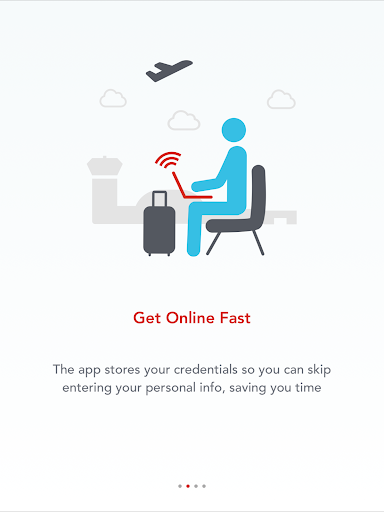
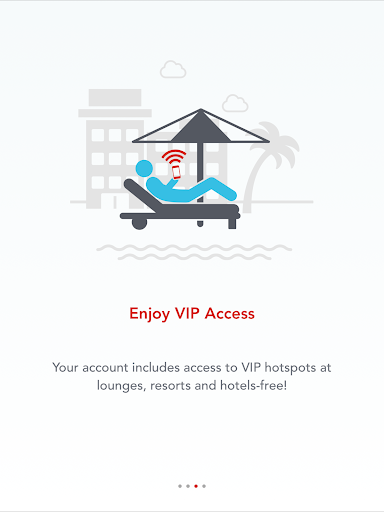
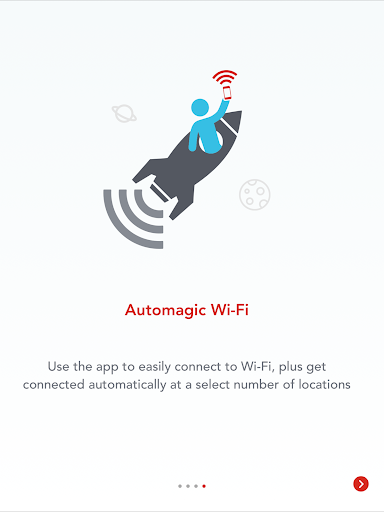
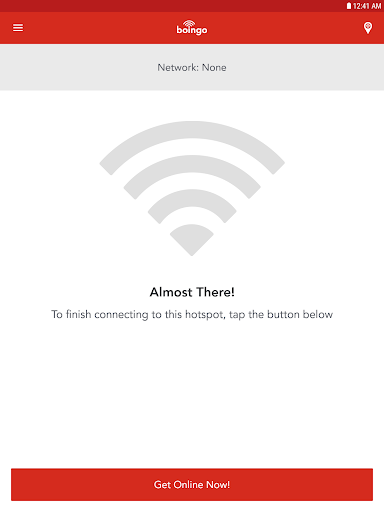
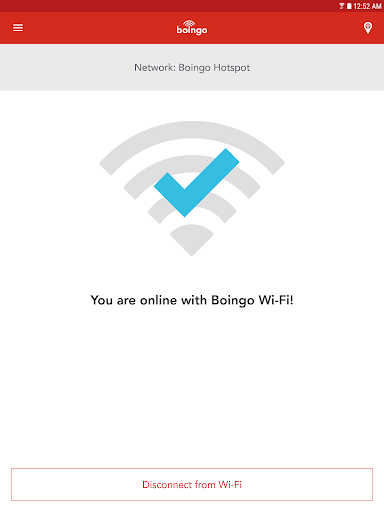
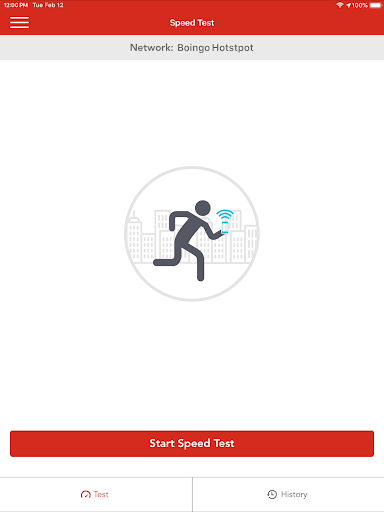
Now it’s easier than ever to locate any of our 1 million Wi-Fi hotspots worldwide with Boingo Wi-Finder!
***** Six time Global Traveler Award Winner: Best Wi-Fi Service
***** Named “Best Wi-Fi Network Operator” by WBA
***** Travel & Leisure Top 10 Travel Apps
With Boingo Wi-Finder, you get:
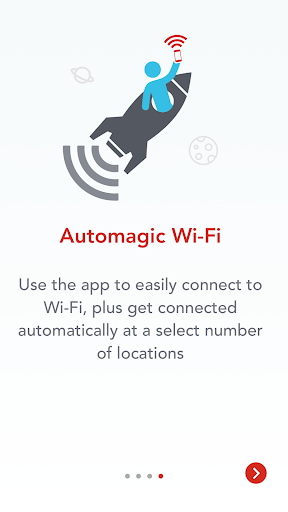
★ Hotspot Notifications: Wi-Finder actively finds and notifies you when you are at a Boingo hotspot.
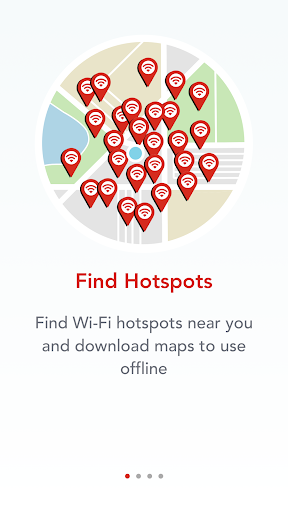
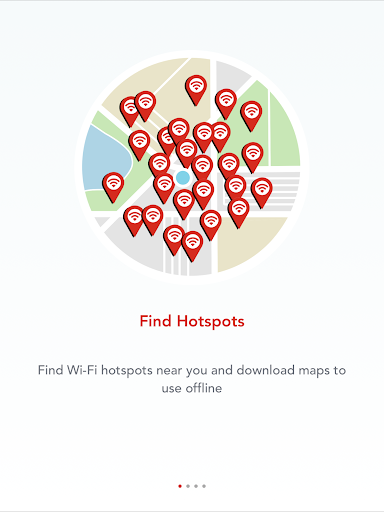
★ Hotspot Location Maps: Whether you're traveling around the corner or around the world, it's good to know where to stay connected to Wi-Fi. Just open the search menu to find hotspots. Get results on a map or list view.
★ Access to Boingo Hotspots: Boingo Wi-Finder lets you quickly sign up and pay to access Wi-Fi at over 1 Million hotspots worldwide, including airports, hotels, coffee shops, convention centers and more!
★ Take advantage of our security offer when online: Obtain a Passpoint profile if your device supports it, or install Hotspot Shield VPN (protect your data from hackers and keep your Internet activity on open Wi-Fi networks secure).
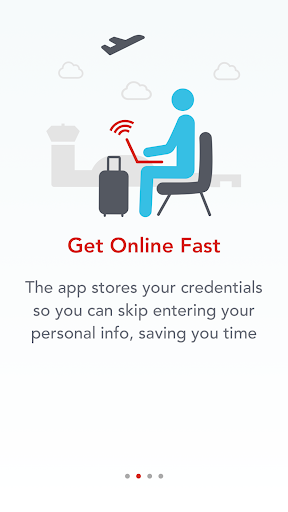
If you have an existing Boingo account, use the “Account” menu item to enter your username and password, and you’ll be ready to connect to Wi-Fi hotspots.
Use Wi-Fi and avoid expensive cellular data overage fees! Not only will your Internet connection be up to 3 times faster than cellular data but you'll also save money while enjoying:
★ Seamless video streaming or video chat experience
★ Large file downloads including apps, movies, music and TV shows direct to your device fast!
★ Multi-player gaming with other friends over the network
★ Saving big money when traveling abroad – turn your phone to “Airplane mode” and connect to Wi-Fi. Check your email, surf the Internet, and make calls over VOIP (like Skype) -- all without incurring huge international data roaming charges.
Boingo is committed to making your Wi-Fi experience great. We offer free 24/7 customer support, no contracts, and no cancellation fees. Try Boingo today!
Don’t just go. Boingo!®
Find us online at http://www.boingo.com
Friend us on Facebook at http://www.facebook.com/boingo
Follow us on Twitter at http://www.twitter.com/boingo
Read great articles and interviews about tech gadgets, travel and more at http://www.boingo.com/blog
Improved performance and stability








9Apps 4.9