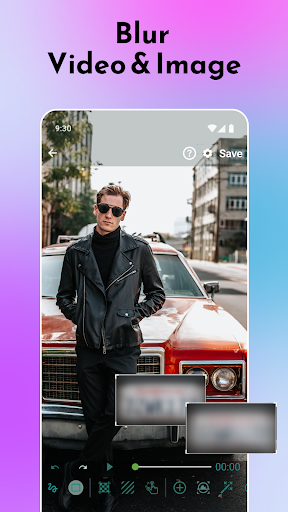
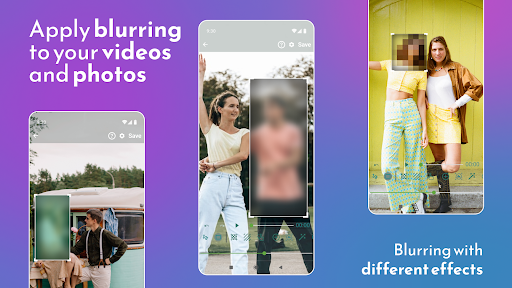
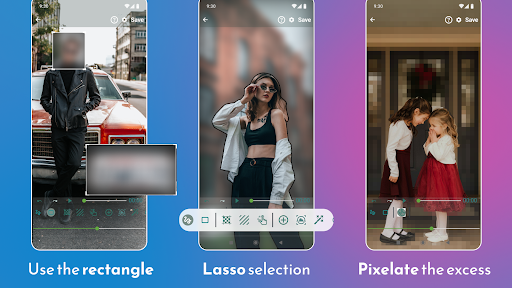
Blur Video and Photo Editor allows you to apply blurry effects on video and images on phone gallery items or media captured using a camera. Powerful video editing tool with fantastic features! ✅💯
Fantastic Blur Photo Editor
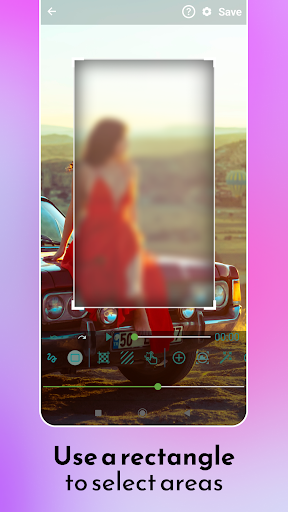
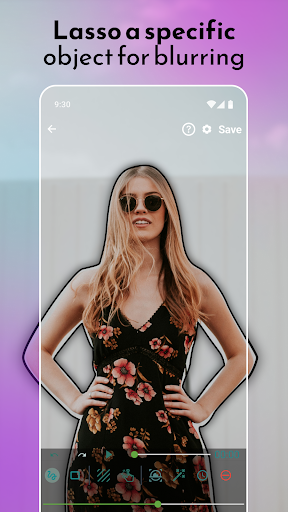
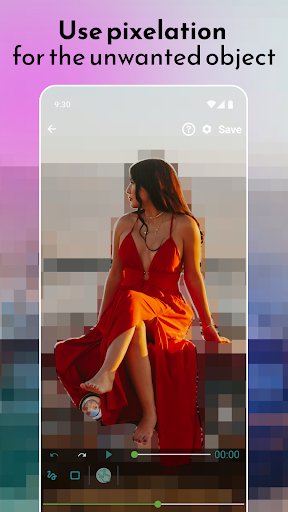
This blur video editor answers all your video editing needs regarding pixelating faces or other unwanted objects and areas of a video. You can define more than 1 area to blur/pixelate using rectangles or custom shapes (lasso select/using your finger). 😎
🥇 Check out why this is the number one Video Blur Editor for Android! 🥇
Blur Background Easily!
You can also blur the background and define the duration of each area to adjust the intensity of the blur filter, along with the option to blur selected or un-selected areas.
Fantastic Features of Blur Video and Photo Editor:
✅ Track the specific object and apply a blurry effect on it
✅ Apply a blurry effect on the moving object
✅ Blur the background of the photo or video
✅ Pixelate unwanted portions of the image/video effectively
✅ Use rectangles or custom shapes to blur photos or videos
✅ Blur faces like a PRO
✅ Simple and intuitive app UI 😍
✅ The most compelling Blur Photo and Video Editor
HOW TO USE BLUR PHOTO AND VIDEO EDITOR?
✔ As soon as you start the app, it shows you the option to select an image or video
✔ Select from the gallery or capture a new one
✔ Define the area to blur, or use an adjustable rectangle area,
✔ Yes, simple as that!
Use advanced options from professional video and photo editing tools easily:
⭐ Enable object tracking - define object area in two simple steps!
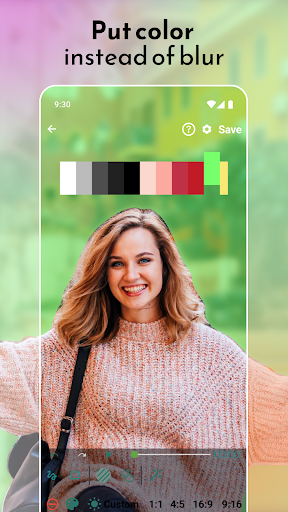
⭐ Use colors instead of a blurry effect to blur photos and videos!
⭐ Specify more than one area to blur!
⭐ Blur video background like a PRO!
⭐ Blur Faces on photos and videos!
⭐ Choose between blur, pixelate and color to hide objects!
⭐ Add a blurry effect on the selected or unselected area of the photo/video!
⭐ Zoom area by clicking on the hand figure in the bottom bar.
⭐ Increase the processing speed!
⭐ Specify the duration of the blur area
⭐ Change aspect ration
🌟 Blur Video and Photo Editor Tool – A Clear Conclusion by our USERS 🌟
In a nutshell, the Blur Video and Photo App is the best video editor. Download the app and start taking the benefits by editing your favorite content. Use Blur Photo Editor and edit your content easily.
🌟 Explore and discover the possibilities 🌟
Suppose you want to protect your privacy, shop, car, documents, etc. You can do it with the help of the Blur Photo and Video Editor App. You can blur faces, personal videos, funny content, Tik Tok videos, YouTube videos, Any HD vlog, your vlog, or any required video.
Create an amazing blur background effect like a PRO!
Discover the highest utility tool to blur faces or pixelate any desired part in it in the shortest amount of time. 💯👍
Added Redo/Undo last action feature
Fixed some app crashing issues




9Apps 4.9