

To get hardware you can order here:
https://www.tindie.com/products/6678/
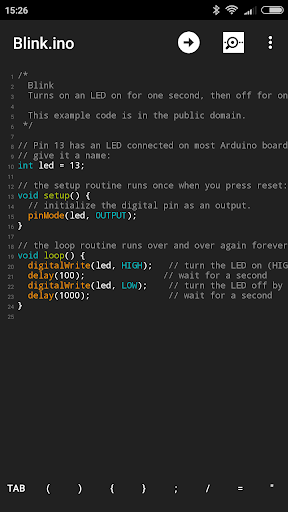
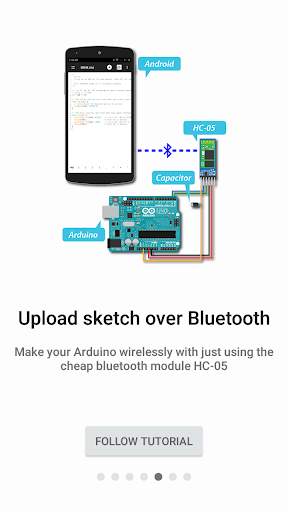
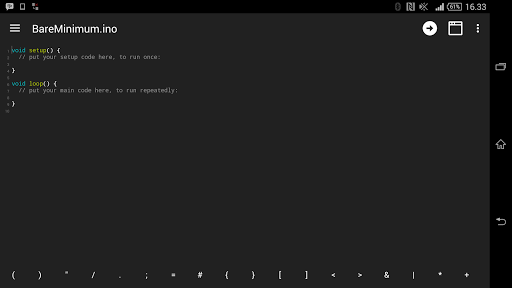
Bluino Loader is an Arduino programmer software (Arduino IDE) runs on android, makes it easy to write sketch code, compile sketch to generate hex file and upload it to Bluino or various Arduino board via USB OTG or wireless bluetooth.
Here, tutorial how to upload sketch from Android to Arduino board over bluetooth.
https://www.instructables.com/id/Program-Your-Arduino-With-an-Android-Device-Over-B/
or
http://www.instructables.com/id/How-to-Make-Bluetooth-Shields-for-Upload-Sketch-to/
Features:
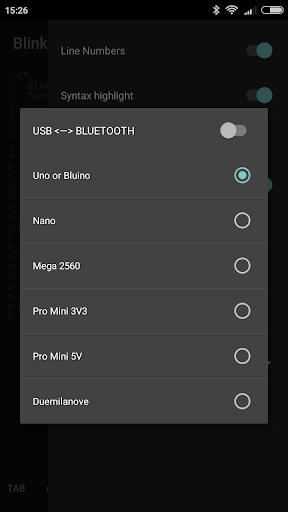
★ Upload sketch via USB OTG or Bluetooth
★ Support any USB driver: CDC/ACM, FTDI, PL2303, CH34X and CP210X
★ Upload sketch to Bluino/Arduino: Uno, Nano, Mega2560, Pro Mini and Duemilanove
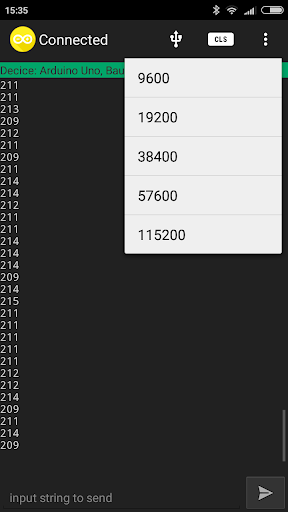
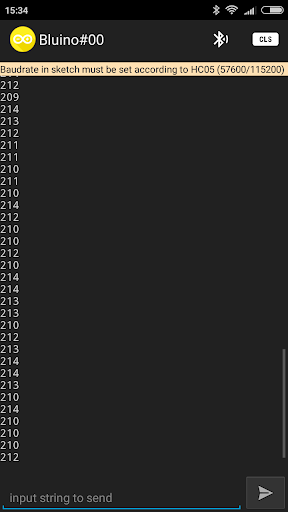
★ Serial Monitor bluetooth for debuging (In-App Purchase)
★ Bluetooth scanning for any devices name (In-App Purchase)
★ No Ads (In-App Purchase)
★ Upload .hex file for arduino
★ Open/edit arduino sketches (file *.ino *.pde)
★ Last support for Android 7 Marshmallow
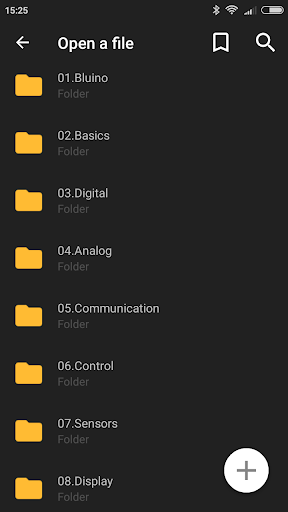
★ Example sketches and libraries included
★ Compile sketches/generate hex file (no root required)
★ Super cool theme with Material Icons
★ Support for reads every type of text files
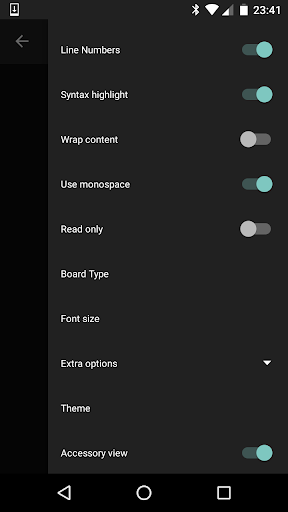
★ Syntax Highlight for Arduino language
★ Line Numbers
★ Go To Line
★ Option to wrap the content if text is too large
★ Auto save mode to save files as you leave the application
★ Read only mode
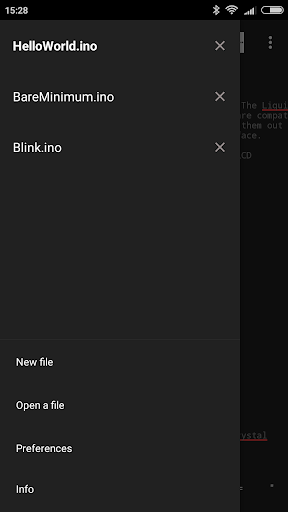
★ Create files and folders a inside the app
★ Search files and folders
★ Support for Undo & Redo
★ Translated in many languages
★ Movable on the SD card
The environment is written in android based on open source Turbo Editor by Vlad Mihalachi https://github.com/vmihalachi/turbo-editor.
- NEW FEATURE! Upload sketch via USB OTG to variant Arduino board and support many USB driver: CDC/ACM, FTDI, PL2303, CH34X and CP210X.
- SPECIAL NOTE: If you like the app please rate it, but if you have some issue please tell me about them :)
- Now you can choose upload sketch between USB or Bluetooth
- Added a Apps intro Guide
- Fixed some issues with Serial Monitor
- Remove hamburgers icon on ActionBar to optimize title space
- Remove unused permissions
- Bug fixes








9Apps 4.9














