
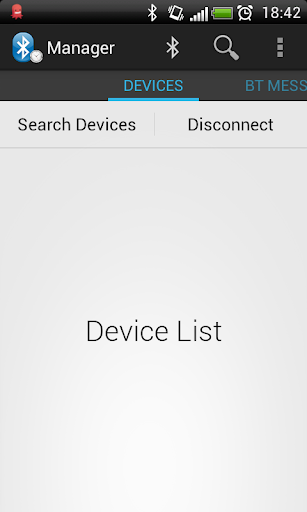
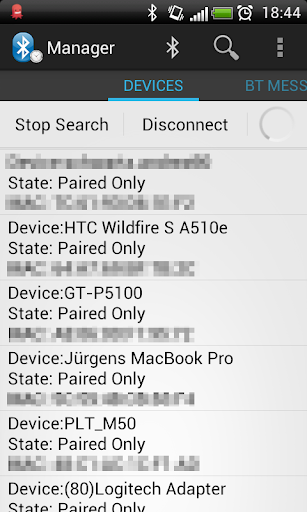
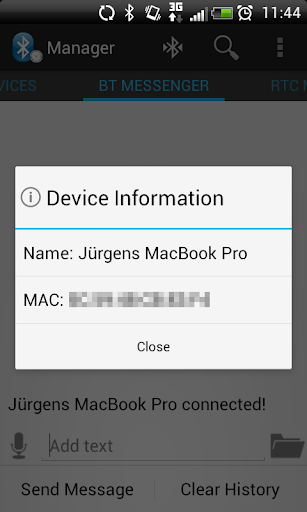
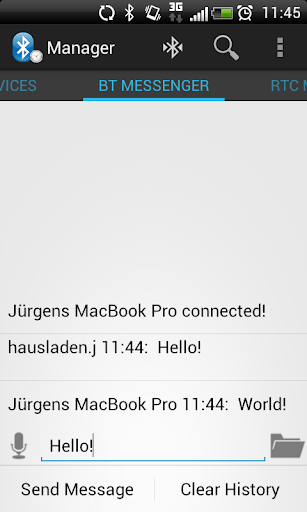
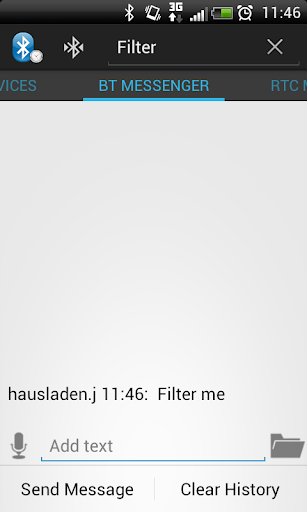
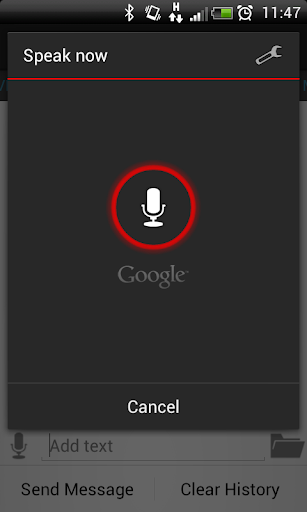
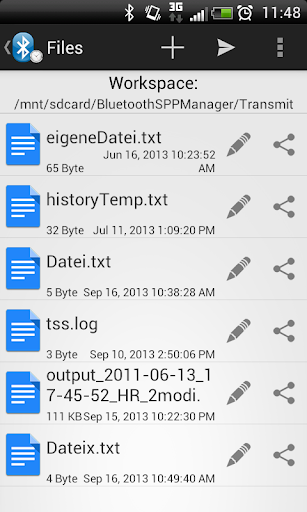
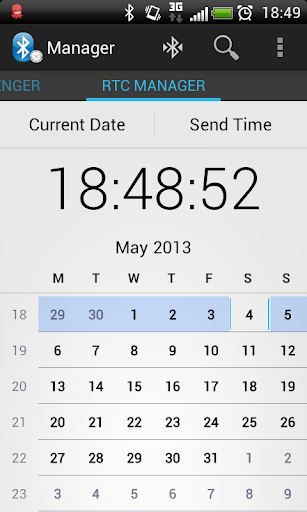
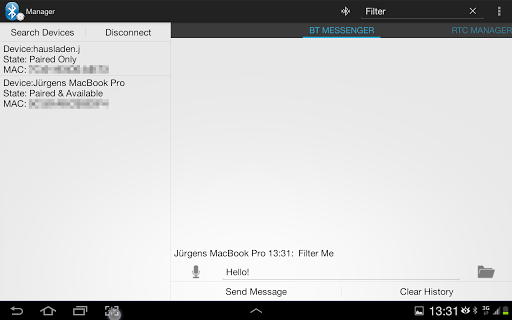
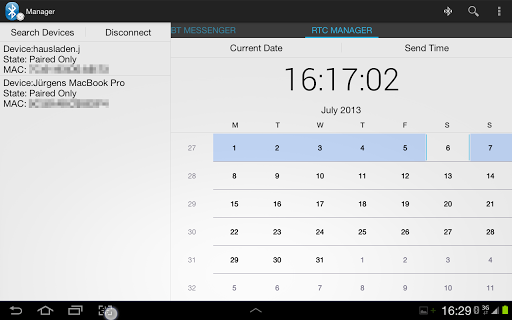
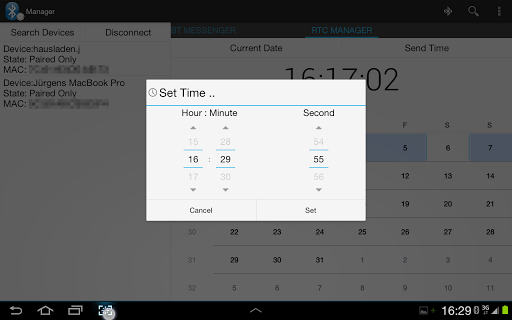
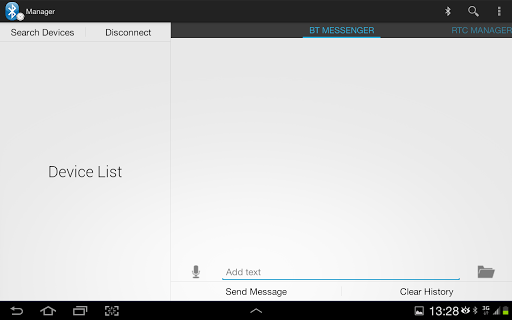
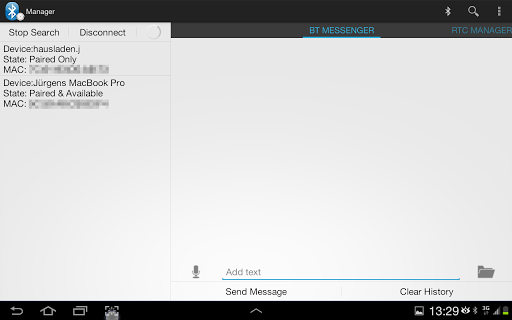
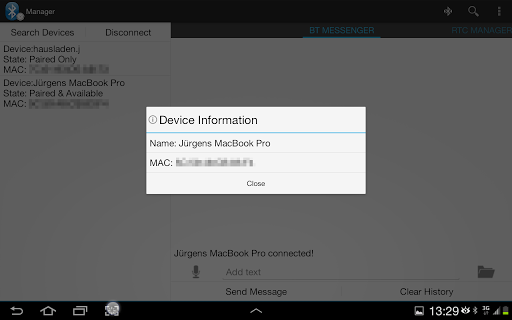
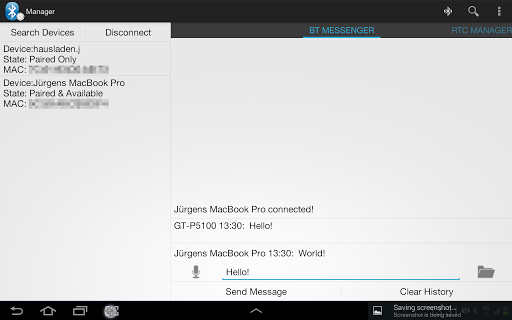
Bluetooth SPP Manager is an app, which provides communication between Bluetooth enabled devices. Therefore it uses the RFCOMM Protocol also known as Serial Port Protocol (SPP) to transmit data between devices. This app shows various properties of connected Bluetooth devices as well as devices around and communicates with them. A built in server can accept incoming connections from any other device. Furthermore this app has an integrated Real Time Clock Manager. With this feature someone can send the current or some predefined time to a remote device. For example this enables to set the RTC of a microcontroller and further show the current time on a LCD.
FEATURES:
*Communication between Bluetooth devices via SPP (iOS needs Jailbreak)
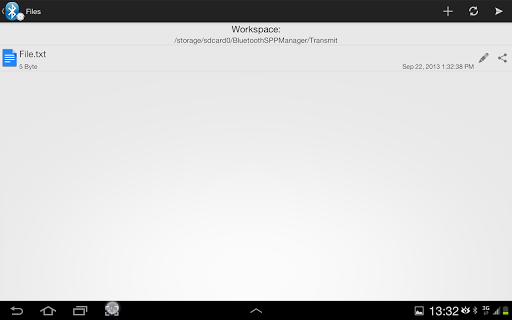
*Transmit text files
*File Explorer - create/edit/share or delete files in your workspace
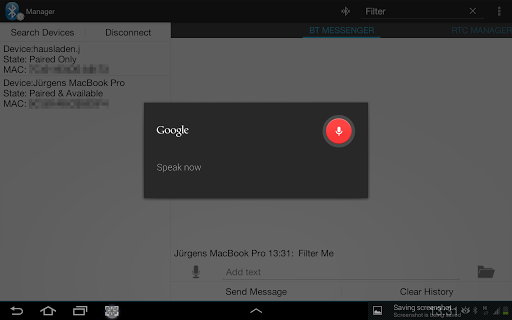
*Speech Input for messages
*Server for incoming Bluetooth connection
*Save/Share the whole message history or single messages
*Information about connected Bluetooth device, devices around or paired devices
*Filter for messages
*Timestamps for incoming/outgoing messages
*Several newline characters
*RTC Manager for transmission of time data to the microcontroller plattform
*10-Byte mode for easy transmission of time to the microcontroller
*Tablet optimized layout
FULL VERSION:
*Unlimited use of RTC Manager
*Unlimited file transmission
*Filter files
*No advertisements
*Supports the developer
ROADMAP:
*Progressbar for file transmission
*Better compatibility for non ICS and above phones
PERMISSIONS:
The permission INTERNET and ACCESS NETWORKSTATE are used for the advertisements in the free version!
The permission STORAGE and SYSTEM TOOLS is used to access files on the internal storage or SD Card for file transmissions!
INFO:
10 day full trial:
At the end
of the trial period the RTC Manager and the file transmission capability will be locked. All other features will still work.
If you like the app, please support the developers and rate us.
For questions, problems etc. please provide us feedback via E-Mail to juergen.hausladen@gmail.com. We will take on your questions and answer them as soon as possible.
IMPORTANT:
At the moment i have to disable the calendarview every time the keyboard pops up. This is because of a bug in the calendarview widget, which forces the app to hang the first time and close the second time a keyboard pops up and overlays the view. Therefore there may be bugs related to the used soft-keyboard. The app works great with standard Android keyboard. Please report compatibility issues with other keyboards. In this case just open the keyboard, close it again and the calendarview will be visible again.









9Apps 4.9















