Blue Text - Keyboard   Convert icon

Blue Text - Keyboard Convert

2.1 for Android
4.3 | 500,000+ Installs | Reviews

Shamoil Arsiwala

Description of Blue Text - Keyboard Convert

*TEXT WILL APPEAR BLACK ON KITKAT AND OLDER BASED ROMS*
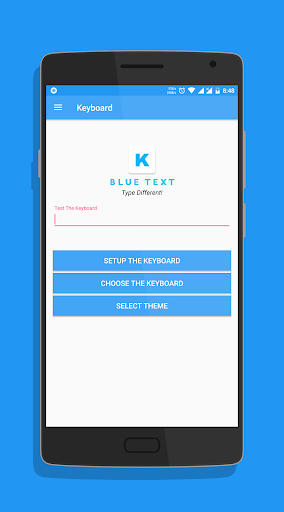
To Enable the Keyboard,
1. Go to Setting
2. Select Language and Input
3. Click on Current Keyboard
4. Click on Choose Keyboard
5. Enable Emoji Letter Keyboard & click on Ok
6. Again click on Current Keyboard and this time your should see the Emoji Letter Keyboard.
Select it and start Typing!
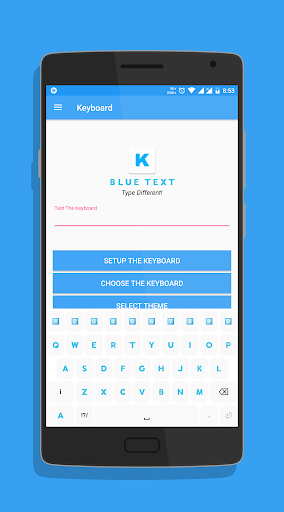
- The Application has a beautiful Light theme & Dark Theme.
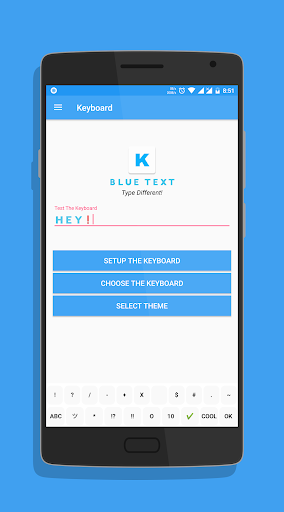
- Also send BLANK MESSAGES by selecting the blank key in symbols section.
If you have any doubts or suggestions, Leave them in the review section below
Thank you!

What's New with Blue Text - Keyboard Convert 2.1

v2.10 -
- Fixed display problems on Nougat and above.
- Bug fixes.
- Reduced size.
- Updated Layout.
- Cleaned code for faster performance.

Information

  • Category:
    Personalization
  • Latest Version:
    2.1
  • Updated:
    2018-09-14
  • File size:
    2.8MB
  • Requirements:
    Android 4.1 or later
  • Developer:
    Shamoil Arsiwala
  • ID:
    com.arsiwala.shamoil.emojiletterkeyboard
  • Available on:
Reviews
  • avatar
    Dont Work in Facebook This Application
    2020-09-21 09:18
  • avatar
    Font size could be small Anyway I have no other option I'm using this app to make particular words pop up (draw attention to important words )in a cell on Google sheets
    2020-07-26 02:32
  • avatar
    Horrible app
    2020-05-07 03:41
  • avatar
    Very bad app
    2020-04-24 05:49
  • avatar
    APP IS OK BUT WHERE ARE emojis , whenever i want to send emoji i need open my google keyboard , so please please please please please please add emojis also.
    2020-04-17 06:58
  • avatar
    It's just an app to steal data
    2020-04-01 07:04