Download the official version of India apps from 9apps now. 20,000+ users downloaded Barcode to Pc latest version on 9Apps for free every week! You'll found many people are using it. This hot app was released on 2017-11-21. Find out more android software you're looking for at 9apps.com
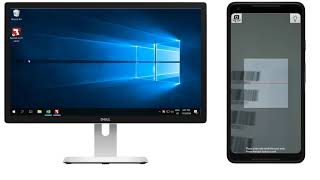
Use your phone as a portable bar code scanner to your computer via wifi, for the most common 1D barcodes
Usage :
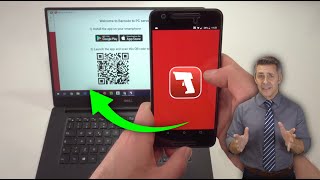
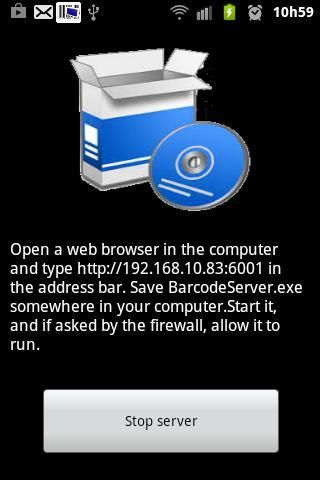
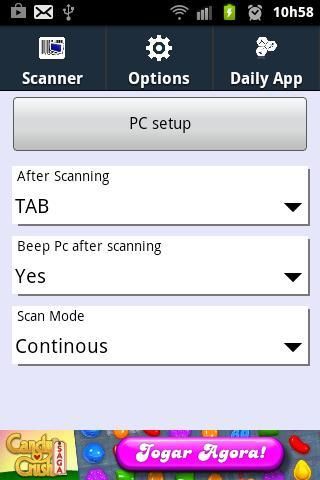
For the first time, install the bar code software in your windows pc. To do that, start this app and go to Options and push the Pc setup button. Follow the instructions given. Save BarcodeServer.exe to a convenient place. Consider adding it to the startup items, if you plan on using it often in that computer.
After the pc setup is done, choose the options that most feat your needs : end char terminator ( CR or TAB ), pc beep after scan and single shot or continuous scan mode.
Bar code scanning :
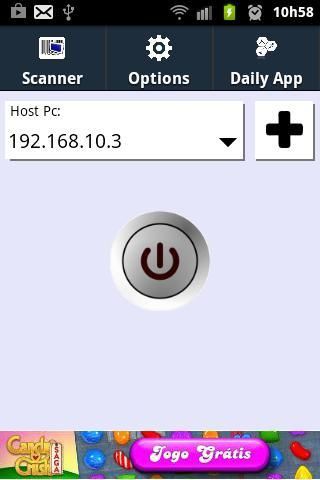
Ensure that the correct destination pc address is selected as the host pc. If not in the list, add it, pushing the plus button.Press the start button to start scanning, and align the bar code with the central window. After successful scanning, the code will be transmitted to your computer. This app works the same way as a true bar code scanner, so please ensure that the focused window on the pc allows keyboard input. (ex. notepad)
Notes : the barcode scanning engine included is the one provided by the core functionality of zxing.org. Many thanks for providing such a great facility.
- Removed intrusive ads during scanning. Now only entry and exit ads.
- Updated zxing library to a more recent version
- Now scans QR codes

9Apps 4.9