
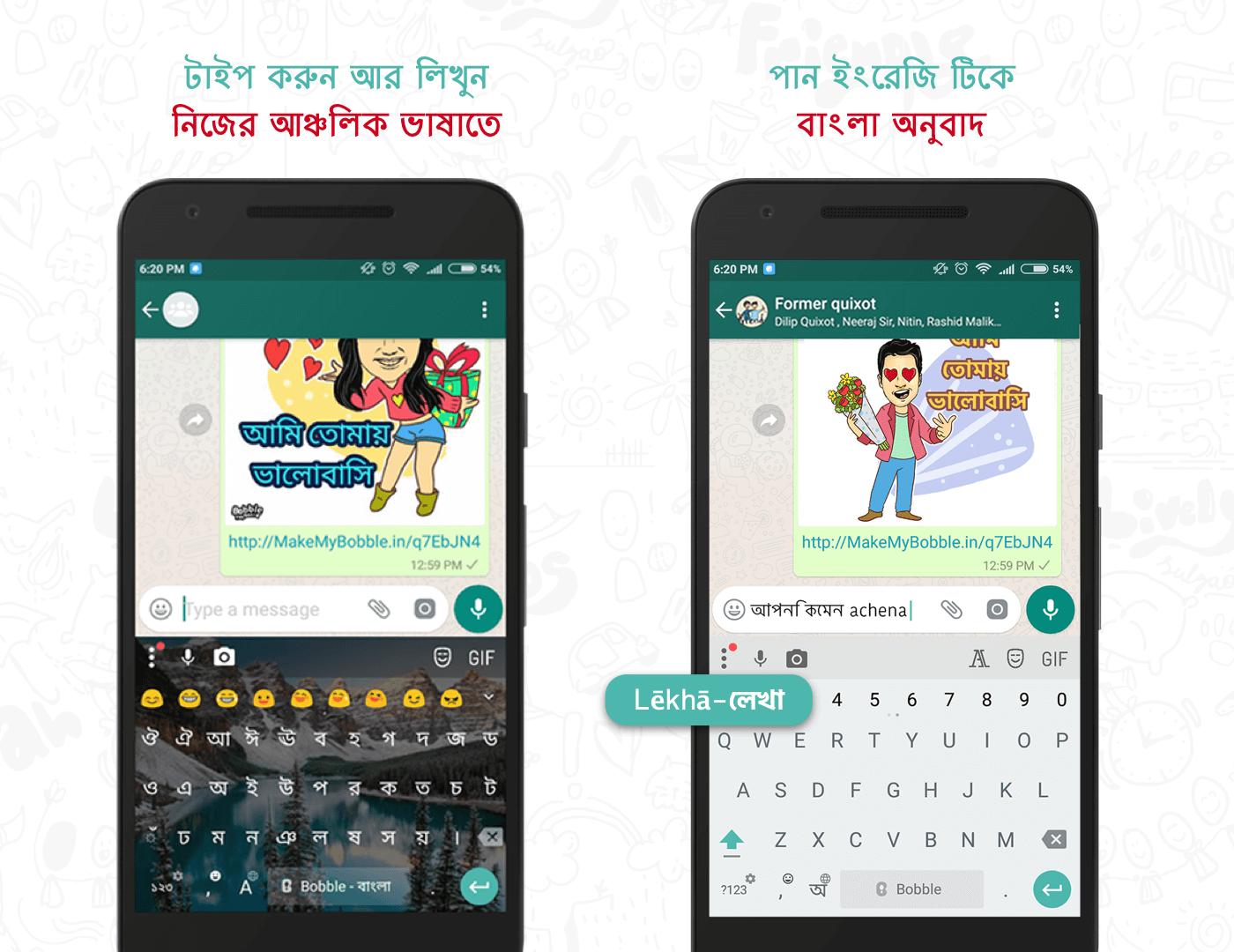
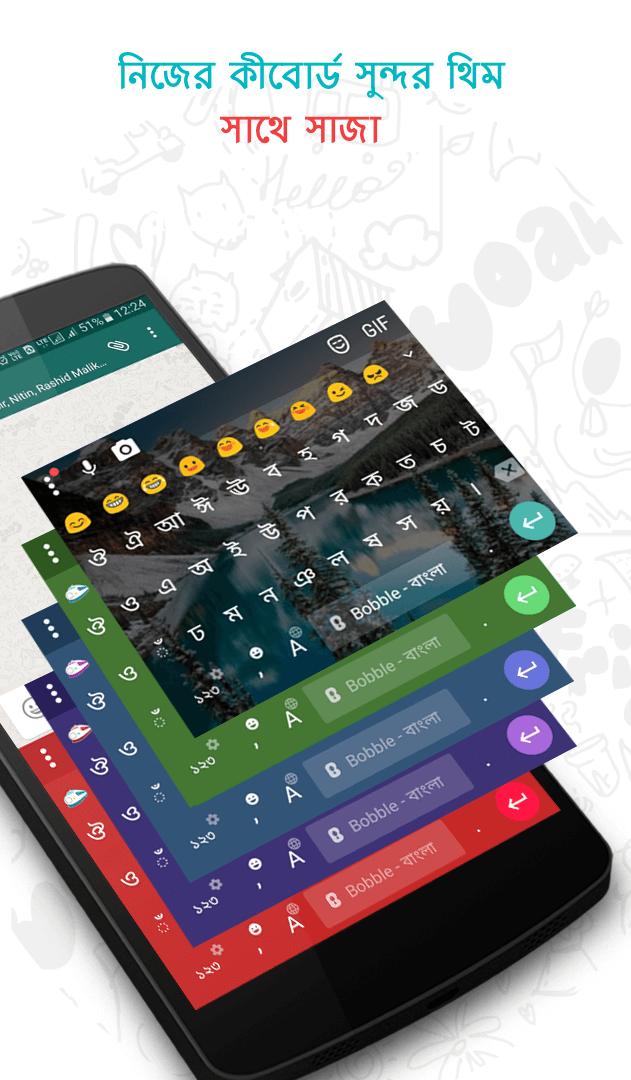
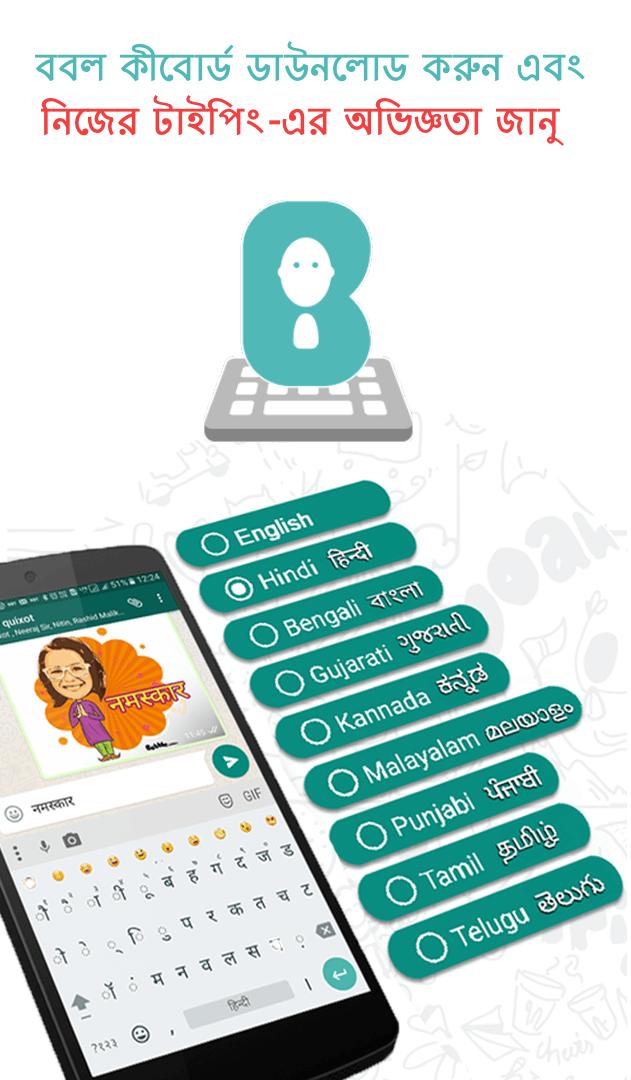
It has everything you love—speed, reliability, glide typing, voice typing and much more
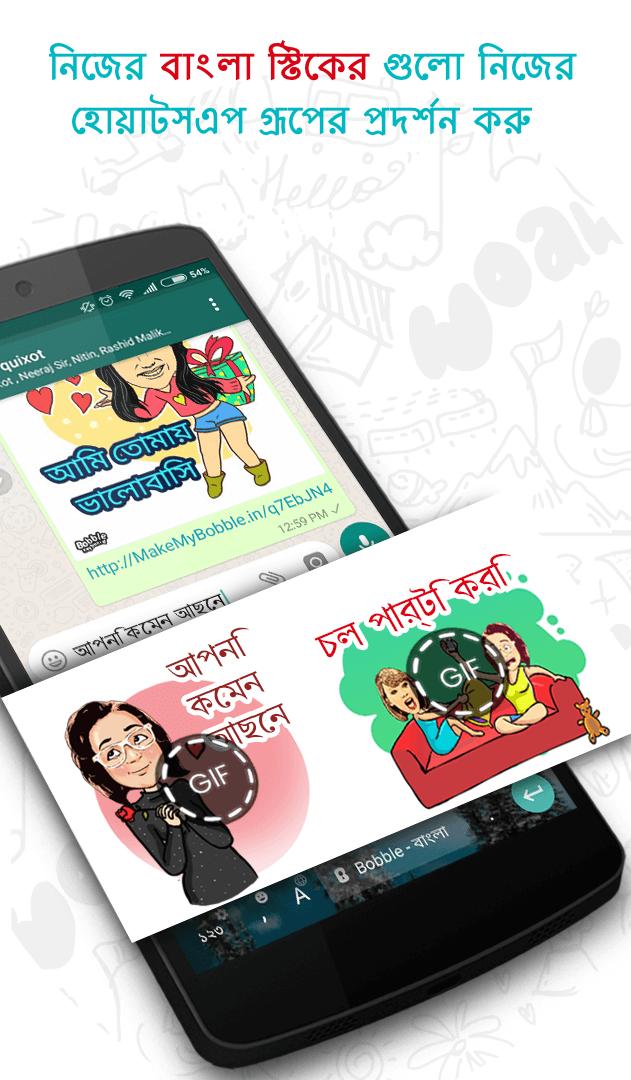
✔ Packed with thousands of emojis ?, memes, stickers, funny GIFs ?, themes & fonts
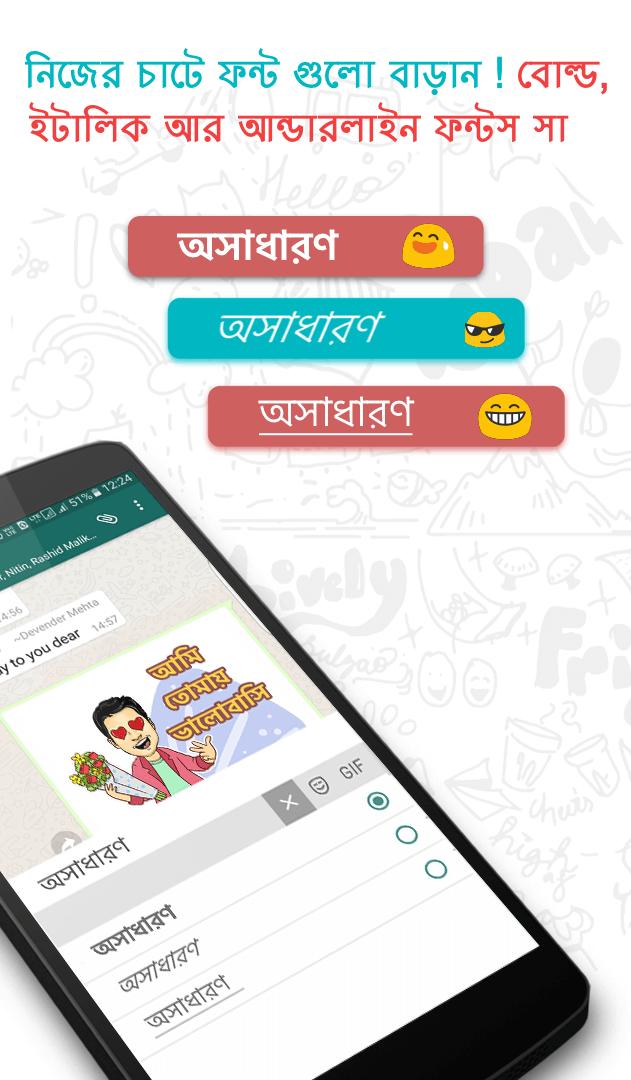
✔ Font Up your chats! With Bold,Italics & underline Fonts
And the best part is—it’s available completely FREE of charge⚡️! No paid upgrades or in-app purchases required! ?
★
Installation
1. Download & install Bobble Keyboard
2. Go to Settings > Language & input
3. Enable Bobble Keyboard (tick the box just beside ‘Bobble Keyboard’)
4. Then open any typing field (can be new message, search box).
5. Drag the notification bar down & click on "Select Input Method"
6. Select Bobble Keyboard from the displayed list.
7. Choose Bangla Script or English to Bangla Phonetic Transliteration.
Don’t miss a good product. We will never collect your personal info including credit card information. We care for your privacy with proper encryption and maintaining anonymity!





9Apps 4.9














