



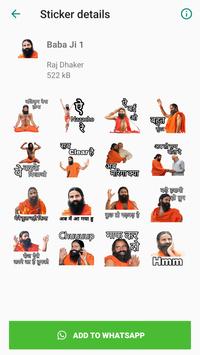
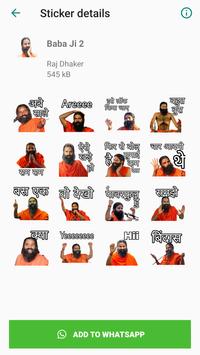
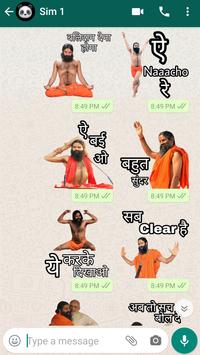
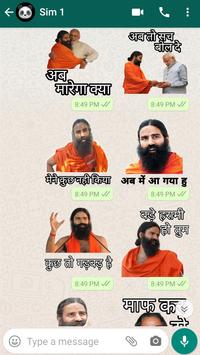
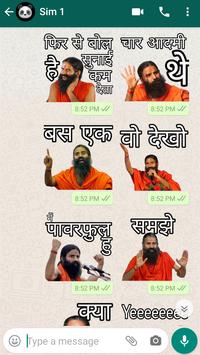
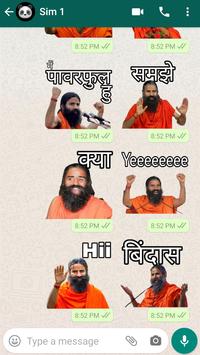
Babaji Whatsapp Stickers Hindi Funny Dialogue
Tutorial to use Babaji WhatsApp Stickers App :
Step 1. Install and open the app
Step 2. Select the Stickers pack
Step 3. Tap on ADD to WhatsApp
Step 4. Open Whatsapp and go to a chat
Step 5. Tap on the Emoji icon,
You will see a new sticker icon at the bottom. Click that emoji
If you want to surprise your friends and family members with awesome, cool and funky stickers in WhatsApp chat, then this is the app you are looking for.
So Download Babaji Whatsapp Stickers free and Enjoy this best Stickers whatsapp Sticker App and share stickers with your friends and family on whatsapp.
Note:
The Sticker Pack is not affiliated with any brand or any of its affiliates. All stickers are trademarks of their respective owners and are not our property under this.
All copyrights are reserved to their respective owners. None of the stickers is our personal brand or property. We are not affiliated with any brand or any of its affiliates, whose stickers are used in this app.
Thanks




9Apps 4.9













