
Introducing the all new BLACK DECKER app.
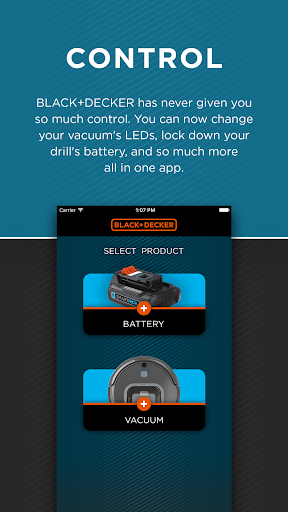
You can connect the BLACK DECKER™ app to your SMARTECH™ / SmartTech™ batteries via Bluetooth®.
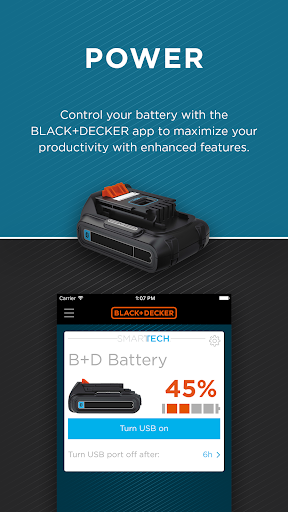
Once connected, you can view the current charge of your battery, turn on or off the USB charging port, enable or disable the battery, and locate your battery when lost.
• BATTERY STATUS
Know if you’re truly ready for a project by checking how much charge you have from the start. You’ll also be able to tell how much remains until you get the task done.
• PORTABLE CHARGER
The SMARTECH / SmartTech battery has a built-in portable charger so you can conveniently charge your mobile devices.
• LOCK
Remotely lock and unlock your SMARTECH / SmartTech battery and tools for convenience and in case of theft.
• LOCATE
You can trigger an audible and visual alert to help you locate your SMARTECH / SmartTech battery.
• PROJECTS
Get ideas and inspiration for projects and DIY
For more information on the BLACK DECKER™ app for SMARTECH™ products, visit www.SMARTECHtools.com.
*Maximum initial battery voltages (measured without a workload) is 20 volts. Nominal voltage is 18 V.
The Bluetooth® word mark and logos are registered trademarks owned by Bluetooth SIG, Inc.
- How-to videos
- Customer feedback
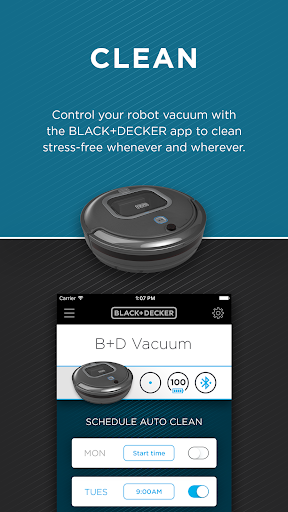
- Refined cleaning mode options
- Extensive bug fixes




9Apps 4.9














