



Believe it or not! 20,000+ users downloaded BIM Master latest version on 9Apps for free every week! Therefore, people are willing to accept this latest version. This hot app was released on 2018-01-22. 9Apps has thousands of apps and updated daily!
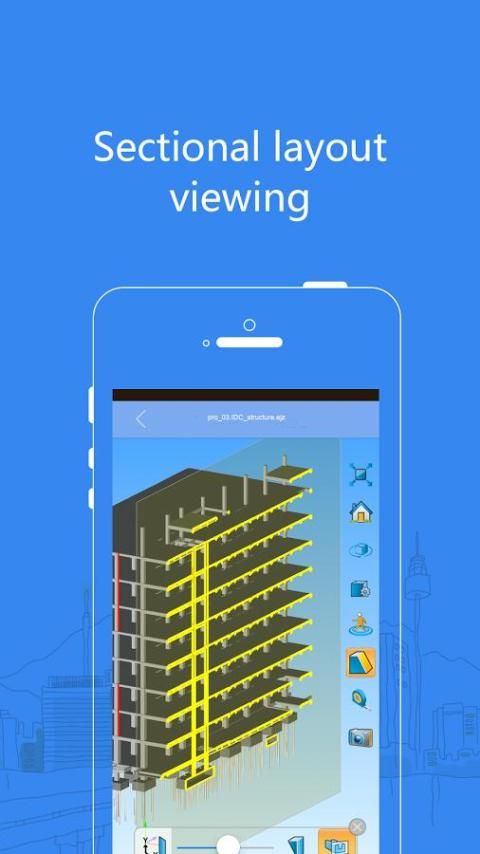
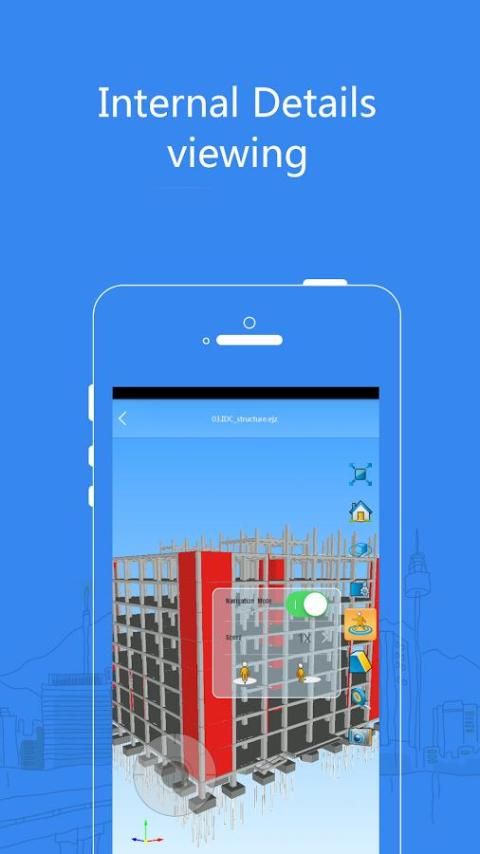
BIM Master is the only app for both CAD drawings and BIM models. Use BIM Master to reduce rework and solve issues at site in time. Easily manage your projects, files and members across web, windows and mobile devices, anytime anywhere.
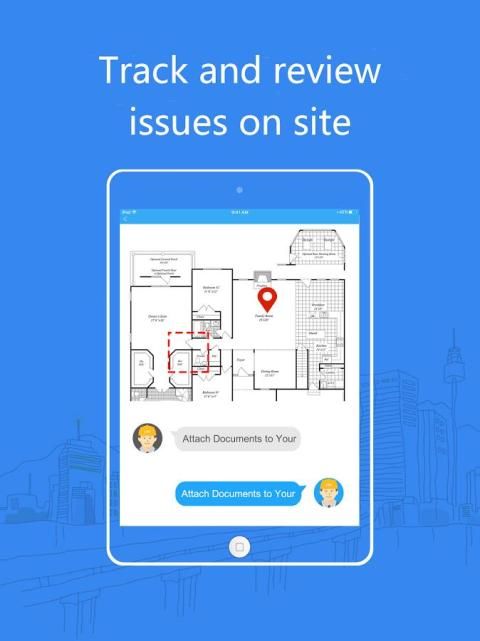
By making comments, tracking issues and sharing screenshots, members collaborate instantly. Automatic version control keeps you working on your current set. BIM Master is awarded as one of the TOP 10 Apps by an authoritative media Internet Weekly. It is undoubtedly a good choice for you!
Major Features:
Cloud collaboration:
•Sync reviews and markups on all devices
•Automatic version control to focus on the current drawing
•Export to or share screenshots and drawings
Projects management:
•Easily manage your projects, members and drawings
•Fast filter projects and files
•Offline mode
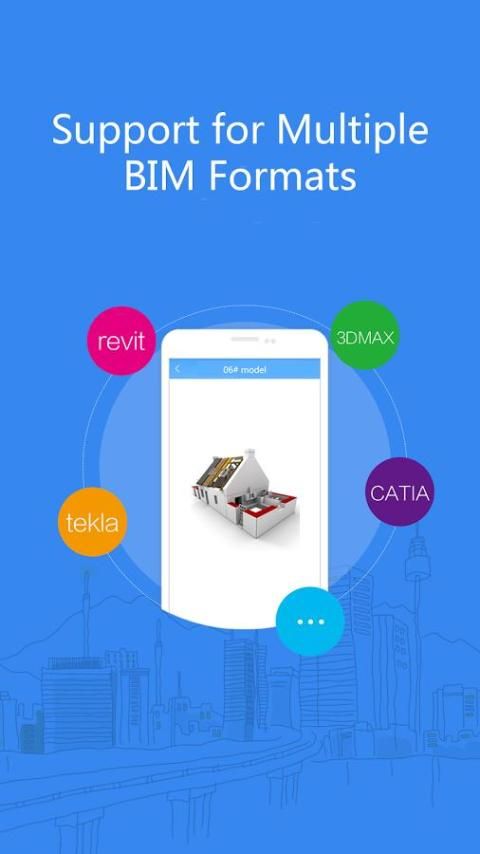
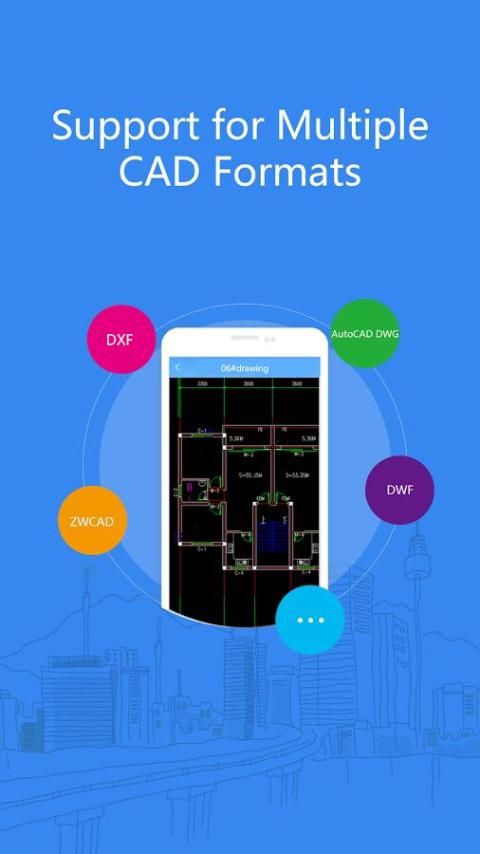
Support for popular formats:
•2D DWG (AutoCAD, ZWCAD, dxf, dwf) drawings
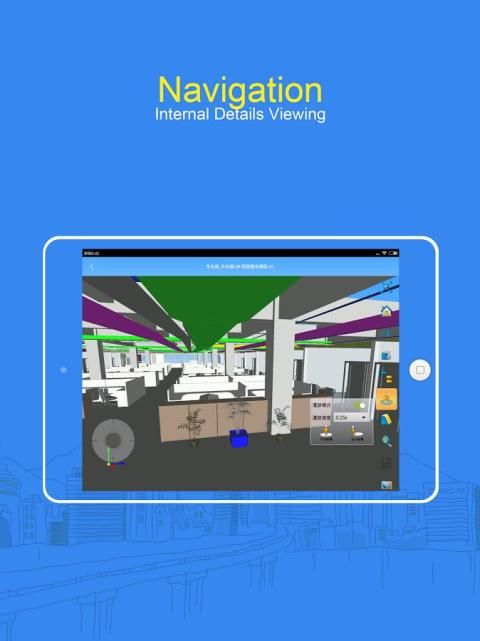
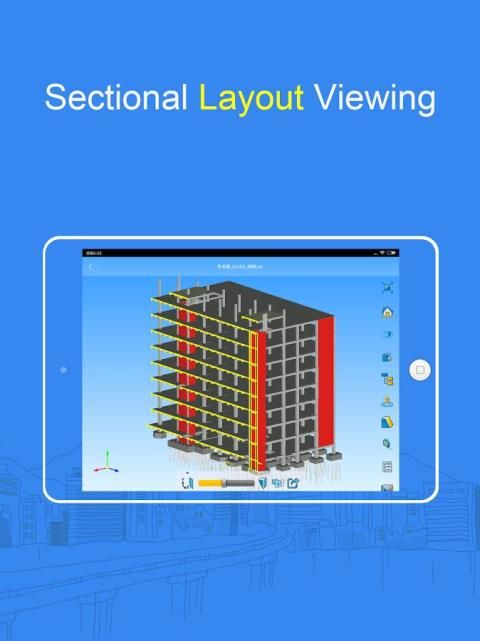
•Easy to open BIM models (Revit, nwd, ifc, 3ds Max, XSTEEL of tekla)
Files securely sharing:
•When sharing projects files by e-mail with team members, you can set password and expiry time for every file. Also, you can directly share a folder;
•Cache files are also encrypted to protect source files
Coming soon:
RFIs
Field report
Issue assignment
User Reviews:
•Aiden Miller, architecture designer
Great! I can easily view both pdf drawings and rvt models.
•Davis, construction manager:
I use it to view and mark up BIM on site. Models sync on all devices. Easy to collaborate.
•James, construction engineer:
BIM models are always very large. But BIM Master can open and view BIM models easily. It’s really a time saver.
Like our app? Please rate us.
If you have good suggestion, contact us:
E-mail: support@bim-work.com
We appreciate your precious advices. Please feel free to contact us with any questions.
[ Sign up for BIM Master. Please note: the verification code may be blocked by your mailbox. If you didn't receive the verification Email, please check your junk emails.
After signing up, users can upload drawings, attachments and BIM from website (www.bim-work.com) and sync on mobile devices.]
1. View, mark up and track changes to CAD drawings and BIM models.
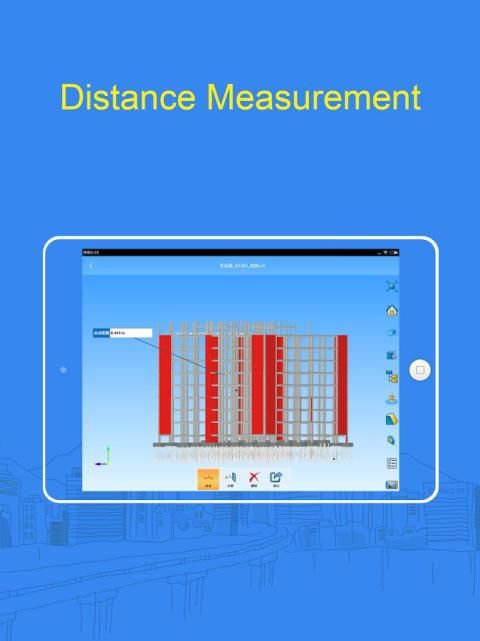
2. View and measure CAD and PDF drawings while offline.
3. Attach documents(PDF, PNG, JPG, and Revit) to CAD drawings
4. Add progress photos and comments on project, sheets, and issues
5. Create issues in the field on drawings
6. View BIM models(nwd, ifc, 3dx, skp)
![Revit - Tutorials for Beginners in 10 MINUTES ! [ COMPLETE GUIDE ] screenshot 1](https://i.ytimg.com/vi/CTUkmDfIOUM/mqdefault.jpg)



9Apps 4.9














