Azure Information Protection icon

Azure Information Protection

2.1 for Android
4.2 | 500,000+ Installs | Reviews

Microsoft Corporation

Description of Azure Information Protection

NOTE: You need to have Microsoft Azure Rights Management for individuals or an RMS enabled Office 365 account to use Microsoft Azure Information Protection viewer application. You can sign up for a free account by using the Azure Information Protection page. You cannot use Microsoft Account (Live, Hotmail or Outlook.com) account to sign in.
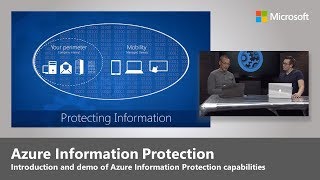
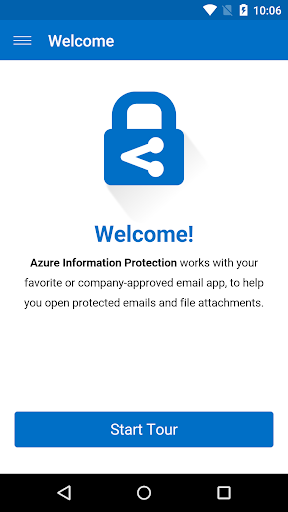
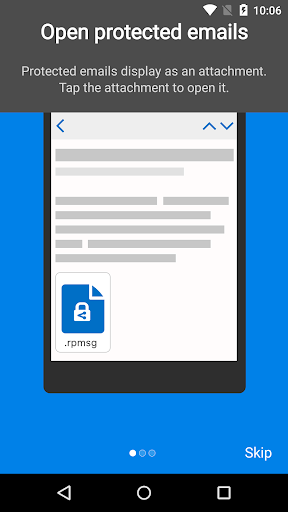
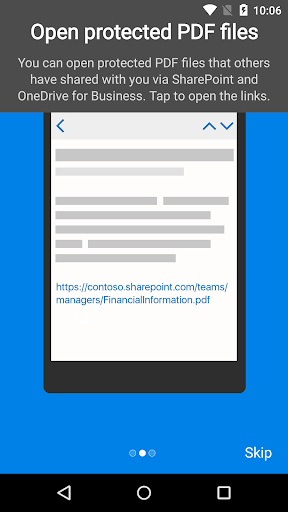
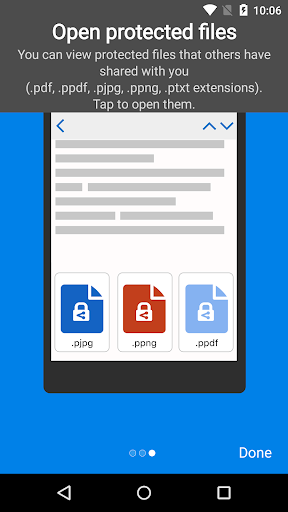
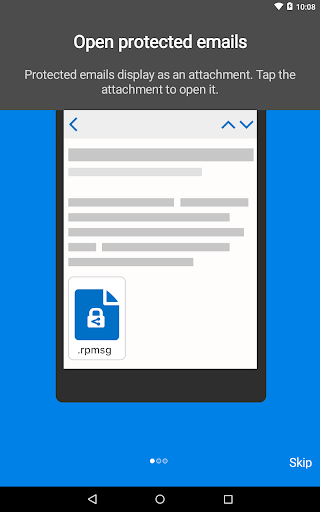
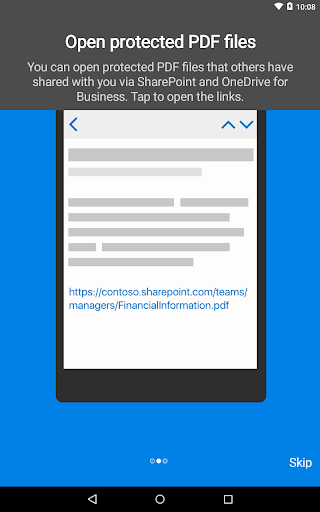
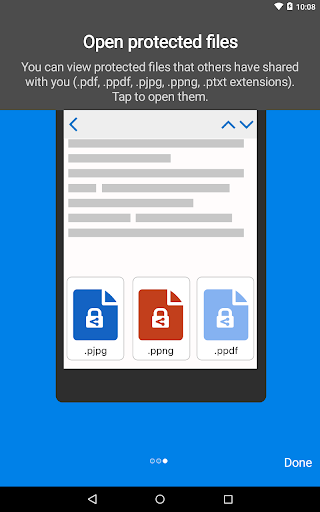
Azure Information Protection app enables you to securely collaborate with others. You can view protected files (Rights protected email messages, PDF files, pictures, text files, and any other file format that is protected as a .pfile) that others have shared with you.
Azure Information Protection app lets you breathe easy knowing your files are safe and can only be opened by users you trust and share with.
IT administrators can also deploy and manage the app for devices that are enrolled by Intune.
For more details, read our FAQ page http://go.microsoft.com/fwlink/?LinkId=828412

What's New with Azure Information Protection 2.1

Bug Fixes and minor improvements

Information

  • Category:
    Productivity
  • Latest Version:
    2.1
  • Updated:
    2021-11-04
  • File size:
    89.2MB
  • Requirements:
    Android 6.0 or later
  • Developer:
    Microsoft Corporation
  • ID:
    com.microsoft.ipviewer
  • Available on:
Reviews
  • avatar
    Organization friendly... Pain in the wrong place for employees. Too many steps to get the code and enter. Why give the organization too many options and make life miserable? Phone is with me... Give a notification on screen to click OK and move on.
    2020-10-15 12:16
  • avatar
    Needed more than PDFs. Need to be able to open Word, Excel, etc... which is still blocked.
    2020-10-10 06:49
  • avatar
    Doesn't do the one thing it claims to do – open encrypted files and messages
    2020-07-08 07:21
  • avatar
    It Worked for Me! PDF Sent.. I had to download my Doc 1st.. but it worked
    2020-06-15 08:35
  • avatar
    This app hangs.. nothing works
    2020-06-03 03:58
  • avatar
    Waste App. They have mentioned .PDF as supported extension, but when i am trying to open a file it says unsupported format.
    2020-03-31 11:46