

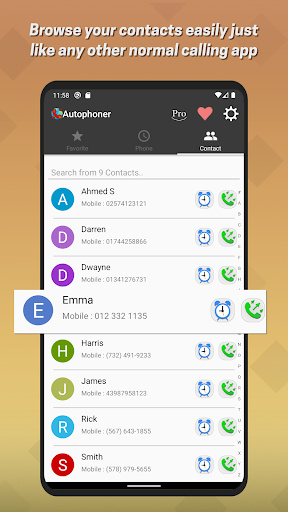
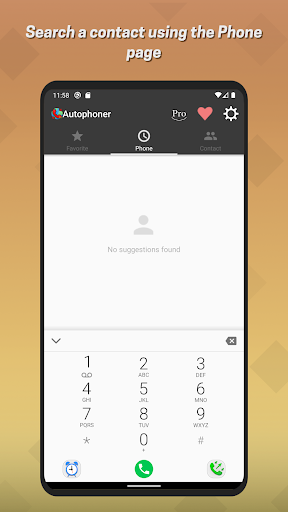
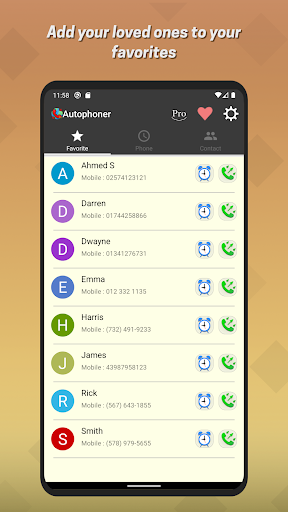
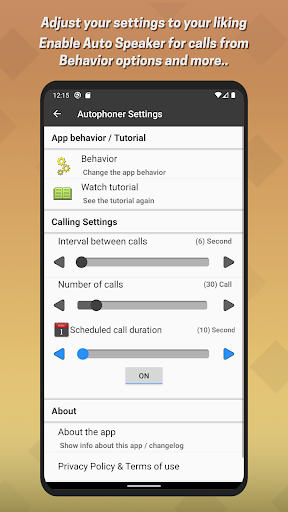
Autophoner can call contacts like any normal call application, but it can also help you more than any normal call application because it can auto-repeat calls, and it can also make a scheduled call on time.
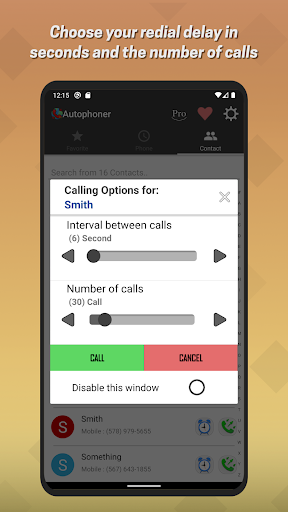
You can use the Auto redial feature to automatically re-dial any person you like. For example, if you call a person who has a phone on Busy, you can automatically call that person again without having to press call again.
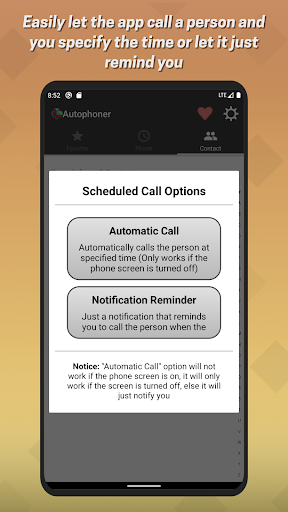
You can use the scheduled call to remind you to call a person.
say you wanted to schedule a call with some person at 3:40 pm, when the time comes up, you will be notified to call him and you will be able to call him directly from the notifications of your phone. And you can automatically close the call from a selectable 1 second to 30 seconds from the settings app.
You can stop auto calling someone from your phone notifications, just click on the decline button, or if you have the floating icon enabled you can press it to close the call.
The app will need you to allow it some permissions in order for the app to work properly, denying permissions will make the application not work.
Any bugs from the app or if you have a feature request please send feedback from the app and then go to settings to see "Send feedback".
This is the Free version of Autophoner and it will have Ads.
v1.45:
1. Changed separator colors to make the app more elegant.
2. More..






9Apps 4.9














