
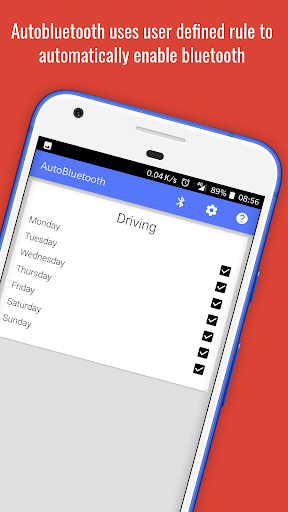

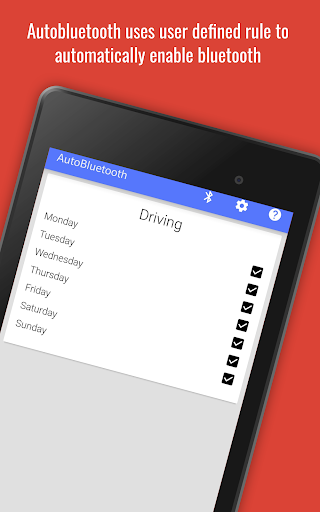
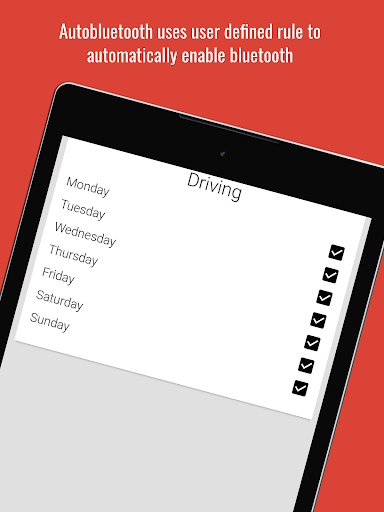
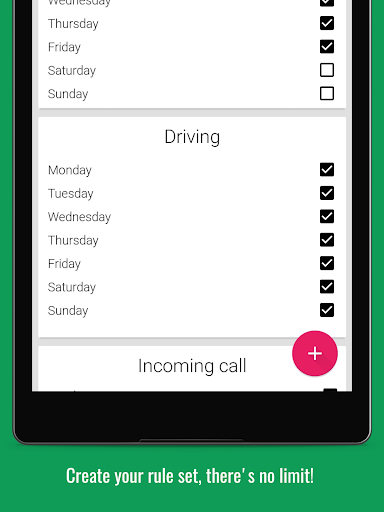
AutoBluetooth turns bluetooth on or off without any user interaction, based on the rules that the user set.
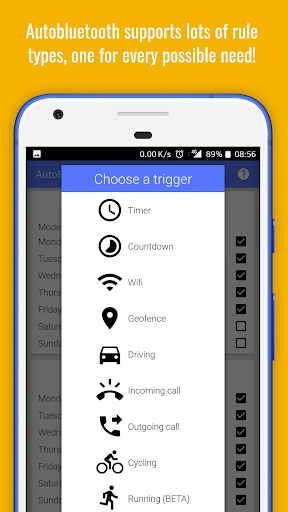
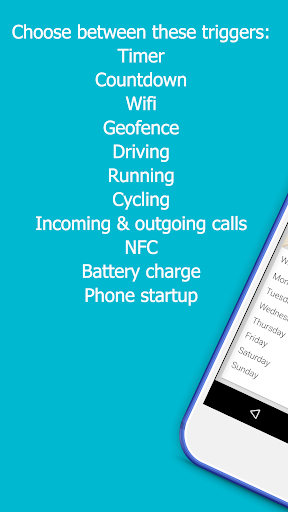
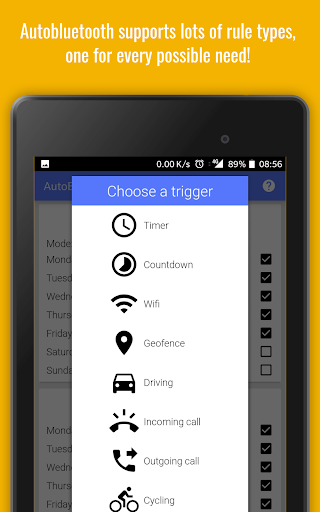
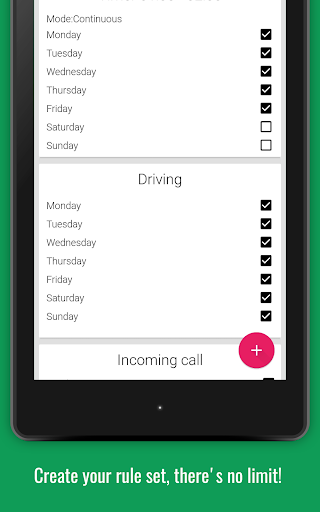
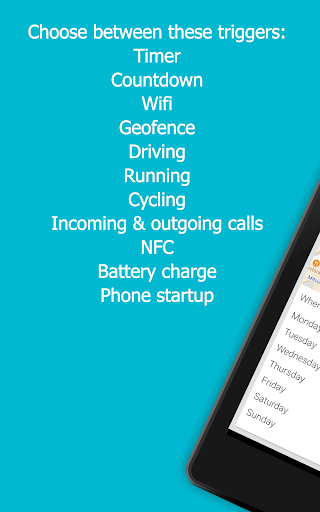
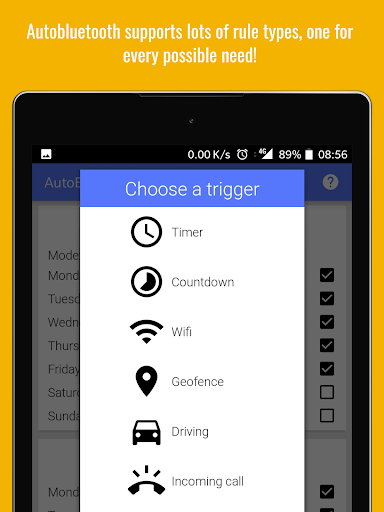
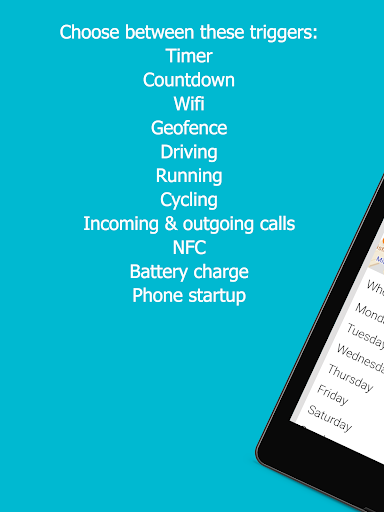
Rules can be of the following type:
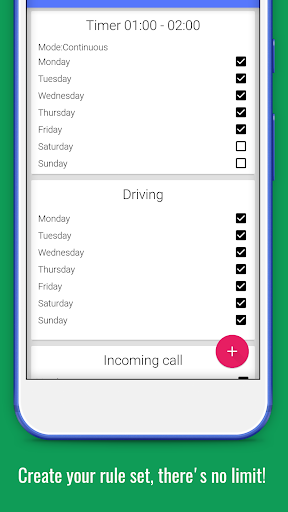
Timer: User specifies a time interval and specifies the days in the week where the rule shall turn BT on.
WiFi:
User specifies a wifi network by picking it from a list.
Incoming Phone call: User specifies in which days of the week BT have to be activated when the device receives a phone call.
Outgoing Phone call: User specifies in which days of the week BT have to be activated when the device makes a phone call.
Driving: User specify in which days of the week BT have to be activated while driving a vehicle.
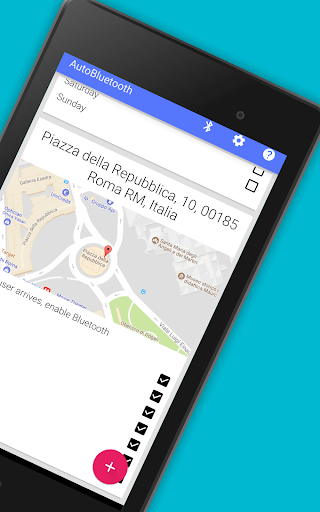
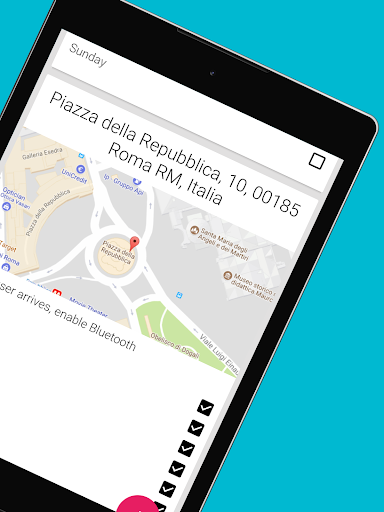
GeoFence: User specifies if he wants to have BT on or of when a certain area is reached or left.
Running: User specify in which days of the week BT have to be activated while running.
Countdown Timer: User specifies the number of minutes after which the BT shall be turned off.
NFC:
BT is enabled/disabled only when an NFC tag is read by the device.
Battery charge : User specifies in which days of the week BT have to be activated when the device is connected to a power source (wall socket, usb cable or wireless charging).
Auto Bluetooth is capable of detecting if the device is connected
and can wait for its disconnection before turning the bluetooth off. This is particularly useful when the device connects during a timer activity and remains connected after the specified time.
AutoBluetooth can enable Bluetooth Tethering automatically. Just enable it through the settings page.










9Apps 4.9














