Ariela - Home Assistant Client icon

Ariela - Home Assistant Client

1.4.7 for Android
3.5 | 10,000+ Installs | Reviews

Criss.Dev

⚠️ You need 9Apps App to install .XAPK File. How to install XAPK?

Description of Ariela - Home Assistant Client

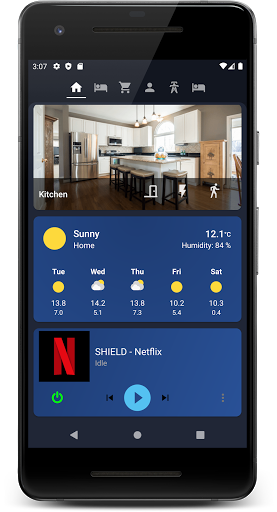
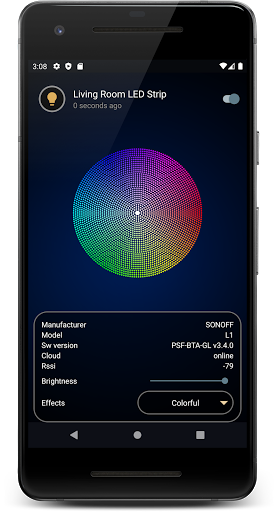
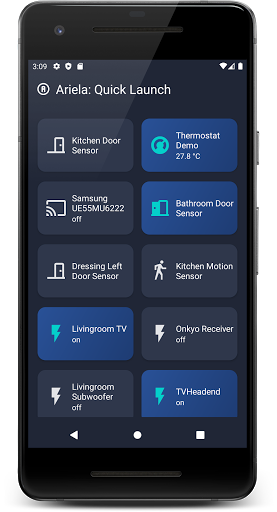
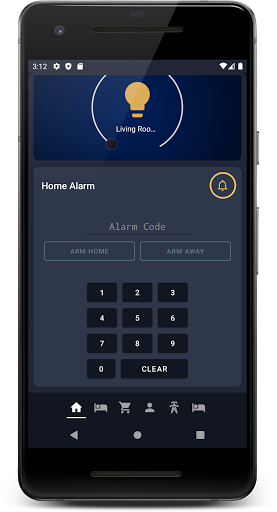
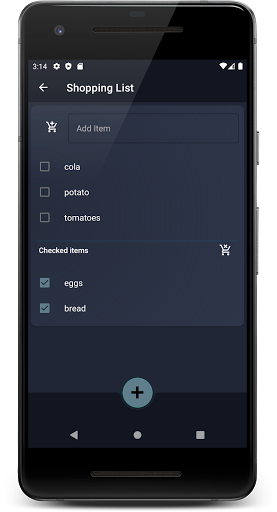
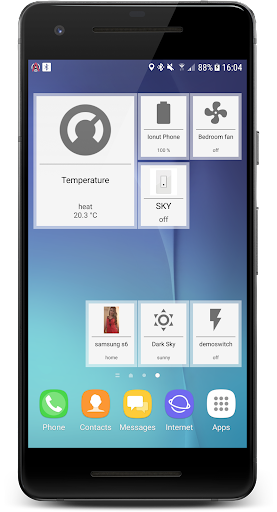
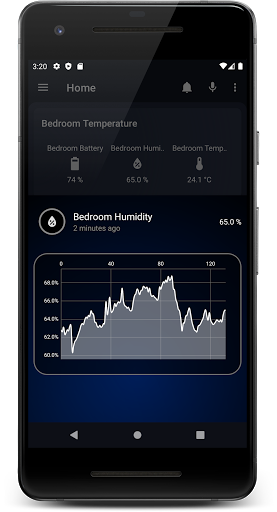
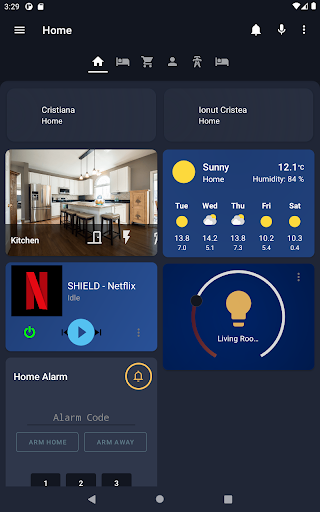
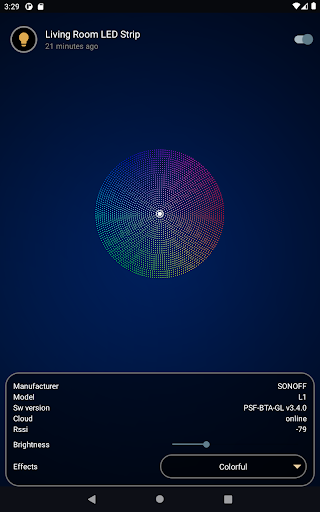
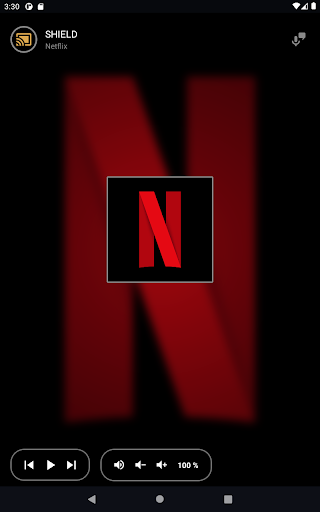
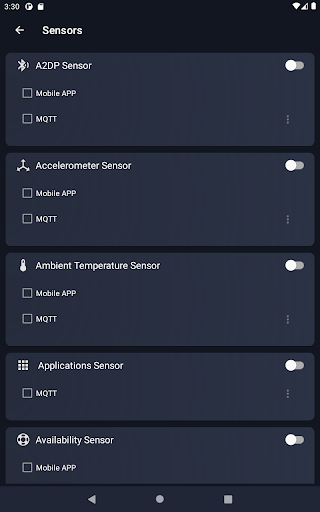
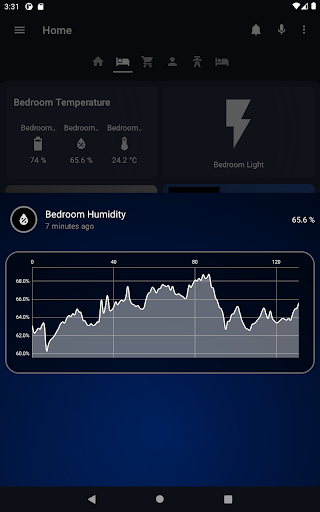
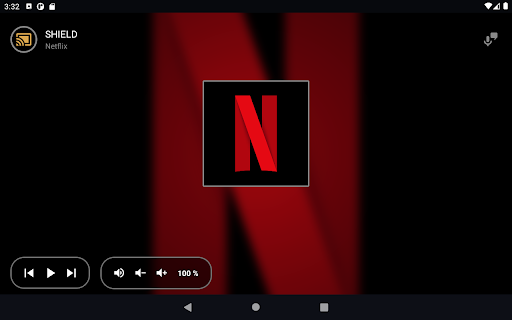
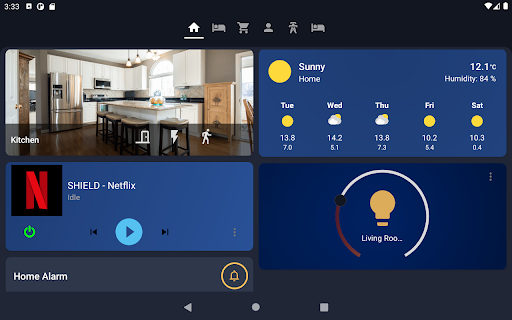
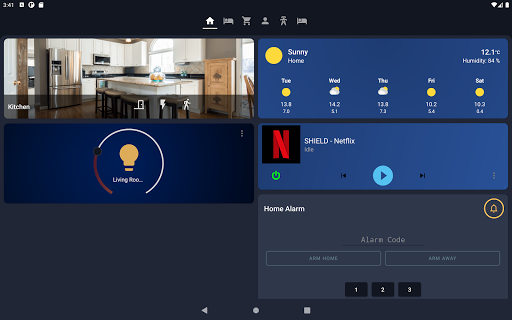
Ariela is a bright and colorful Home-Assistant client, with a simple and greatly customizable interface. It provides you the love with a beautiful material design.
Home Assistant is an open-source home automation platform running on Python 3. Track and control all devices at home and automate control.
For more informations about the app, documentation and use-cases, please check application website.

What's New with Ariela - Home Assistant Client 1.4.7

WebUI: fixed issue where the save login option is not accessible
WebUI: move settings button to the left
WebUI: allow setting the startup dashboard (same as native UI rendering)
NEW: add support for visible attributes for views
fixed app crash when trying to create a new user
updated Google libraries
separated Android Wear application

Information

  • Category:
    Tools
  • Latest Version:
    1.4.7
  • Updated:
    2021-02-20
  • File size:
    7.3MB
  • Requirements:
    Android 4.1 or later
  • Developer:
    Criss.Dev
  • ID:
    com.surodev.ariela
  • Available on:
Reviews
  • avatar
    Slick and fast interface. Easy setup. Doesn't support features I want. Surprising amount of requested permissions.
    2020-08-08 05:40
  • avatar
    Hi there; recently the starting page feature has stopped working? I used to use "6" for my lovelace tab 6 which was set up for mobile view. It's stopped working recently no matter what I enter? Any ideas? The alarm sensor is working great by the way - very useful!
    2020-07-22 02:44
  • avatar
    I'm only using ariela to report phone sensor values and receive push notifications, never as a foreground app to control HA directly. Most of the sensors work well except for nfc that never reports read tag. Some disconnect issues where auto-reconnect fails, but that's more rare in the latest updates. My main concern with this app is its MASSIVE data usage and quite heavy battery usage. Ariela uses about 1.2GB of mobile data and 2GB wifi. I never stream cameras or anything like that :/
    2020-03-30 08:48
  • avatar
    Sends loads of data - I've only got battery, alarm, screen state and availability sensors reporting to Home Assistant and spend most of my time on WiFi yet it seems to have used 40mb of data just today. The data doesn't bother me as much as battery life - I've seen a radical decrease in how long my battery lasts lately and Ariela is one of the suspects given its position on my list of apps with high data usage...
    2019-12-20 04:23
  • avatar
    This app is pretty cool and seems to be able to handle everything I need. The fact that you have to long-tap on switches to bring up expanded settings (ie: RGB settings for bulbs) was not intuitive for me and took a bit before I was able to figure out. Otherwise, this app is fantastic and the developer is really active in the community. It's nice to see that they care about creating an app that everybody can use.
    2019-11-25 03:45
  • avatar
    UPDATE: I had problem described bellow, but found setting for recconect, CHANGING 2 to 5 stars. This WAS my problem: I am using on tablet "Always on" mode, but often I get error "Connection lost" staying on that screen instead of trying to reconnect. I am not sure why connection is lost so often since on simple reconnect is is reconnected within few milliseconds. But I am more concerned why application gives up so easy not trying to reconnect. If I would know problem is solved on paid version I might buy. Am I doing something wrong or is limit in application? Will give 2 stars to attract attention, and change if I get some reasonable answer.
    2019-11-23 06:24