

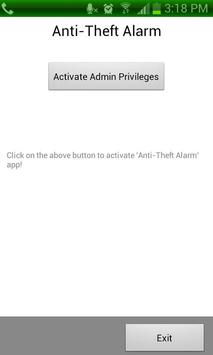
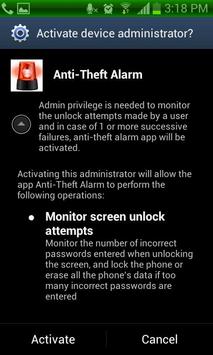
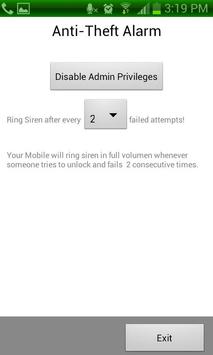
Keep your hard earned smartphone safe by using Anti Theft Alarm. If someone tries to unlock your mobile, any failed attempt will trigger this app to ring loud siren.
How to uninstall?
To Uninstall, You need to disable admin privilege first. Go to Settings -> Location and Security -> Select Device Administrator and there uncheck "Anti Theft Alarm" and select deactivate. After that you can uninstall.
Tags: Anti Theft alarm,Anti Theft Siren
1.7: Now it tells the time at which the last unsuccessful attempt was made.


![Introducing Padlock - Anti-theft Alarm App [Promo Video] screenshot 4](https://i.ytimg.com/vi/ECdpnAp_F2w/mqdefault.jpg)


9Apps 4.9














