
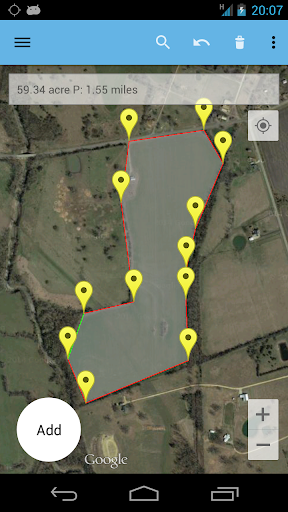
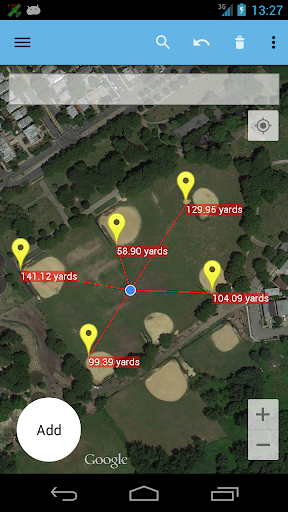
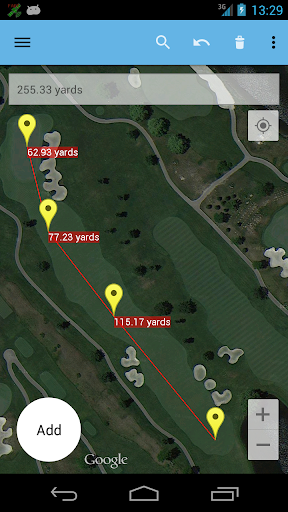
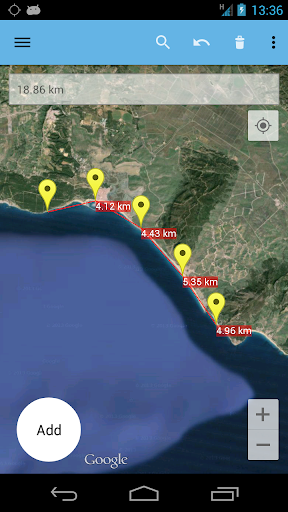
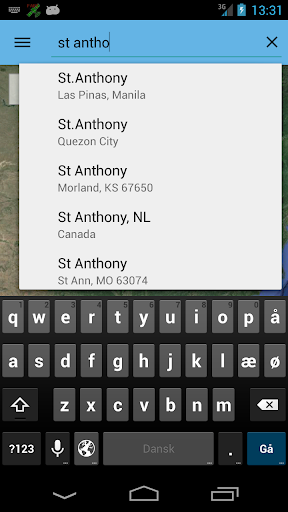
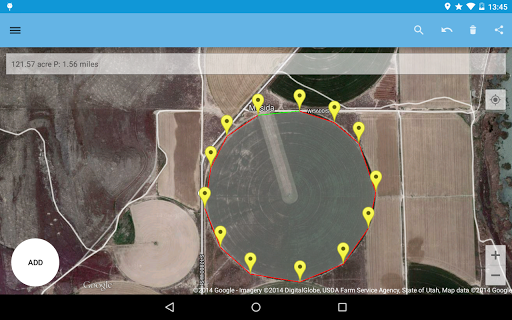
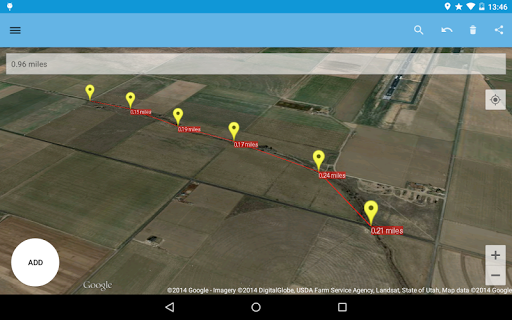
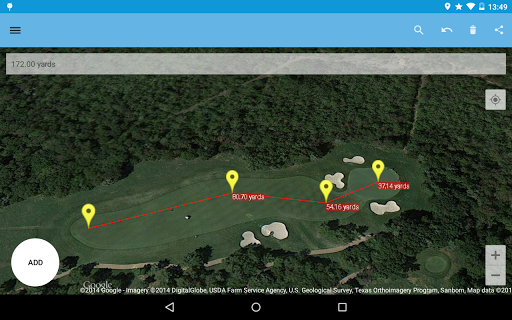
The AndMeasure tool allows you to measure distances and calculate area between points on a map.
The tool has virtually unlimited applications. Use it PROFESSIONALLY for measuring distances and areas in landscaping, lawn care, water line measuring, paving and fencing. Use it in farming, agriculture and forestry to measure your fields and forests. Realtor's can use it for showing clients distances to certain landmarks.
For RECREATIONAL use, it can be used in measuring off-road routes, plotting running courses, water trips, range estimation at the shooting/driving range. Use it in Golf for getting real-time distance to the green.
★★★ Featured on AgWeb.com powered by Farm Journal ★★★
"This app could be an easy way for farmers to measure new fields."
March 2012
Features:
● Use it as a ruler on a map to calculate the distance between multiple points
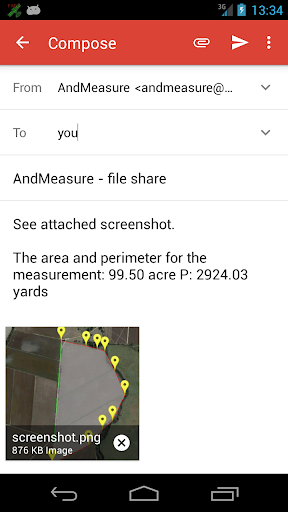
● Calculate areas in acres, sq miles, sq feet, m2, km2, Hectare, Ares
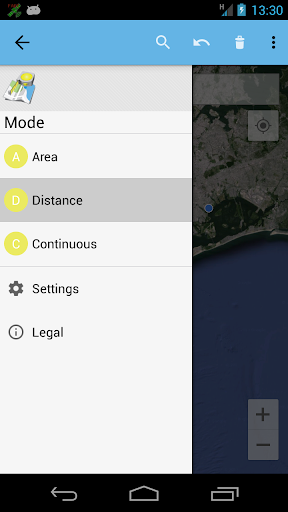
● Measure the distance to your location from multiple points in real-time using the "continuous mode" feature
● Switch between Satellite, Hybrid, Terrain and normal map mode
● Find your current location via GPS or Network
● Share measurement and screenshot via email and Google Drive
● Add markers to the map either via tap or by dragging from the "add button" to get super accuracy
● Move markers around to get precise measurement
Languages: English (write an email if you want to help with other translations)
Get it at:
https://play.google.com/store/apps/details?id=com.megelc.andmeasure
Facebook:
http://www.facebook.com/andmeasure
Privacy Policy:
AndMeasure does not store any personal information at all.







9Apps 4.9















