
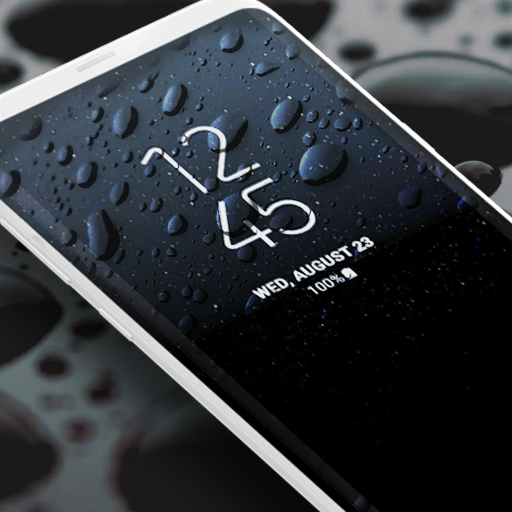
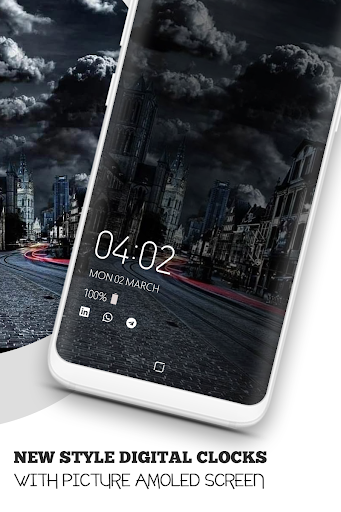
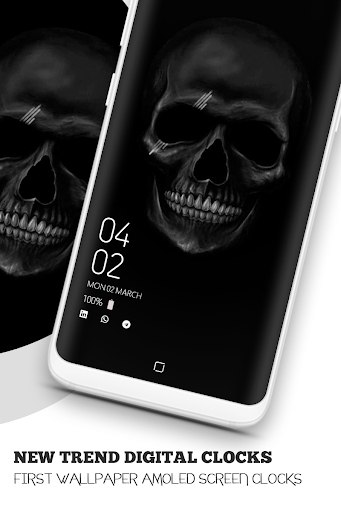
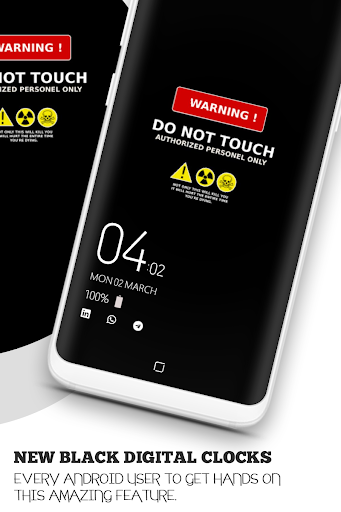
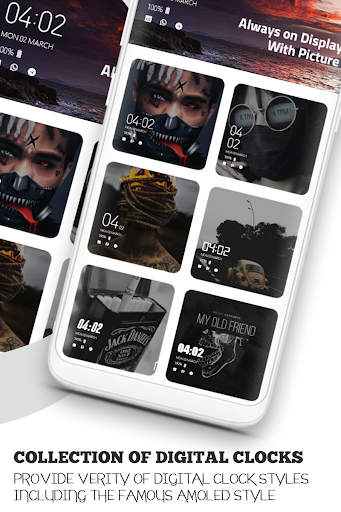
we are providing a new Always On Display : Always on AMOLED Digital Clock with full screen picture on amoled screen. First always on display digital clock with full screen picture on amoled screen introduce for amoled lover user, now user easily paste own picture or any other picture pick from gallery and place on amoled
screen with digital clocks we are also launching a new trend super amoled digital clocks with amazing new amoled black wallpaper.
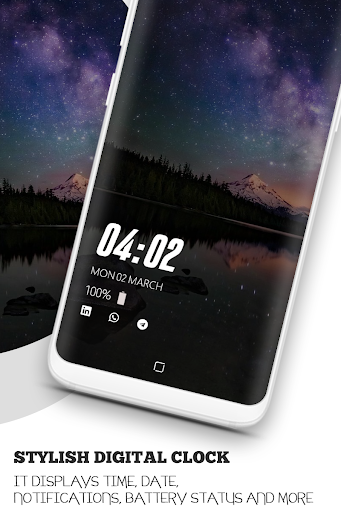
It displays time, date, notifications, battery status and more when the display is turned off.
There's no need to power up the display to check these things.
Always clock on display- super amoled Always On Display keep your
screen on all the time to show you time in a digital and analog clock.
This always on amoled clock app will display digital clock, live night clock, Date time battery &
notification Information with your own picture & different multi clock styles also night clock feature.
New clock styles introduce Multi positions clock, Multi Clock Styles Multi amoled black wallpapers clock this app love for
amoled & always on display lover & also night clock or Amoled black wallpaper users.
Amazing Features:
1.Auto night mode will dim the screen automatically in dark environment.
2.Customize & change amoled picture, clock style, own picture full on amoled screen clock and more.
3.Use Picture from gallery & make Always Amoled Display make beautiful and attractive.
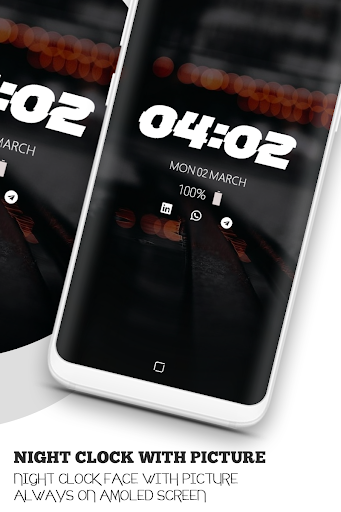
4.Can be used as a night clock.
5.New varity of Digital clocks and also available S10,S10 Plus,Note8, Note9, S9, S9plus Clock style feature on Amoled clock.
6.One tap to change own picture with clock on amoled screen.
7.Display battery level
8.Sensor efficient clock Pocket mode - lock the device when you leave it in your pocket to save battery.
9.Stylish and smart Watch - Always On Screen
10.Enable/Disable showing notifications
11.Amoled black wallpaper collection with digital clock.
How to use this App (always on display digital clock with wallpaper)
1.Open Always on Display-AMOLED, start service
2.Choose Digital Clock Style.
3.View Wallpaper Clock on amoled screen click on view.
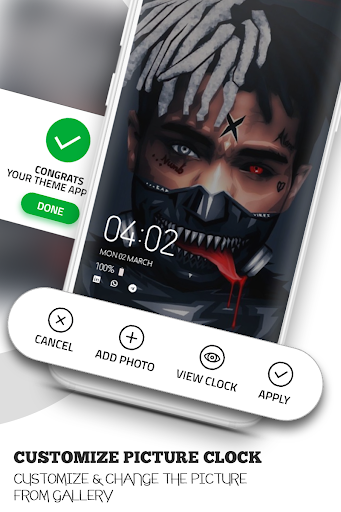
4.You want change Picture on any clock style just click on add photo pick from gallery.
5.Easily Adjust picture like a set as wallpaper.
6.Click on Apply Set Clock with picture on amoled screen show on always display.
There is a vast variety of styles. We hope amoled clock lover user really like this always on display digital clock with full screen picture on amoled screen app.








9Apps 4.9













