
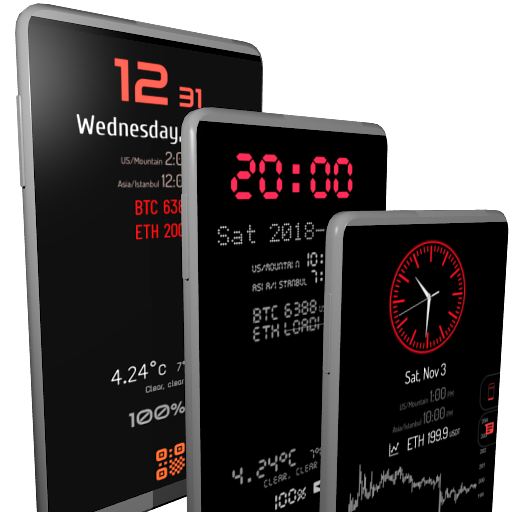
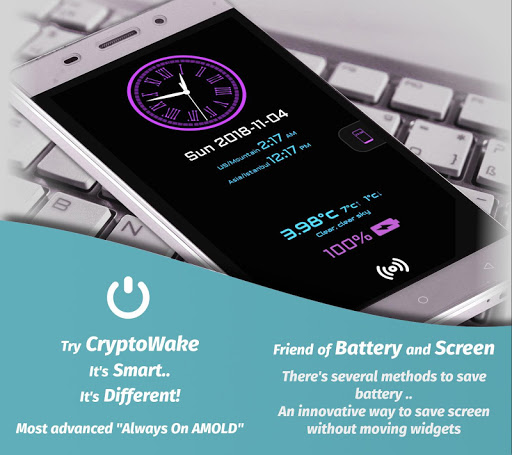
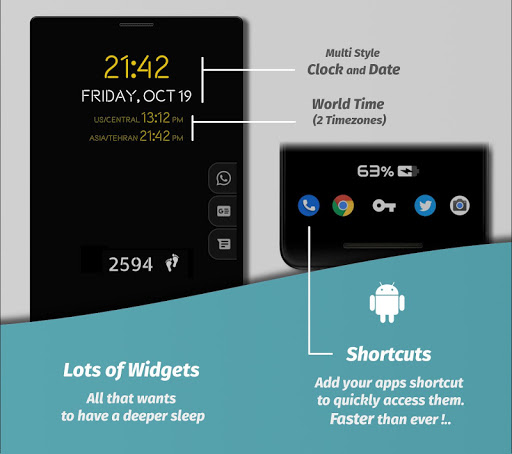
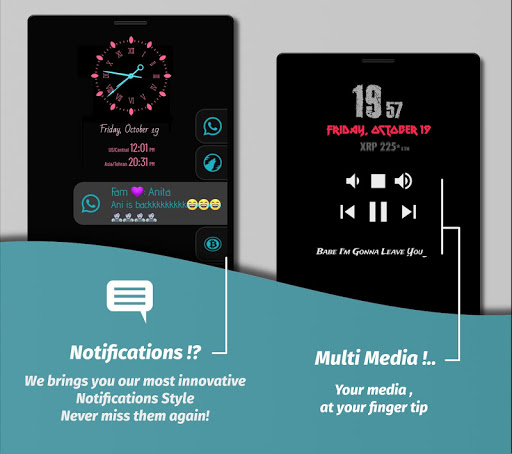


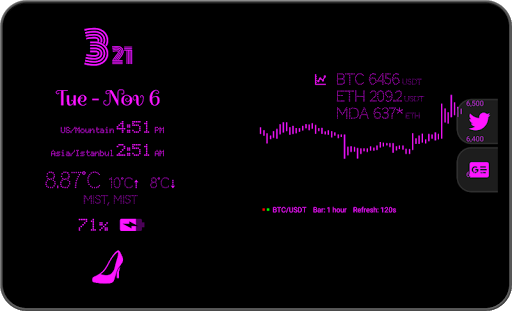
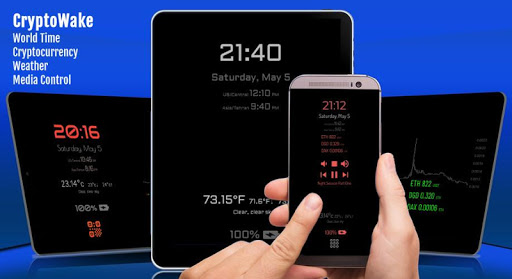
Displays useful information on your screen, even when it's OFF!
1ˢᵗ AOD with:
• Two Interactive Pages
• 3D Background
• Live Feeds
• Voice Assistant
Listed on
10 Best Cryptocurrency Apps for Android (2019-2021)
by Android Authority
Widgets:
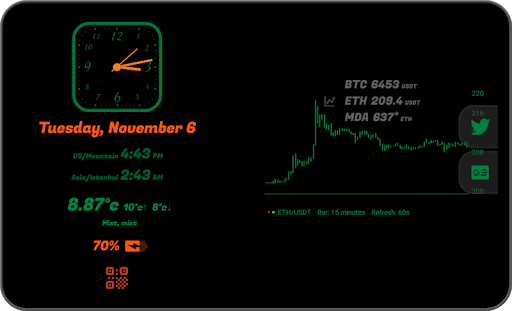
— Clock (Multiple Digital & Analogs)
— Date (Multiple formats)
— Calendar Events
— World-Time
— Alarm ⁹
— Notes
— Notifications ⁸ ²
— Media Control
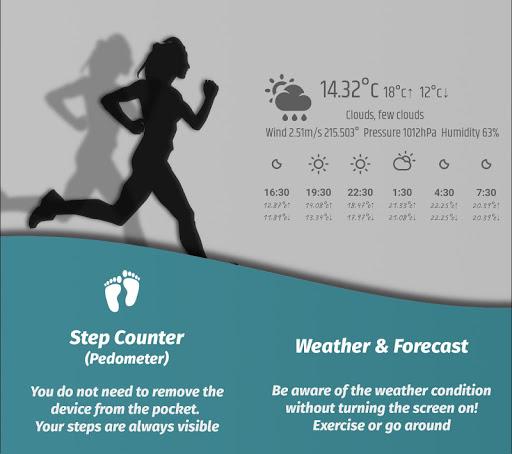
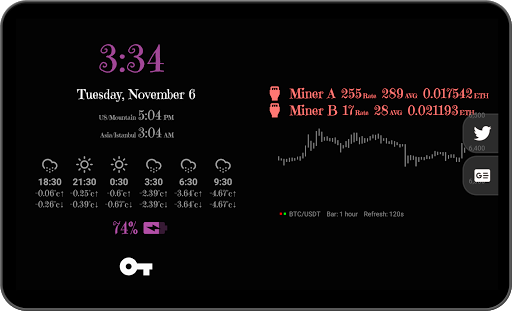
— Weather ³ and Forecast ² ³
— Voice Assistant ² ⁹
— Step Counter (Pedometer)
— Battery (Percentage, Indicator, Voltage, Temp., Current ⁹)
— Apps Shortcuts
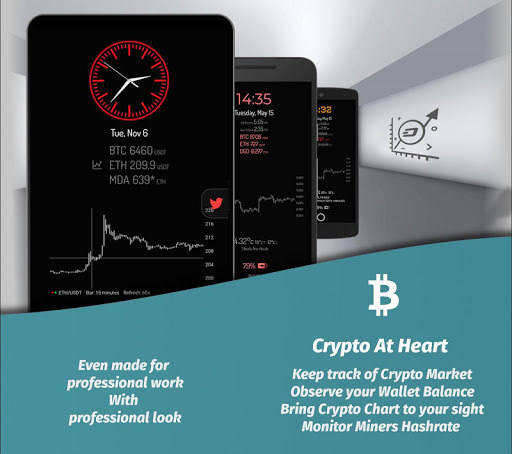
— Crypto Chart ²
— Feeds:
• Crypto Prices ¹ ²
• Crypto Wallet Observer ⁴ ²
• Crypto Miners Stats ⁵ ²
• Foreign Exchange Rates ⁶ ²
• Global Stock Market Indices ⁷ ²
Features:
No Ads : No annoying ads, even without in-app purchases
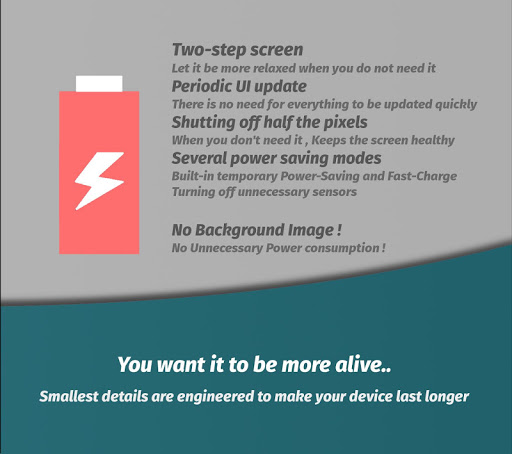
Two-Step : This method saves a lot of battery energy, alongside quick access to many features by just one tap!
Compatible: Reported by users, CryptoWake is the most compatible AOD. Also, supports fingerprint unlock method.
Live Editor : Tap & Hold widgets to directly customize them ⁹
Built-in Themes : Tens of stylish themes, designed for many tastes
Customizable Widgets : Customize any font style, color, size, and animation
Personal Themes : Make your very own themes! Backup or Share with friends
Voice Assistant : Performs many tasks with just your voice. Launch apps, browse web, translate phrases¹⁰, simple arithmetic operations, call phone numbers⁹, …
Anti Burn-In Filter : An innovative method to prevent screen damage without moving widgets!
Notifications : With built-in blacklist and new look you've never experienced
Smart Power Saving : Temporarily minimize power consumption using multiple saving modes
Media Control : Control your music player even when screen turned off
Crypto Chart : An interactive chart demonstrates Crypto-coins price.¹
Feeds Widget : Track your Crypto Mining stats, your Crypto Wallet, Stock market and Foreign exchange rates.
Notes and Tips:
• To operate the app, at least one 'Security lock method' or 'Swipe' must be set to wake up device
• To blacklist a notification, drag it to leftmost screen and hold 4 seconds
• To switch between Weather/Forecast or Feeds, just swipe your finger to the left/right on relevant widget
• This application does NOT have any binary for crypto-mining, Is NOT a place to buy or sell crypto, Does NOT store any crypto assets; Just reports your miner's stats, and other online feeds.
If you encounter any problem, please report by email, I will fix it soon. Thanks
Indexes:
¹ Currently supporting Binance & Coinbase
² Available In-App Purchase
³ Fetching Weather data from openweathermap.com
⁴ Supporting Bitcoin, Ethereum, ZCash, BitcoinCash, Ripple, Stellar and Dogecoin. This is not a native wallet to store assets, and only fetch public records of blockchain wallets.
⁵ Nanopool.com
⁶ ExchangeRatesAPI.io (Published by the European Central Bank)
⁷ IEXTrading.com
⁸ Requires Android 5
⁹ Experimental/In development
¹⁰ mymemory.translated.net/doc/en/tos.php (1000 words/day)
Required Permissions:
DRAW OVER OTHER APPS — This permission is necessary for the app to function; operations depend on this.
MODIFY SYSTEM SETTINGS — This app will consume a lot of battery without lowering the backlight. With this access, it can light up and down.
Optional Permissions: (for extra features)
ACCESS TO PHONE — I recommend giving this permission so that the program can exit when the phone rings!
LOCATION — For Weather widget to find your city
NOTIFICATIONS — Required to display notifications on widget
STORAGE — To save and load custom Themes, fonts, and other assets
CALENDAR — To show calendar events
MICROPHONE & CONTACTS — For voice assistant; to hear and dial contact
Android 12 crash and other small bug fixes
Some resource managements and upgrades
Increased compatibility and SDK-33 initial support.
Note: Please disable Fingerprint Unlock Trigger inside app settings if you have In-Display (Under Display) fingerprint sensor or any related issues.








9Apps 4.9














