All Audio Converter - MP3, M4A icon

All Audio Converter - MP3, M4A

2.0.4 for Android
4.3 | 100,000+ Installs | Reviews

Highdea Apps Studio

Description of All Audio Converter - MP3, M4A

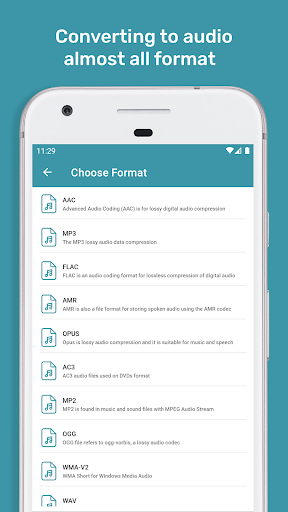
Audio Converter is convert and compress audios, which supports almost all audio format MP3, AAC, M4A, OGG, WAV, WMA
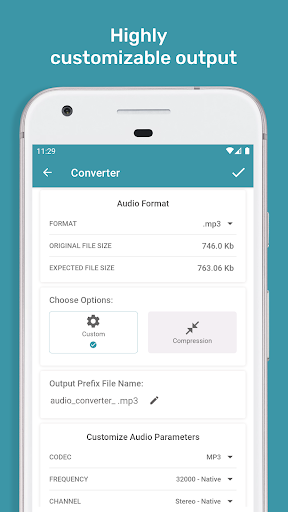
Audio Converter has a number of basic editing settings. With these you can customize the audio size, channel, bitrate and frequncy from files. Overall, Audio Converter's basic conversion function is quick and easy
Android can convert almost any audio formats to other audio format, including
Convert your audio to other format of audio, best way to convert your file using ffmpeg
library support.
Key features:
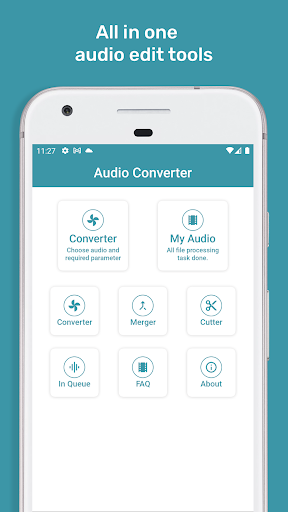
- Audio Converter, Convert and Compress your audio to almost any audio format.
- Audio Cutter, This function keeps part of the Audio you selected
- Audio merger, Merge almost any format Audios to any other format and also merge unlinited number of files
- Supports MP3, AAC, M4A, OGG, AMR, OPUS, WAV, AC3, MP2, WMA and more
- Fully Customize audio parameters based on requirments so produced best output result.
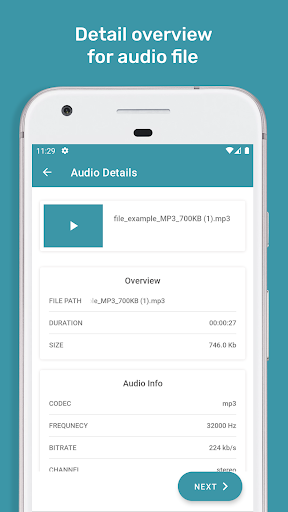
- Display fully detailed audio information.
- Audio converting speed is fast for all videos.
- Remain best audio quality after converting audio.
- Simple, user friendly and eye catching design.
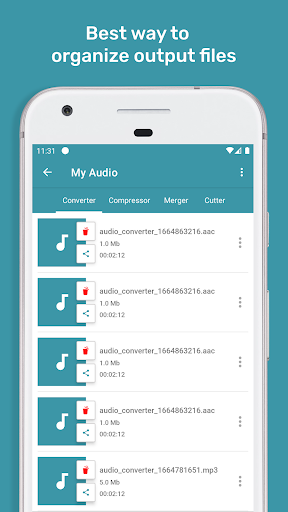
- Saves edited files within app
- Easy user interface.
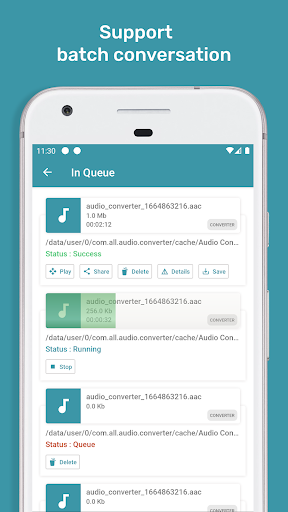
- Users can queue multiple files for processing. All our features support Batch processing.

What's New with All Audio Converter - MP3, M4A 2.0.4

Fixed minor bugs

Information

  • Category:
    Music & Audio
  • Latest Version:
    2.0.4
  • Updated:
    2022-10-03
  • File size:
    20.1MB
  • Requirements:
    Android 5.0 or later
  • Developer:
    Highdea Apps Studio
  • ID:
    com.all.audio.converter
  • Available on:
Reviews
  • avatar
    Excellent. Thanks. Helps me in saving storage space by converting a bigger size format file into a smaller size format; e,g. 64MB mp3 to 15.8MB.
    2020-11-23 07:04
  • avatar
    Converter works great. Did not find folder containing files to be converted. Copied files to alternate location which was visible to this app then was able to convert them.
    2020-11-17 05:03
  • avatar
    It does not give writing/editing option😡
    2020-11-13 04:21
  • avatar
    Good but cant select multiple file and also so much massage received noise while converting file
    2020-11-10 11:40
  • avatar
    Good app, does what it says. Then it needs to add something on speed and other: option of name conservation or change, number of audio to be converted simultaneously, title searching option...
    2020-11-01 05:17
  • avatar
    Works pretty well. Does what I needed it for which is changing .ogg files to mp3. -1 * because it changes the file name and makes locating converted files difficult. Also m4a files don't always work, and sometimes I have to force stop my black player instead of refreshing the library b4 files show up. Not the best I've seen but decent free app thanks
    2020-10-29 11:08