

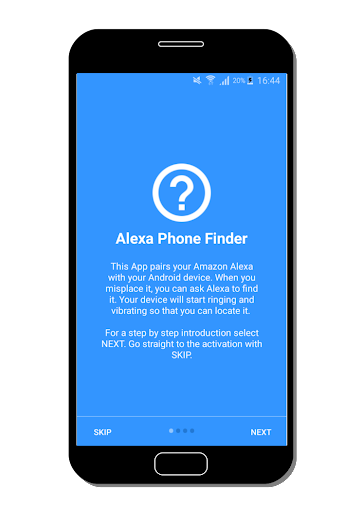

This app requires an Amazon Alexa device and the Skill "Phone Finder"!
Can't find one of your android devices? It's on silent? Alexa saves you: your device will ring with full volume and vibrate.
This App has to be connected to the Alexa Skill "Phone Finder". This is really simple:
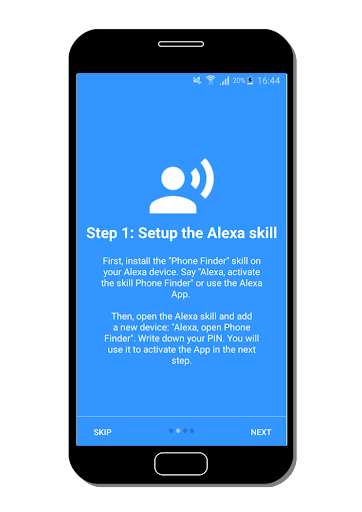
1. Install the Skill on your Alexa device. Say "Alexa, activate Phone Finder". Alternatively, use the Alexa App to do that
2. Open up the skill. Say: "Alexa, open Phone Finder" and request to add a new device
3. Alexa will tell you your personal PIN code
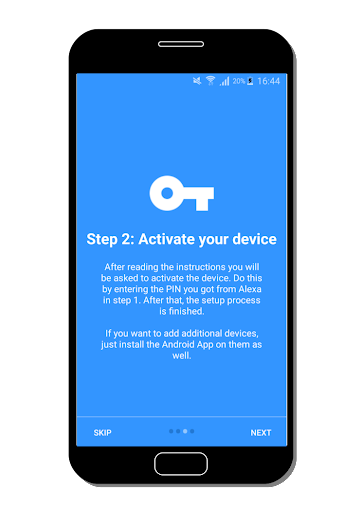
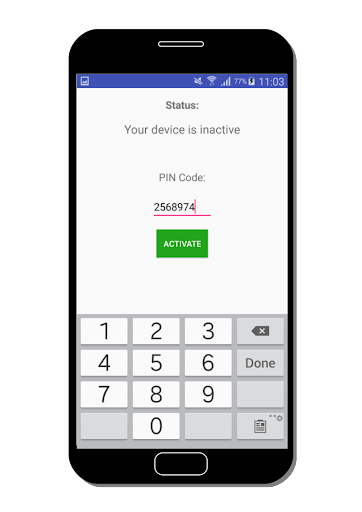
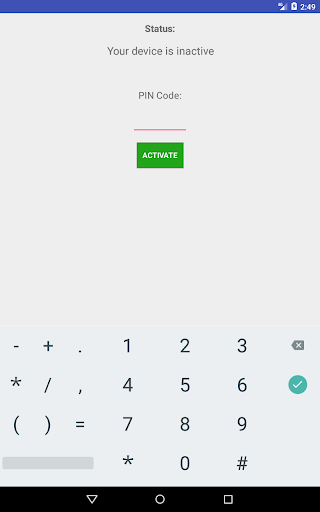
4. Open the Android App and enter the PIN code
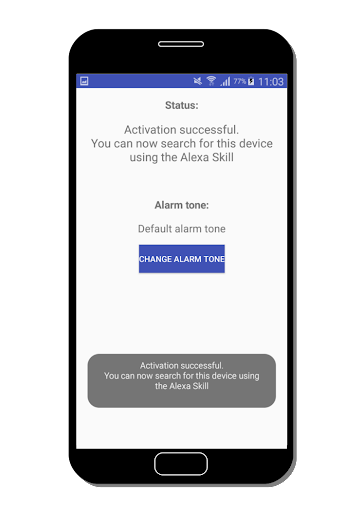
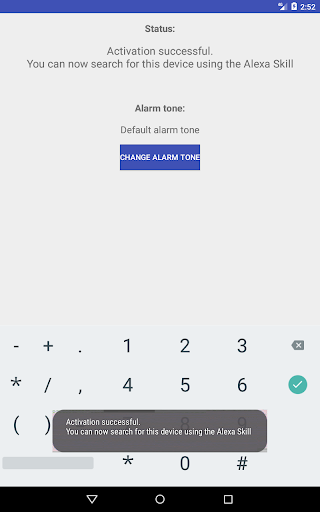
5. Your status becomes "Active". Done!
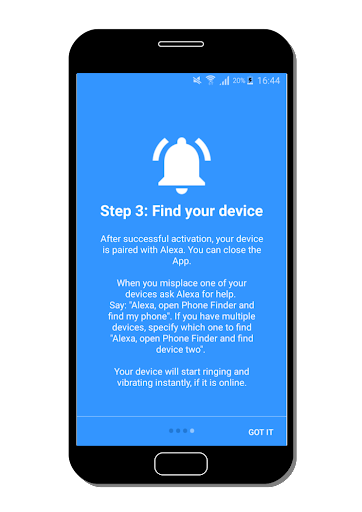
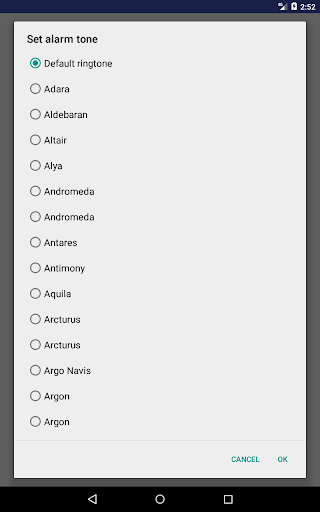
If you like, you can set an alarm tone. Then, you can ask any of your Alexa devices (on the same user account) to find your Android device. If your device is online, it will quickly start to ring loudly and vibrate.
Repeat these steps for any additional device you want to add. You can add up to two. Connect your phones, tablets and smart watches and never worry about losing them again!
Commands for the Alexa Skill:
Search for device by device-number:
"Alexa, open Phone Finder and find two"
"Alexa, open Phone Finder and search for phone two"
"Alexa, ask Phone Finder to find device one"
Search for device (if multiple devices connected, Alexa lists them first):
"Alexa, open Phone Finder and find my phone"
"Alexa, ask Phone Finder to find my device"
Add a new device:
"Alexa, start Phone Finder and add a new device"
"Alexa, open Phone Finder and connect my phone"
Remove an existing device:
"Alexa, start Phone Finder and remove my phone"
"Alexa, start Phone Finder and disconnect my tablet"
Ask for the PIN code:
"Alexa, ask Phone Finder for my code"
"Alexa, open Phone Finder and give me my PIN"
v2.5.0
- Fixed welcome screen
- Upgraded dependencies
- Several small bug fixes










9Apps 4.9















