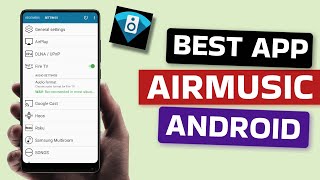
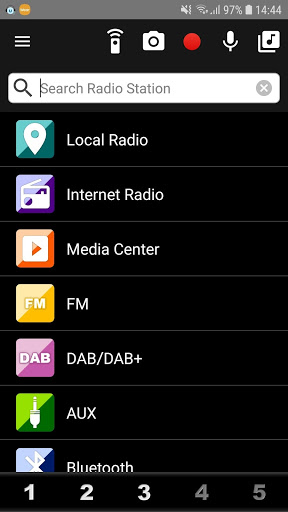
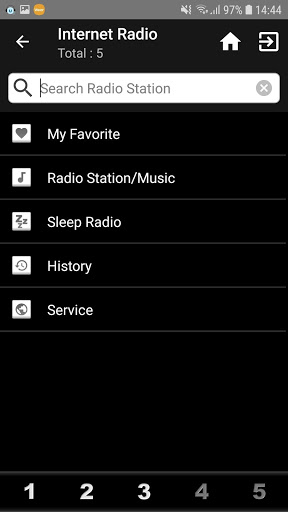
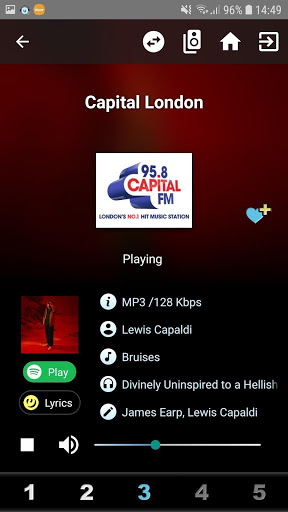

AirMusic Control is designed to control internet radio device using Magic M6/M7 platform.
It provides you easy and comfortable operation with Android device.
Features:
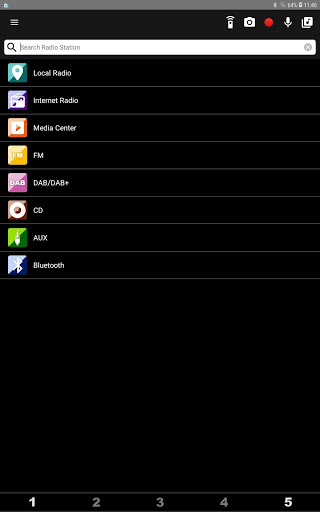
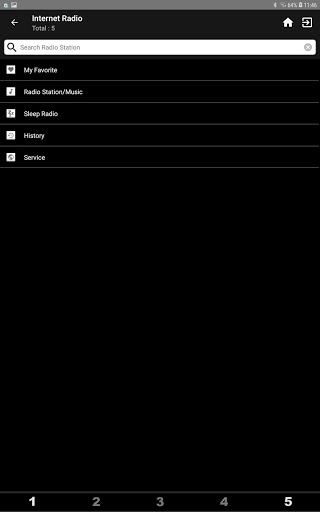
* Local Radio / Internet Radio / Media Center
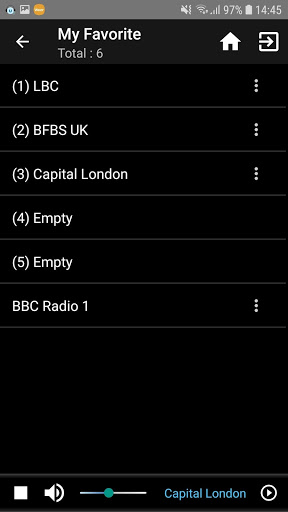
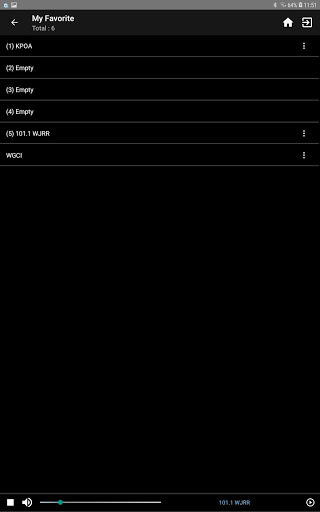
* Edit "My Favorite" of the device
* Radio station search
* UPnP Support
* Change Device name
* Automatic check with software update for the device or you can check it manually on the settings.
If it's failed to connect device, please restart device or check the option "WLAN-Devices can communicate" of your wifi router is checked, then try it again.
------------------------------------------------
Please check product user guide to see if App features are supported by your radio or not :
* FM / AUX / DAB / Bluetooth / USB / CD
* Preset hotkey
All of the station you add will automatically save to "My Favorite".
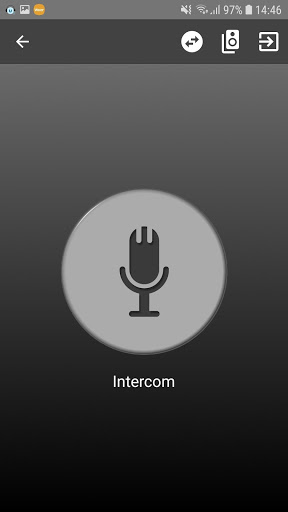
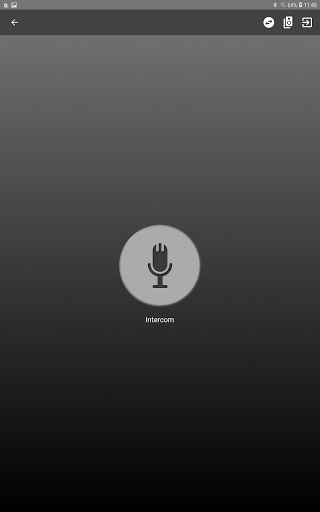
* Push to Talk
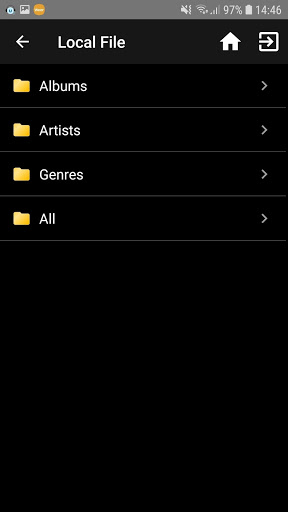
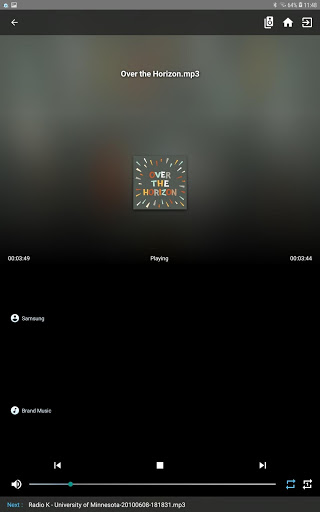
* Local File Support
* Change Startup Screen
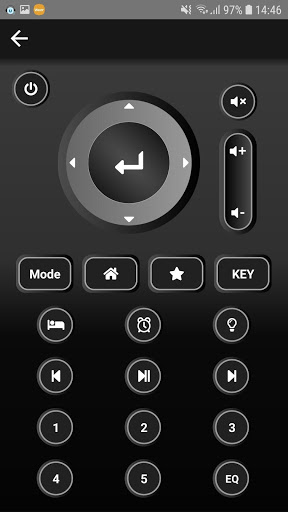
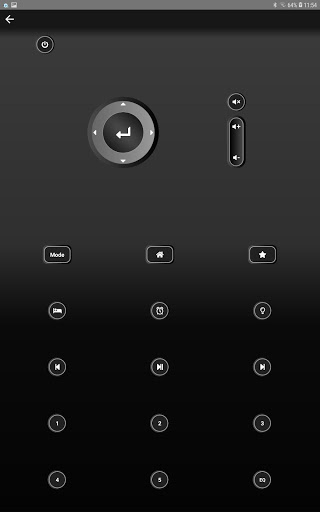
* Remote Control
* Multi (Device) Room Support
If you have one more device.
If you have any problem, please feel free to contact us.
Thank you for all of your support and feedback.
contact@mediayou.net
If the App features are supported by your radio, it will be automatically display features icon in App.
Once quitting App, device will resume original menu.
* Supporting Greek.
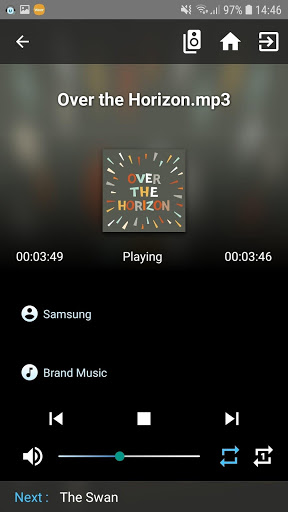
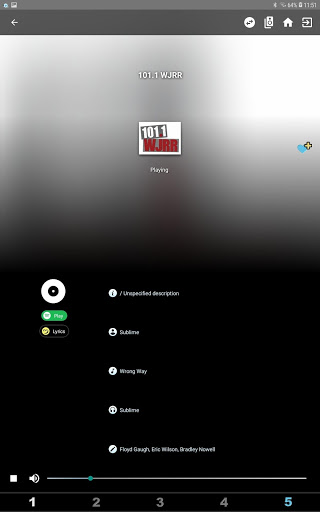
* Adding fine adjustment function of volume bar in play screen.
* Fixing the playback issue of local files on the Huawei phone.
* Bug fixed
* Stability improvements








9Apps 4.9