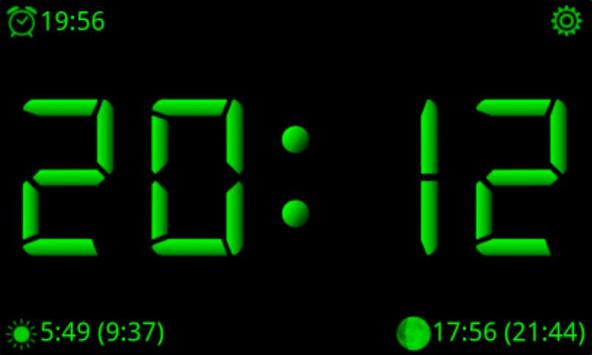
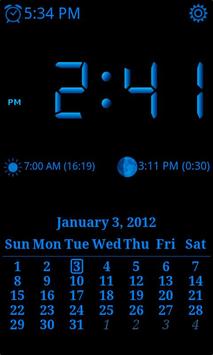
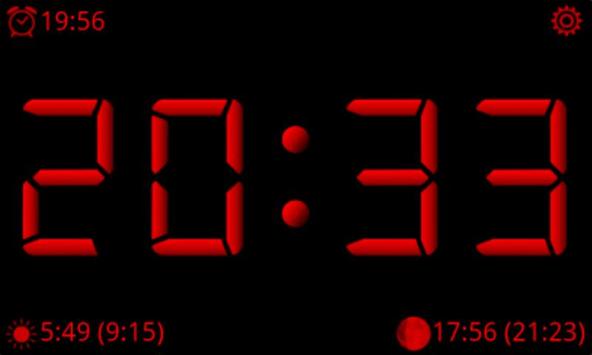
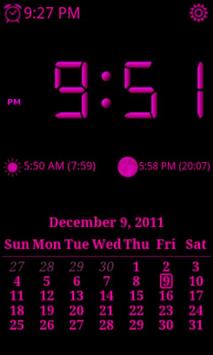
AdyClock turns your phone into a digital desktop clock with several color themes and alarm.
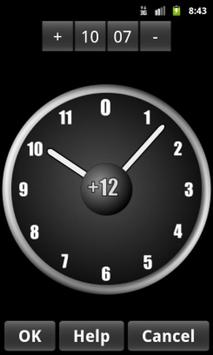
In one stroke, you can specify the alarm!
Many options to set the alarm parameters!
Beta version - in a short time will be added many new features.
We look forward to your comments and wishes.
Features:
* Nice LCD display. Can choose from several color themes.
* 12/24 hours format.
* Adjustable time going off the display.
* Optionally, turn on the airplane mode during night-time display screen.
* Sunrise, sunset and moon phases.
* SINGLE TOUCH ALARM! - The alarm can be set via a single pull of the display.
* Alarm dialog in the same style with LCD display.
* Predefined alarm profiles.
* User-configurable alarms.
* Optional types of vibration.
* Many features will be added in next versions.
* Widget that displays the current time and alarm time.
Required permits:
READ_EXTERNAL_STORAGE
Play music stored on your phone and SD card.
RECEIVE_COMPLETED_BOOT
After switching the phone is a need to re-start the alarm.
WAKE_LOCK
Allows you to keep the display lit regardless of the setting phone.
READ_PHONE_STATE
Determine whether a call is ongoing. Alarm clock waits for the call is finished.
WRITE_SETTINGS
Allows to work with system settings (such as switching airplane mode).
COARSE_ACCESS_LOCATION, ACCESS_FINE_LOCATION
Determining the position to view the sunrise and sunset.
DISABLE_KEYGUARD
Alarm dialog can be viewed through the lock screen.
Fixed compatibility with Android 4.4 KitKat.

9Apps 4.9