

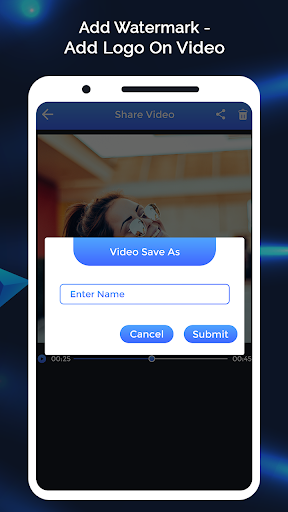
Add Watermark-Add Logo On Video is the easiest app to use if you want to add watermark to your videos so you can start building your brand and protecting your video to sharing online. Your video watermark will be key in establishing good recall for your brand. That is why it’s important to choose a watermark app that has the necessary features in highlighting the watermark in your videos.
The capabilities of Add Watermark-Add Logo On Video app are quite extensive, from the need to add a logo to videos, our app can easily do it. You will not need a watermark remover because our watermark maker feature can produce high-quality video watermark. Add custom unique logos, signatures and tons of other watermark design elements to your photos with just a few clicks.
How to Create watermark..?
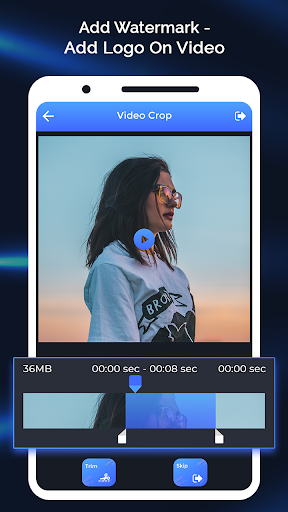
_Select any video.
_Edit your video with trim option or other option to skip it.
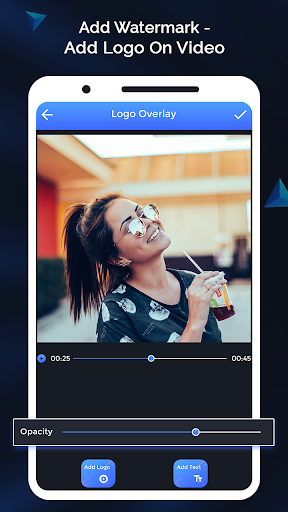
_Add different images as watermark in any side videos.
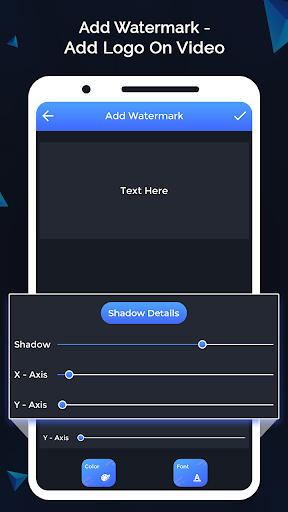
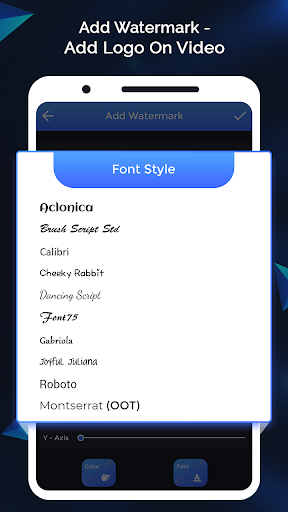
_Add Text for watermark with the best font, color or also with shadow.
_Set image or Text Position for the selected video.
_View your Watermark video.
_Share it with your friends.
Features:
_Watermark on video
_Add your text and change its color
_Fonts, color and other effects in text mode
_10 built-in fonts
_Change shadow transparency of your added text
_Very easy to use with friendly User Interface
_Add photo as a watermark
_Set your own created photos as watermark
_Simple to use
_Free to use application
_Share application with anyone













9Apps 4.9














