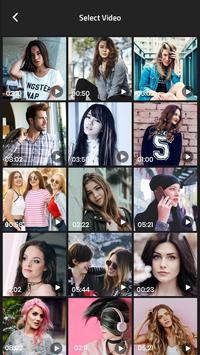




Add Audio To Video is allows you to change background music related to your video and implemented your audio file in video.
Add Audio To Video in that if your audio size is bigger or lesser than video it is automatically implemented with video size and add and conceited respectively.
This application is also known as :
* Add Music into Video
* Add Mp3 To Video
* Add any Audio To Video
* Mix Audio To video
Features of Add audio to video
1. Choose your favourite background music for your video, using this music editor new app and audio editor for android, or video mixer software and music editor mp3.
2. Record an audio, the way you want, which can be added to a video, using this music editor and mixer free, or best audio editor app and video mixer audio app.
3. Trim the audio or use it in original form using this video editor and music editor for android, or audio video mixer editor and video mixer with song.
4. Have a preview of the video, to which the background music is added, before sharing or saving it, using this music editor for youtube and audio mixer software, or video audio mixer app and best audio video mixer.
5. To mix audio with video, the formats supported by this music editor for videos are mp4, wmv, avi, flv, 3gp and that for audio are mp3, wav and aac.
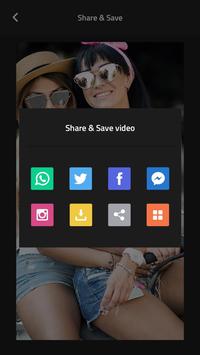
6. Save the video to the phone and also share it through different platforms like Facebook, Gmail, WhatsApp etc. using this music editor software and audio video editor app, or video audio mixer software and audio mixer for android.
Why its more useful app for All the users :
=> Add Audio To Video is simple step to follows to add audio mp3 file into Video File.
=> Add Audio To Video give more than option compare to any one else in Add Audio To Video.
=> Delete Functionality easily implemented in Add Audio To Video.
=> You can easily share your Add Audio To Video file via social link.
Add Audio To Video is download in your phone and apply in your best video that ever you like...!

9Apps 4.9