
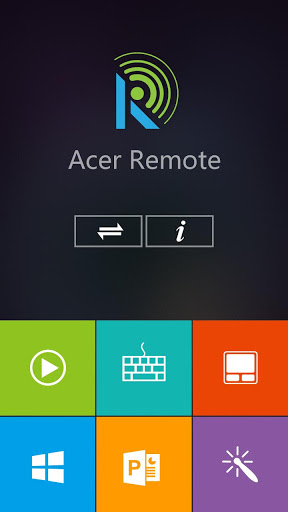
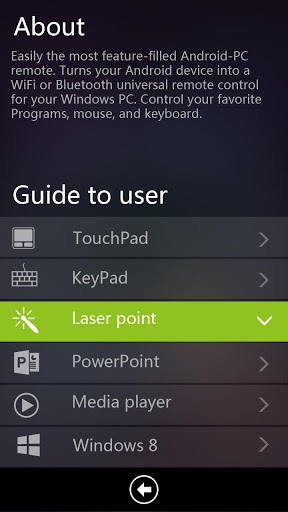
Acer Remote lets you remotely control your PC’s Mouse, keypad, Media Player, PowerPoint, Windows 8 UI via Android smartphone and tablet. A remote laser pointer is also supported.
System Requirement
- Android 2.2 and above version
- Screen resolution: 800x400,854x480,1024x600,1280x720,1280x800
-
Acer All-in-one and Desktop PC are eligible for pairing with Acer Remote APK..
Features:
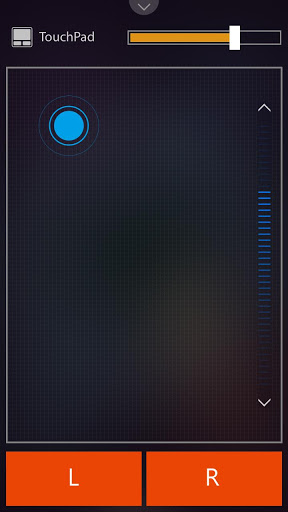
Touch Pad Control
- Touch sensitivity adjustment
- Touch Gesture: Zoom-in/out
- Scroll bar ( Up/down)
- Mouse click (Left/Right)
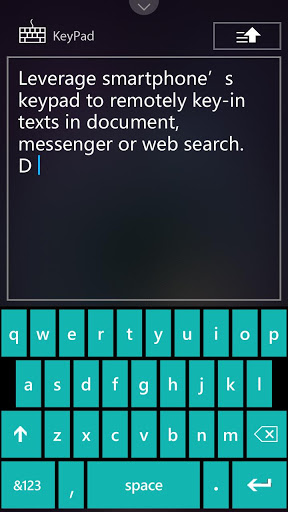
Keypad control
- Support android and user keypad
- Texts key-in
- Voice key-in
- Hand writing
- Upload texts
- Document editing (Backspace/Enter)
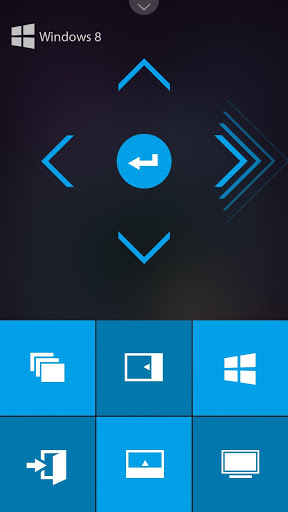
Windows 8 Metro UI Control
- 5-Direction Key ( Up/Down/Right/Left/Enter)
- Switch launched apps
- Exit app
- Charm bar
- Up/Down menu bar
- Back to Metro UI
- Search for app
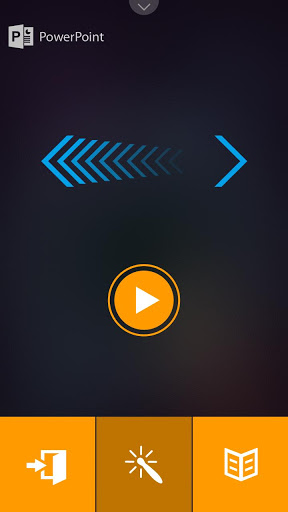
PowerPoint Control
- Playback/Pause slideshow
- Next/Previous slide
- Exit full-screen playback
- Laser Pointer On/OFF
- Go to slide
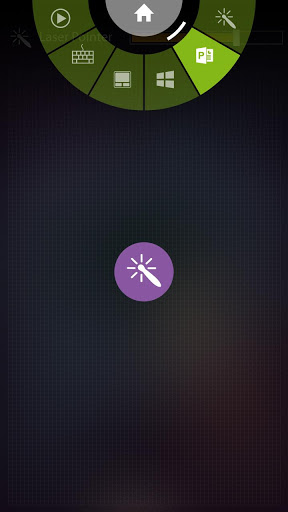
Laser Pointer Control
- Laser Pointer On/OFF
- Press Laser pointer icon to enable G-sensor
- Laser Pointer sensitivity adjustment
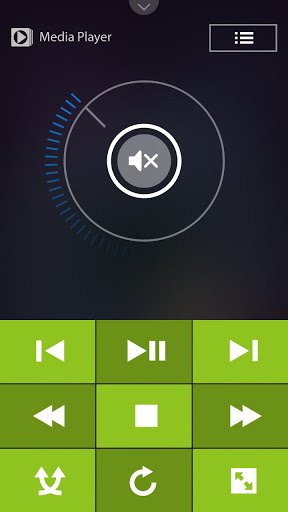
Media control
- Playback/Pause
- Next/Previous
- Fast forward/rewind
- Stop
- Random
- Repeat
- Full screen
- Supported Players: Windows Media Player/Acer Clear.fi(Acer Media)/Apple iTunes/CyberLink PowerDVD
Feature update & Issue Fix




9Apps 4.9














