


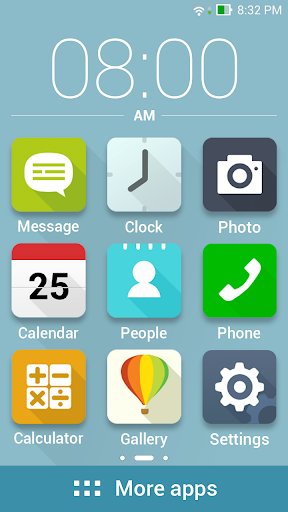


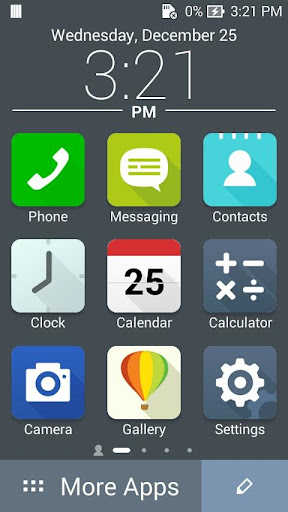

ASUS ZenUI is beautifully easy to use from the moment you switch it on — but ASUS Easy Mode makes it even easier!
We know that you won’t need every ZenUI feature every day, and we know that not everyone has the desire or ability to manage their user experience, so ASUS Easy Mode removes the frills to keep the interface as simple as possible.
You won’t lose any data and you don’t need to spend any time setting things up: just enable ASUS Easy Mode to enjoy a home screen with larger, easier-to-read icons and a simplified lock screen with rationalized notifications.
[Key features]
- Enable large home-screen icons by flipping the ASUS Easy Mode switch in Settings.
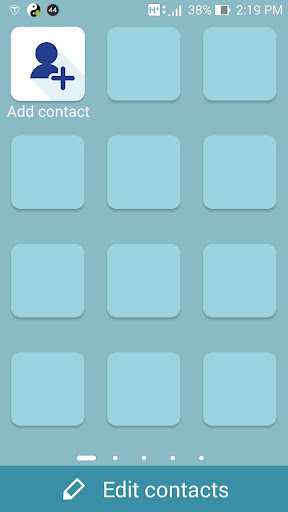
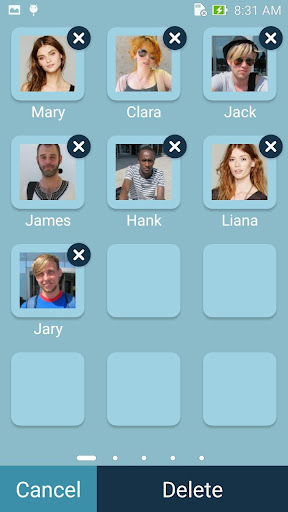
- Personalize your home screens simply by tapping the large plus (‘ ’) symbol.
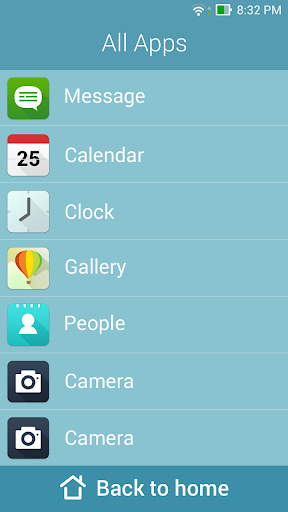
- Access all other apps with a tap of the bold More Apps banner.
- Restore the full ZenUI experience instantly by disabling ASUS Easy Mode in Settings.








9Apps 4.9














