

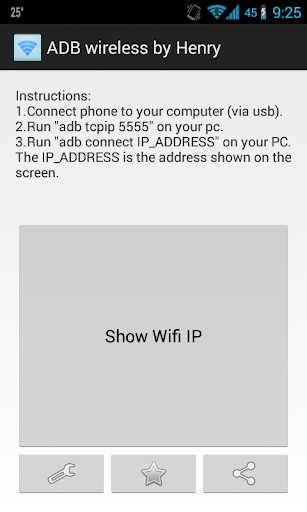
ADB Wireless (no root) by Henry
This app is for developers wanting adb access over WiFi without rooting your phone.
Steps to get it working:
1. Enable USB Debugging on your phone.
2. Connect your phone via usb cable to your PC.
3. Run adb tcpip 5555.
4. Run ADB Wireless (no root).
5. Connect to the IP address.
To revert back to using adb via usb:
1. Run adb usb
*** NO ROOT REQUIRED ***
Notes:
1. The device may also revert back to USB mode after reboot.
2. USB debugging must be enabled on your device.
Want this app to be in your language?
Have a suggestion for this app?
Please feel free to contact me if you have any questions.
Fixed bugs
Added settings, rate and share app buttons.

![Send ADB Commands to Your Own Phone Without a Computer or Root [How-To] screenshot 1](https://i.ytimg.com/vi/4zKespn_OHg/mqdefault.jpg)


![Remove Bloatware Without a PC or Root — Phone-Only Method [How-to] screenshot 4](https://i.ytimg.com/vi/fOhti_og8ug/mqdefault.jpg)
![How to Root Android Phone | One click ROOT Easy Tutorial [English] screenshot 5](https://i.ytimg.com/vi/1Y0jfjCB2WQ/mqdefault.jpg)







9Apps 4.9














