20 20 20 Eye Care icon

20 20 20 Eye Care

1.2.1 for Android
4.0 | 5,000+ Installs | Reviews

Markus Exler

⚠️ You need 9Apps App to install .XAPK File. How to install XAPK?

Description of 20 20 20 Eye Care

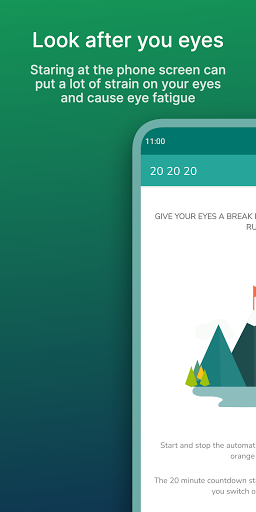
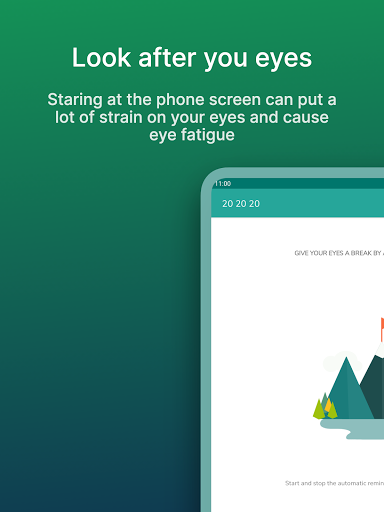
Staring at the phone screen can put a lot of strain on your eyes and cause eye fatigue.
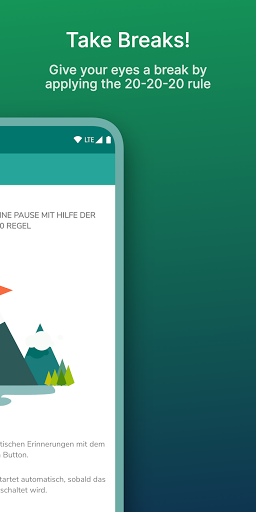
Give your eyes a break by applying the 20-20-20 rule.
Every
20
minutes, take a
20
-second break and focus your eyes on something at least
20
feet (7m) away.
Features:
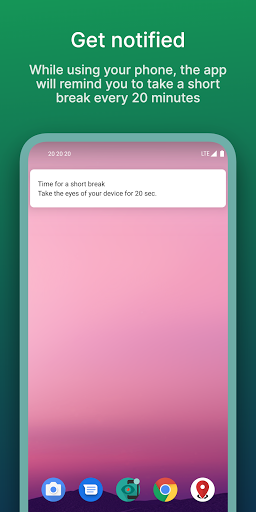
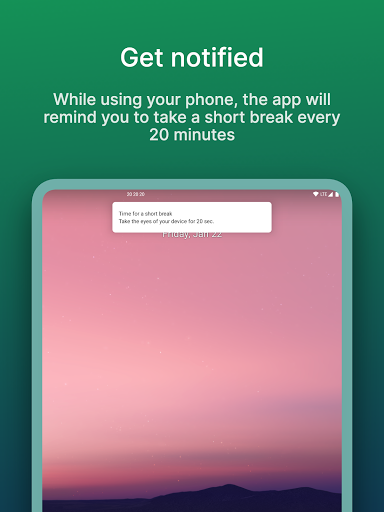
• Notifies you after 20 minutes to give your eyes a break
• Starts countdown automatically when the screen is turned on
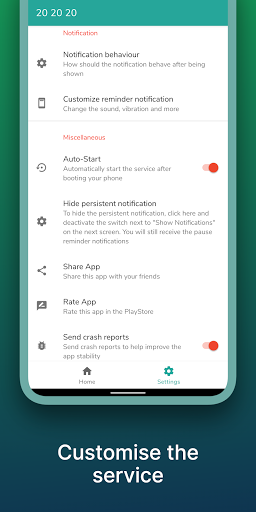
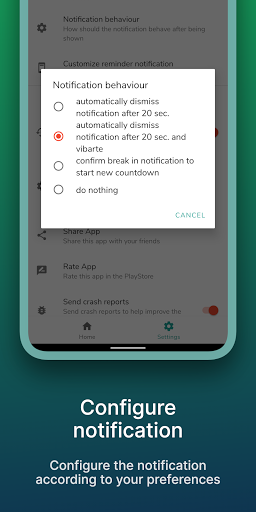
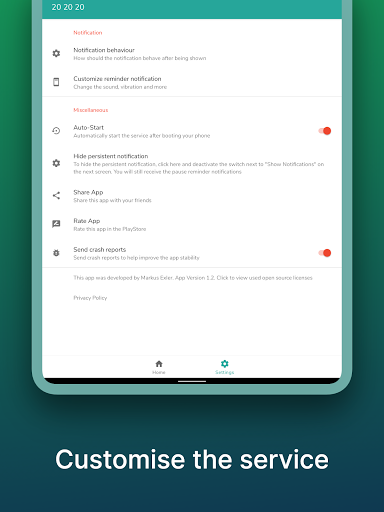
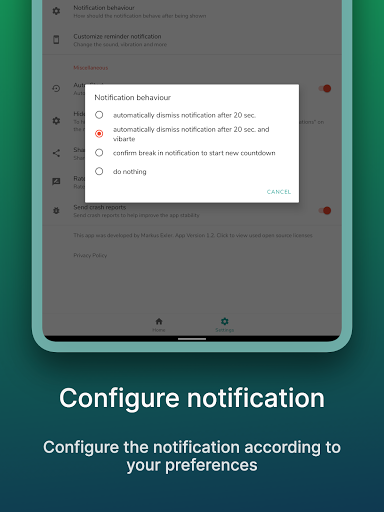
• Configure the notification behavior the way you like
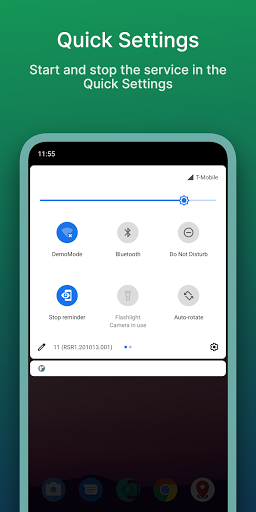
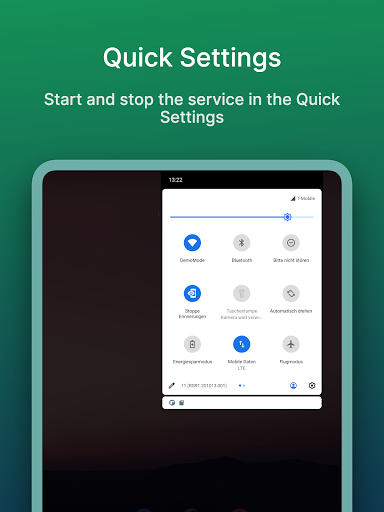
• start and stop the service manually
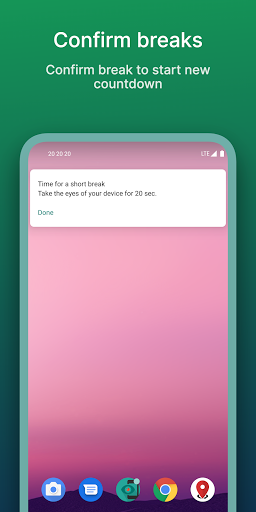
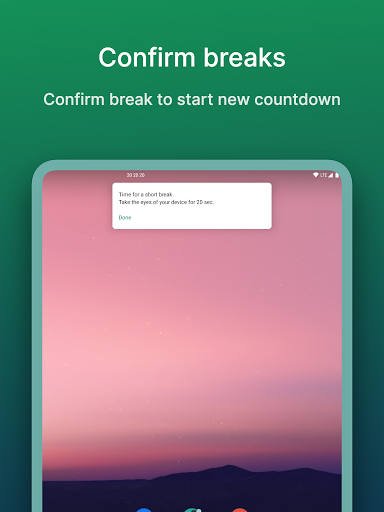
• confirm brake in notification
• take care of your eyes 😉
• AD free
Android 8 Users please read:
On Devices running Android 8 and higher you'll receive a notification telling you the 20 20 20 App is draining the battery in the background.
This is a default notification which is shown for every app using a background service even if it isn't using much power at all. The 20 20 20 service is only counting down 20 minutes as soon as its started. This doesn't require much power or cpu capacity. To verify this claim your self, you can check the Battery statistics after a day of running the 20 20 20 app.

What's New with 20 20 20 Eye Care 1.2.1

-minor bugfix

Information

  • Category:
    Health & Fitness
  • Latest Version:
    1.2.1
  • Updated:
    2021-01-31
  • File size:
    2.9MB
  • Requirements:
    Android 5.0 or later
  • Developer:
    Markus Exler
  • ID:
    com.mexdesigns.app202020
  • Available on:
Reviews
  • avatar
    Lot of customisations are required for this app 1. Instead of just head notification there should be an option of pop up full-screen notification 2. The pop up screen should be given an option to change the colour of the screen as well as text 3. There should be an option to customise the time of work as well as break, people can take a break of more than 20 seconds of required 4. Just check out Break timer app for windows and you can get lot of customisation ideas
    2020-06-11 03:25
  • avatar
    Doesn't work at all...
    2020-01-17 02:20
  • avatar
    ten seconds of installing and I'm already disappointed. this is the third 202020 app I've installed that has been unhelpful or buggy. how am supposed to read grey text on a grey background? update: it never went off. what a waste if time i might as well set an alarm instead of dealing with these broken apps.
    2018-12-18 11:09
  • avatar
    It didn't seem to work. Plus, you can't even see how long it will be until the next notification.
    2018-10-01 03:54
  • avatar
    Outstanding app best app I ever used thanks to the developer
    2018-09-14 03:22
  • avatar
    Outstanding 👍 I stare at my smartphone for hours a day and rarely stop and think to care about my eyes. Now with this very clever and easy to operate App, I never have to worry about over straining my eyes. Great tool for anyone whose a writer, student, or researcher, needing a nice little reminder to take a break. Thx MEX Designs for this useful and practical tool.
    2018-07-12 04:05