
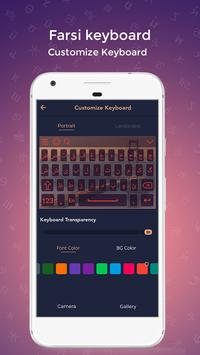
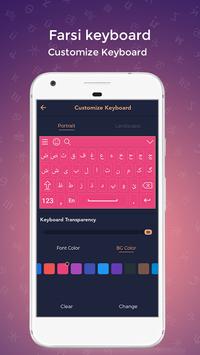
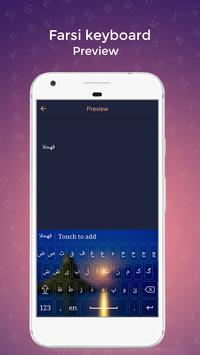
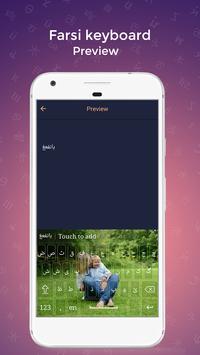
Customize theme and background. Put your photo behind keyboard background. You can use this keyboard to write in Farsi text. Download Farsi Keyboard and type in Farsi language.
With
Farsi Keyboard
you can write all Farsi Alphabets, letters and words. Farsi keyboard is the easiest keyboard to write in Farsi language, it is providing you reading, writing and sharing text in Farsi language. Very convenient to use - Just Install, Enable and Switch to Farsi Language.
How to Type in Farsi Language Keyboard?
- Install and Start Farsi Keyboard
- Set as Default Keyboard from Language and input settings
- Switch to Farsi Keyboard
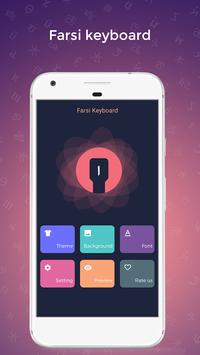
- Apply Theme and Background and start using
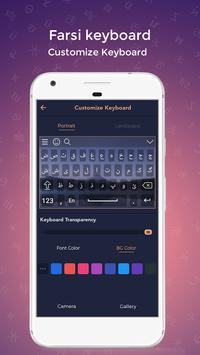
How to customize keyboard theme?
- Easily changeable Keyboard layout
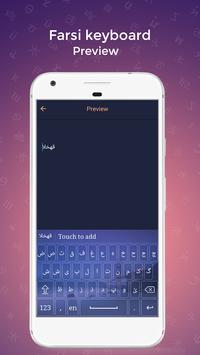
- Live Preview
- Change Background: apply color or Add Image
- Change Font Styles, Color, Type
- Customize both Landscape and Portrait layouts
What are other settings?
- Change Vibrations
- Preview text color
- Auto Capitalization
- change sounds
- Auto text suggestion
- Multiple Font Styles
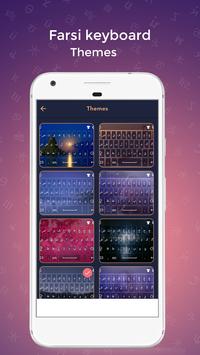
How to change keyboard theme?
- Just open
Farsi Keyboard
app,
- Click on Theme
- Pick any themes as you like and customize it.





9Apps 4.9











