
How do I apply?
1. Download Red Keyboard
2. Open
3. Click Apply theme
4. Select Red Keyboard by clicking Enable
5. Enjoy!
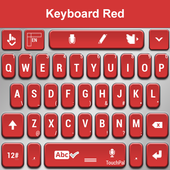
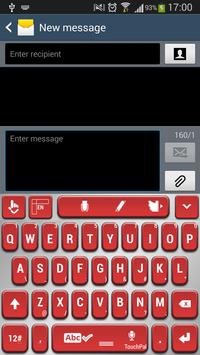
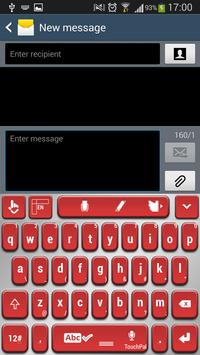
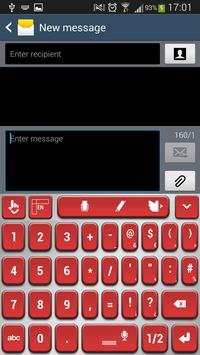
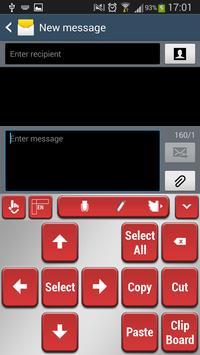
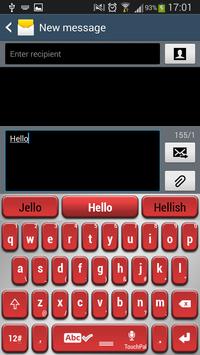
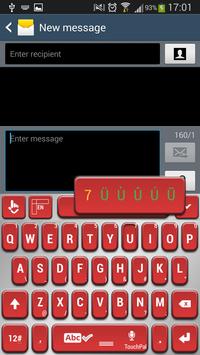
Red is a true symbol for passion, love and sensuality, it can have the softness of the rose petals or the intensity of fire and it will always attract attention and admiration. Be bold, get the Red Keyboard theme and try a red outfit for your gadgets. With this color you can express your wild side and step into the spotlight. You will feel beautiful, strong and ready for any challenge. What are you waiting for? Try something new and get the Red Keyboard theme, you will love it.
Fixed apply button




9Apps 4.9















