

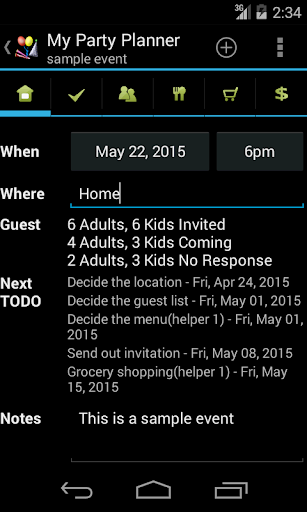
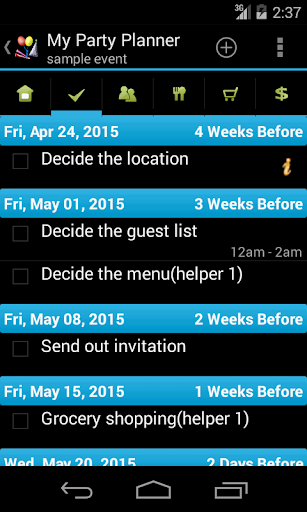
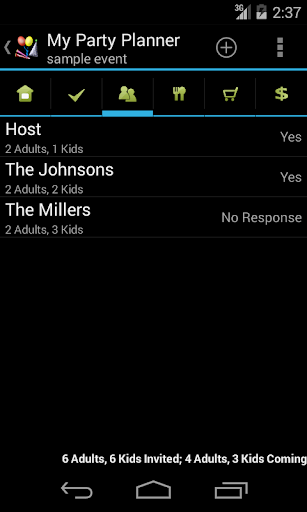
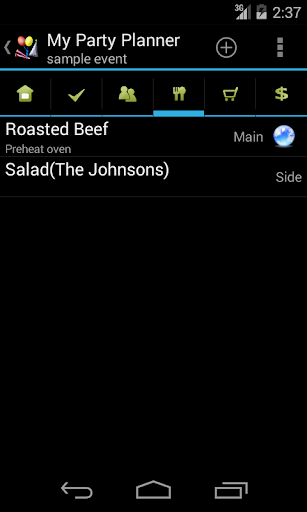
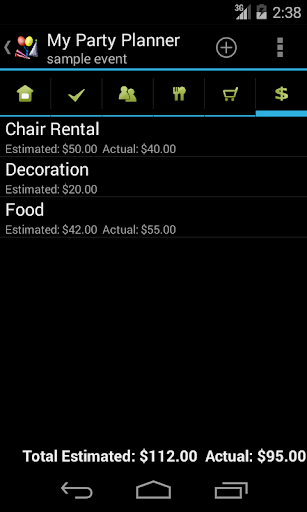
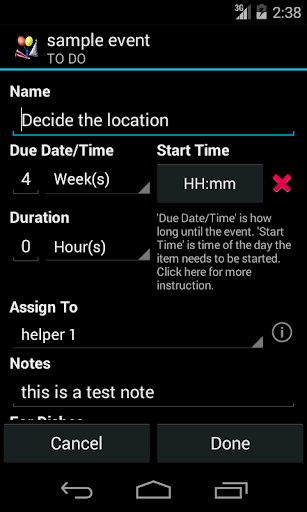
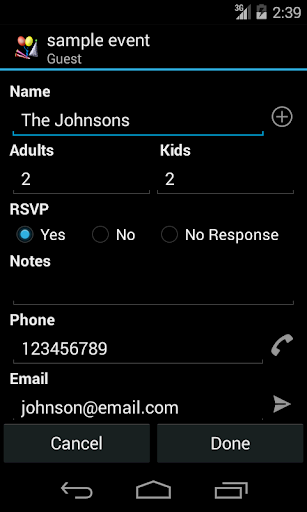
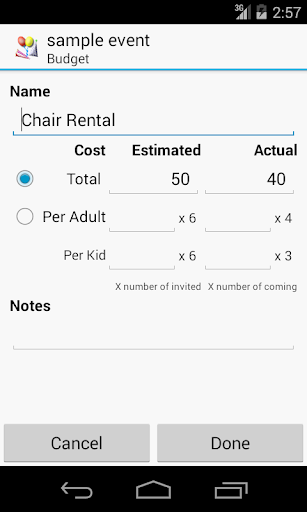
My Party Planner helps you plan parties and events. It has five sections: "TO DO", "Guest", "Menu", "Shopping" and "Budget" in addition to general information.
It automatically sorts TO DOs by due date/time and allows you to set reminder on them. It also allows you to import guests from contacts on your phone and manage RSVPs. While planning the menu, user can enter to-do and shopping items for a specific dish. So on the to-do list or shopping List, user can easily see which dish the item is for. User can also search recipes on the Internet and save the web address for future reference.
Key features include:
Sorted to-do list shows how long until event date/time for easy planning
Import guests from contacts and quick call/email access within the app
Assign to-do, shopping items and guests when planning the menu
Quick look up for recipes and save recipe's url for future reference.
Create similar event by copying from existing event
Mass copy items from one event to another
This lite version is free, but it has Ads and it doesn't allow users to email/send events or set reminders.
***Upgrade from Lite to Full app:
When you upgrade from lite to full, you can use the "Backup and Restore" feature to migrate your data.
To backup your lists, open the lite app and click on "Menu"->"Backup and Restore"->"Backup" in Routine View. Then click on "Backup" to use the default folder or "Select Folder" to choose different location.
Then open the full version, click on "Menu"->"Backup and Restore"->"Restore". It will open default backup location. Choose the folder which contains backup files and click on "Restore". If you have chosen different backup location, then navigate to that location and click on "Restore".
Previous release notes:
8/10/2015 - V2.0.2
Fix bug on Android 4.1 and 4.4 devices
8/3/2015 - V2.0.1
Allow copying items from one party to another party
Fix bug in assigning dishes
Other improvement and bug fixes
4/22/2015 - V2.0.0
Add Budget section to record estimated and actual costs
Allow user to assign dishes to guests
Allow user to assign to-do to helper
Change data storage location to application own storage
Add local "Backup and Restore"
Other improvement and bug fixes
7/16/2014 - V1.2.0
Add start time for to-do items. Allow user to set time of a day an item needs to be started
Group to-do items by due date
Allow user to mass change start time for multiple items(full version only)
Allow user to set reminder for multiple to-do items(full version only)
Other improvement and bug fixes
8/26/2019 - V2.2.2
Fix bugs in editing metadata











9Apps 4.9