

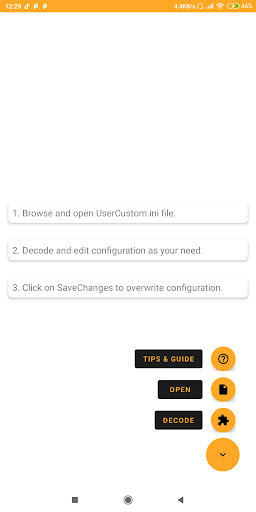
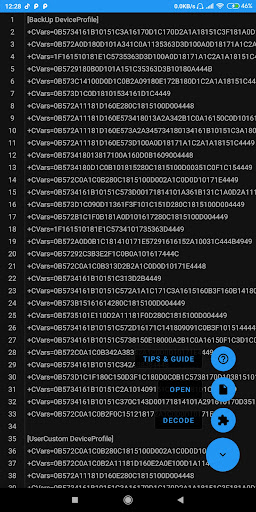
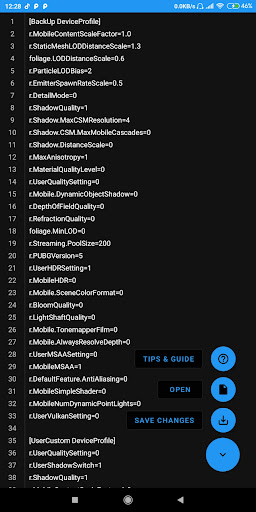
This powerfull tool helps you decode/encode configuration code in UserCustom.ini file.
How to use?
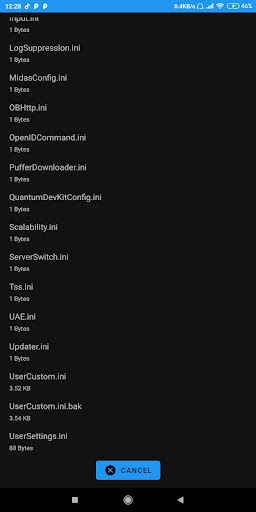
1. Open file picker
2. Browse for UserCustom.ini file in data directory
3. Click on decode button
4. Edit code as your need
5. Click on save & exit button
6. Click on save file button
Backup file will be saved in same directory, in case you want to restore.
This update includes:
- Fixed app crash issue in Android 12
- Bug fixes
- Supports android 11
- Better user interface
- Dark theme enabled
- Code editor with Line Highlighting
- Built-in Cleaner




9Apps 4.9
















