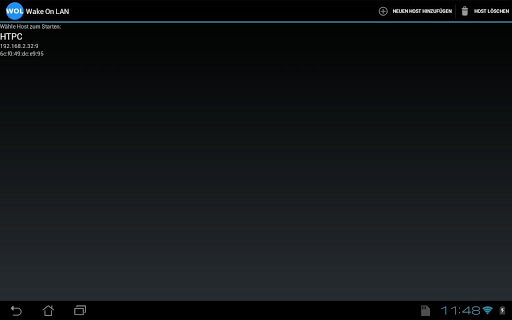
Wake On LAN icon

Wake On LAN

1.4 for Android
4.3 | 100,000+ Installs | Reviews

Sigma-Square UG (haftungsbeschränkt)

Description of Wake On LAN

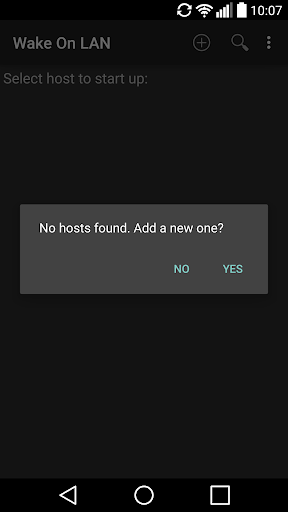
Start your PC remote via Wake on LAN (WOL).
Your Motherboard / Ethernet-Card need to be compatible with the wake on lan protocol (most are) and you have to enable the features in your BIOS settings and your operating system.
This App MAY work over the Internet but theres no guarantee.
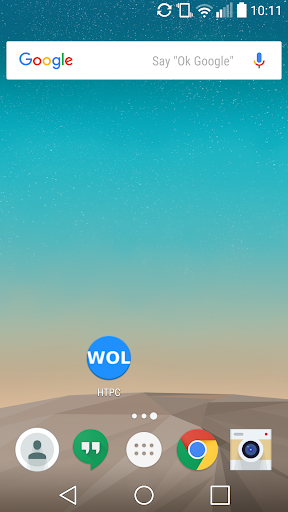
This App contains an App-Widget.
More informations:
http://en.wikipedia.org/wiki/Wake_on_lan#Hardware_requirements
Some Instructions:
You need a WLAN-Router, PC/Notebook, an ethernet crossover cable and an Android Device (of course).
* Connect your PC and your router with the crossover cable.
* Your router must allow UDP Broadcast packages to be send.
* Enable WOL in BIOS and your Operating System.
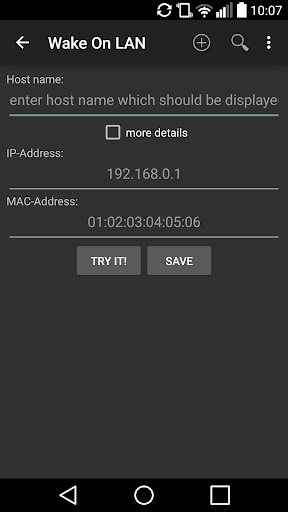
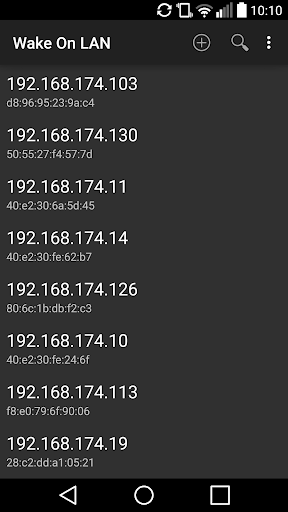
* The get the IP-Address (and in some cases the port for WOL) of your PC.
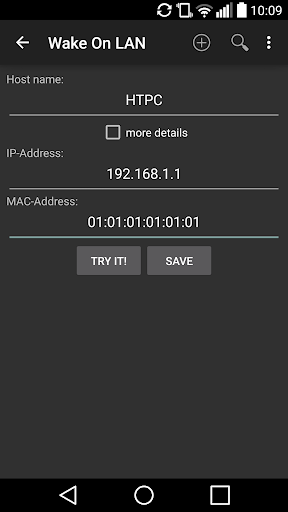
* Connect your Android Device with your WLAN-Router and enter the IP-Address (and the port if needed).
* Click on the Hostname of the PC you want to wake up.
****MOST PC'S WON'T WORK IF THEY ARE NOT IN STANDBY OR SIMILAR STATE****

What's New with Wake On LAN 1.4

Android 8 support

Information

  • Category:
    Tools
  • Latest Version:
    1.4
  • Updated:
    2019-10-12
  • File size:
    1.1MB
  • Requirements:
    Android 4.0 or later
  • Developer:
    Sigma-Square UG (haftungsbeschränkt)
  • ID:
    de.ralischer.wakeonlan
  • Available on:
Reviews
  • avatar
    After installing several WOL apps this one starts my Synology NAS. I set it up for my Coreelec device but that didn't work, however I can't find a way to remove it from the list.
    2020-10-22 05:03
  • avatar
    Aahaa Classic
    2020-09-04 06:49
  • avatar
    Great app. Does what it says on the tin. No ads, no IAPs. I can wake up a remote computer over the internet using it's hostname. Works on Android 10.
    2020-05-16 05:36
  • avatar
    This one worked when others did not.
    2020-01-23 04:40
  • avatar
    Like destop widget for quickly turn on pc
    2019-12-19 05:16
  • avatar
    Nope this one also says pc woken when it has not been. Dose not work. Edit: WORKS NOTE TO DEV. I Will change my review in time. Issue happend when I was swaping Ram, so downloaded your app when PC was off at power supply. So when power is restored a WOL packet will FAIL UNTIL the system is fully booted and shut down. Power must exist from power supply to motherboard or it fails, must be stored settings on the network card. Initial manual power up and shut down is required.
    2019-03-31 11:46