
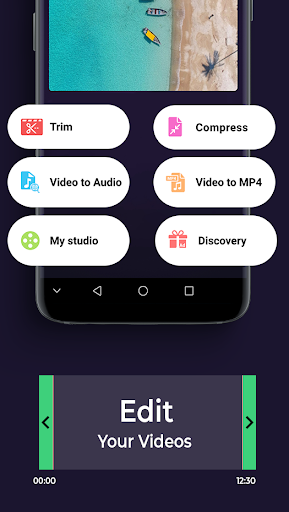
Video Cutter - Compressor & Converter help you can easily video cutter without watermark and edit professional video, convert video to MP3, AAC and ACC and many other built-in video toolset. Best video editing app for YTB, instachat & tik tok
You have downloaded the music videos or the clips of the speakers, you want to turn these video to audio files to be able to listen again easily. With Video Editor you can quickly extract music from video, mp3 music video converter .
The application supports android users to convert video to mp3 from internet to different audio formats. The application has a fast conversion speed and is quite simple to use, with this application you can easily extract mp3 from video formats to MP3, AAC or ACC format for playback on your Android device.
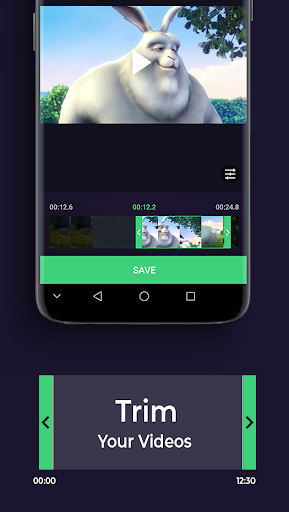
With crop and adjust video, you can easily edit the length of your video trim video from middle and video cutter by typing start and end timing. This application provides many tools to trim your video and create clips, split your video files into two separate video clips, video cutter ringtone mp3. With long videos you can easily cut and remove broken or unnecessary videos to create great video clips.
With intelligent technology, you get the files with the best sound quality convert mp4 video to mp3 and extract audio from video, allowing you to edit music files such as song title, album name, artist name, genre of music ....
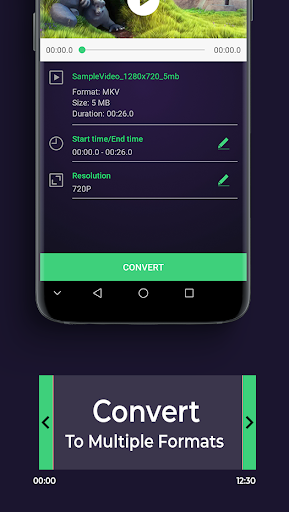
Not only does it support converting video to mp3, it also supports convert video to mp4, making it easy to read MP4 video files. Popular video formats such as WMV and AVI are supported, convert video wmv to mp4. This software helps to produce output video with high converting speed.
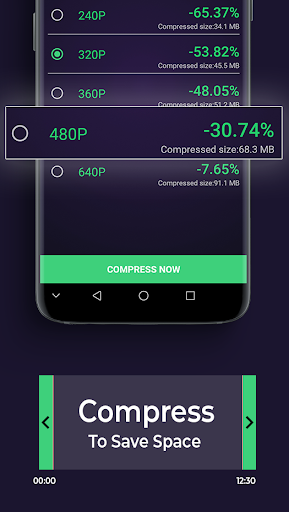
This application also supports many compression technologies of video to reduce the capacity of the video to the lowest level without reducing the quality of the video, you can compress video size from large to small and compress video without losing quality, click screen size or bitrate and many other methods. Especially this video editor and compressor application also supports compressed video storage capacity to save your time for video mp3 converter ringtone.. Supports video compression formats: 4K, 2K, FullHD 1080, HD 720 ...
Features of best video to mp3 converter:
- Video editing apps for free
- Video format converter to 720p hd
- Fast conversion and good output quality
- Video converter ringtone maker
- Set audio channel as mono and stereo with mp4 to mp3 converter audio.
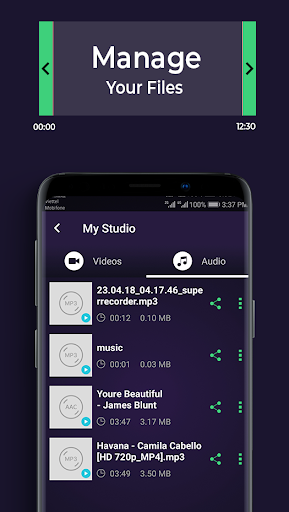
- Rename files, manage audio files
- Video resizer converter, video compressor with same quality.
- Edit audio file information: Title, Photo Gallery, Artist, Genre.
- Supports 64kb/s, 128kb/s, 192kb/s, 256kb/s, 320kb/s, bit rate ...
- Support batch video compression
- HD video converter to low quality,
- Supports video formats: MP4, MKV, FLV, AVI, WMV, ..
- Video to mp3 extractor with output formats: MP3, AAC, ACC
- Support: Play video, Rename video, Delete video
- Beautiful interface, easy to use
- Free
We are constantly working to develop, crop and trim video without watermark. Please rate 5 ★★★★★ #Video Cutter - Compressor & Converter to support us. Mp3 video converter download
Extract audio from video to mp3, convert video formats and compress is best!
![Free MP4 Video Cutter - Cut Long MP4 Video Without Quality Loss [2021 Updated] screenshot 1](https://i.ytimg.com/vi/KAb9707MKZU/mqdefault.jpg)






9Apps 4.9