

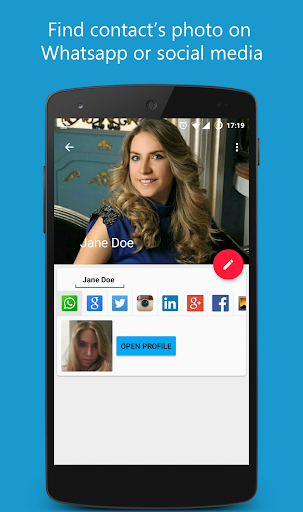
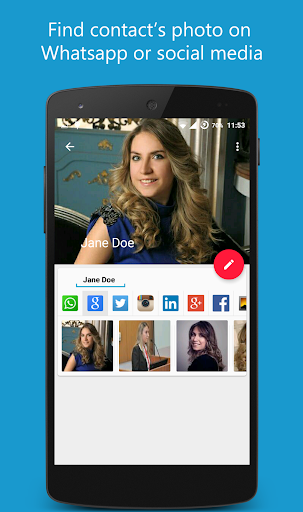
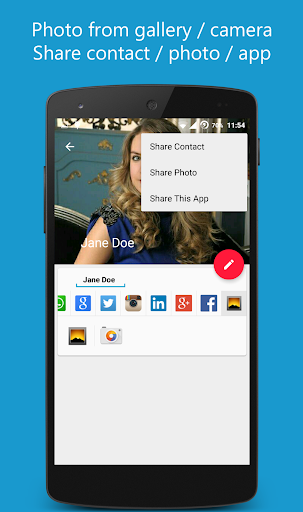
You can find contact photo on Whatsapp profiles or social media (Google, Facebook, Twitter, Instagram, Viber, LinkedIn, Google Plus) and set as contact photo. If you select one contact see firstly Whatsapp profile photo. Also set contact photo from Gallery or Camera.
Main Features:
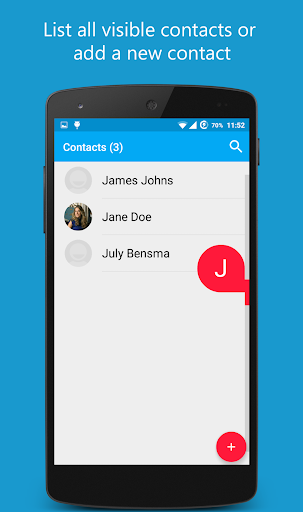
- Lists all contacts
- Filter contacts by without profile photo (in settings)
- Whatsapp (after
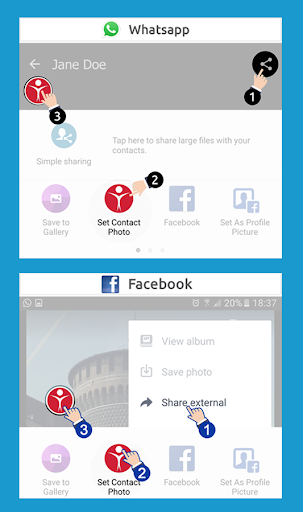
v.2.16.95): Click the open profile button, show profile photo and share photo with this app and return.
- Whatsapp (before v.2.16.95): Find automatically Whatsapp profile photo (If you seen before contact profile)
- Viber profile picture support
- Facebook: find contact on Facebook with name or phone number and share photo with this app,
- Search contact photo on social media (Google, Twitter, Instagram, LinkedIn, Google Plus)
- Social Media searches doesn't require any account or login process
- Share any photo with this app and select contact for set the photo.
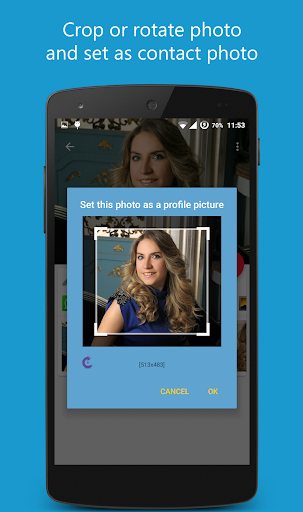
- Crop or rotate photo
- Extra information of contact (Company, Emails, Notes etc)
- Add or edit contact
- Share contact or contact photo
- Determine whether the contact is using Whatsapp
- Material Design and Material Animations
- Long-click on photo in results to open published website
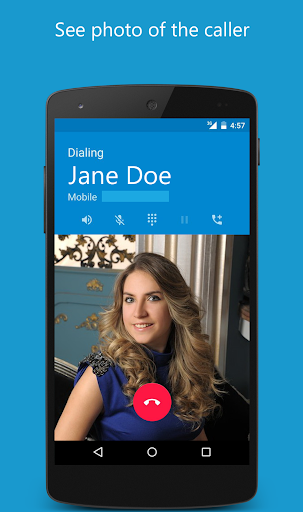
- Call to contact from app
For best match:
- Save contacts as name and surname
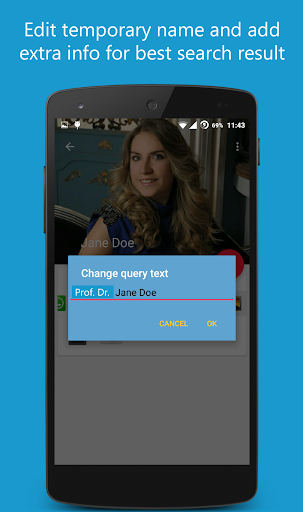
- Change search text and add extra info such as company or title with click on left side edit button
Question and Answers:
- For Whatsapp profile photo:
* Touch Open Profile button
* Tap on the name in chat screen
* Wait to become clear profile photo or click the photo wait for download
* If you are use new version of Whatsapp you must share photo with this app
* Return the our app. That's all
- For Viber:
* Touch the Viber account phone number button
* Tap on the user profile picture in chat screen
* Wait to become clear profile photo or click the photo wait for download
* Return the our app. That's all
- For Facebook photos:
* Touch contact name or phone number button
* Select contact in results
* Open any photo and share external with this app
* Return the our app. That's all
- Auto sync all contacts with Whatsapp: Technically not possible to auto sync all contact profile photo with Whatsapp hi-res profile photos. Only thumbnail photo can be sync with contacts for rooted devices.
Translations:
-German : Moritz Wiegand
-Polish: Tomasz Zalewski
-Brazilian Portuguese: Marcio de Andrade
(Thanks for translations.)
Please feel free to share your feature requests and suggestions for improvement.
Bug fix.






9Apps 4.9
















