

NOTICE
this app is a "top-level app", specifically designed for persons with a good android experience, willing to possess the most complete app of this kind and to sacrifice part of his time to learn how to use it, consultino a rich and exhaustive set of documentation, including 10.000 text help lines, translated in 7 languages, and 40 help youtube videos in english and italian. If you are not this kind of person, I suggest you to avoid this app, for your and my mental sanity! I create app for passions in my free time, they are well-done, useful (particularly appreciated by visual impaired people), has many useful options and, what is important for all, are free and no-advertising. We all benefit from the existence of well-made free apps, so if you have problems, be useful to the free community, write me describing your problems: mariuspelix@gmail.com
PRESENTATION OF THE APP
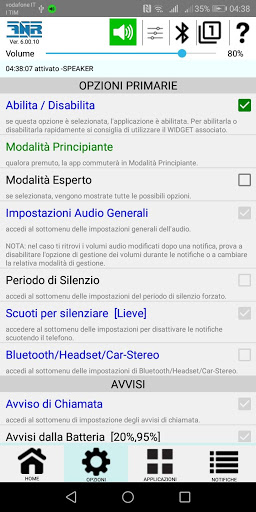
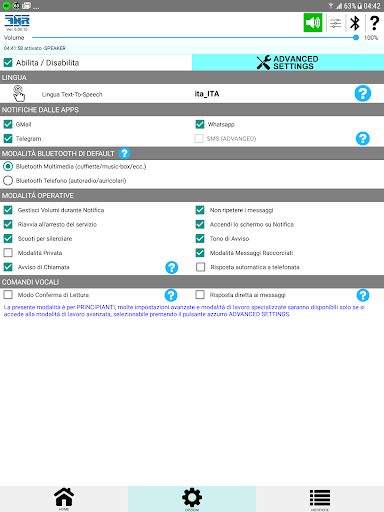
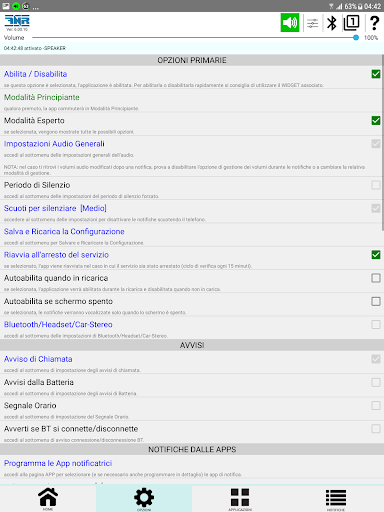
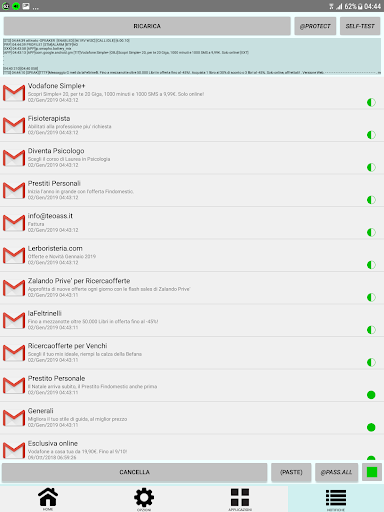
FREE NOTIFICATION READER (FNR) is an app that reads out by voice notifications from various apps (such as WhatsApp, Telegram, Handcent SMS, Facebook, Instagram, YouTube, Calendar, etc.), and, possibly, caller's name.
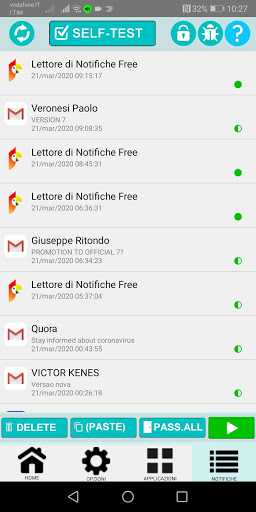
Read notifications from the selected apps
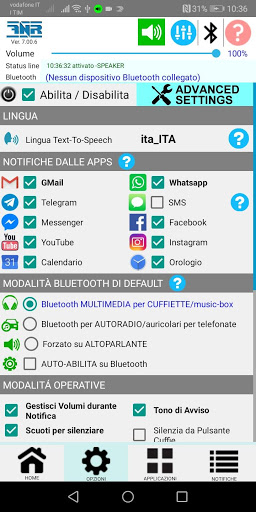
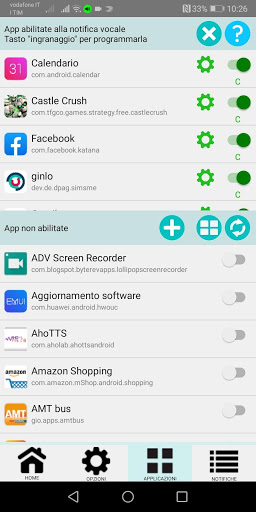
- user can choose which apps wants FNR to read notifications
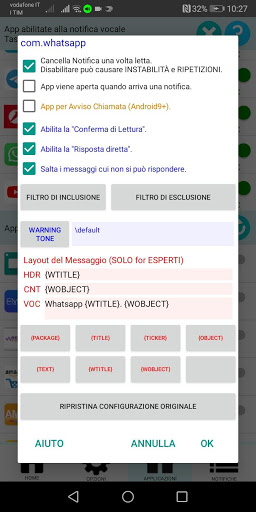
- user can set FNR to read any field of the incoming notification, even changing its content
- user can adjust the number of characters in the notification to be read.
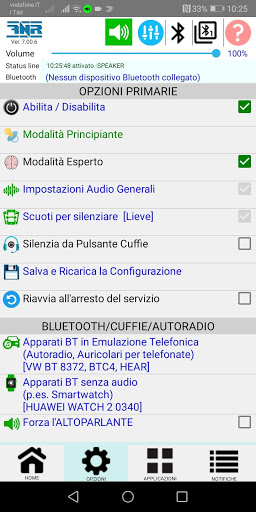
- user, while FNR is reading a notification, can clear it by shaking the phone, or by pressing the headset button, etc.
- user can remove or change notifications by using app’s advanced filters and dictionary
- when a notification occurs, you can have FNR delay a few seconds before reading it
- and much other!
Read time
user can have the time/daytime read every time interval he selected.
Read battery status
user can have FNR read the current battery status starting from the selected thresholds.
When to read notifications
- user can configure FNR to read the notification only when a Bluetooth earphone/headset/car-stereo or wired earphones is connected
- user can configure FNR to read the notification only when is detected on movement, or when the phone is in charge, or when the screen is off, etc.
- user can prevent FNR from reading notifications at certain times
- and much other!
Volume
- User can either follow the volume setting of his system or use the volume of FNR itself on the audio channel he desire.
Reply by Voice
- this EXCLUSIVE feature allows the user to reply by voice to the incoming messages, this is really useful and proficient!
SUMMARY
Finally, you can check notifications from various apps and incoming calls, while driving or exercising without looking at your phone.
If you are wearing Bluetooth earphones while riding a bike long distances, you can check notifications on your phone by concentrating on riding.
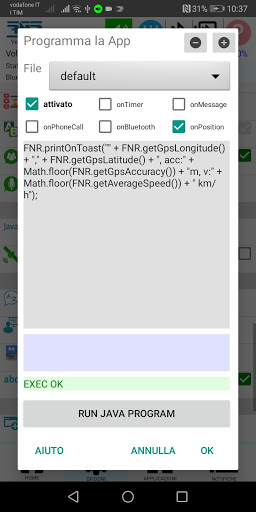
FNR also provides plentiful options for your usage environment. By using the rich options, you can freely configure when and how to read notifications that are right for you. You can decide whether to read notifications based on the connection status of various peripherals (such as earphones, bluetooth headsets, geo position, etc.). If you are connected to multiple Bluetooth devices, you can select the ones them that will enable your FNR.
Furthermore an EXCLUSIVE feature, you can reply by voice to the incoming messages, this is really “astonishing”, useful and proficient!
NOTE: android auto is not supported, because of its many problems!
My app is a notification vocalizer (no smartwatch is supported), it is a "high-level app", designed specifically for people with a good knowledge of Android, eager to own the most complete app of this type and to learn how to use it, consulting a rich and comprehensive documentation, including 10,000 help lines in 7 languages and 40 YouTube videos in English and Italian. If you are not this type of person, avoid this app, for yourself and for my sanity!




9Apps 4.9