
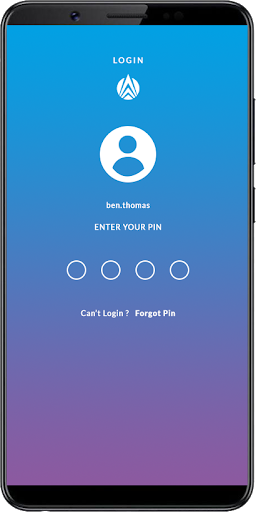
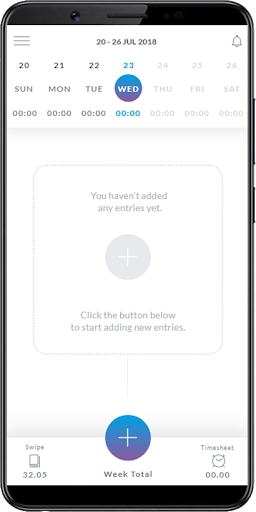
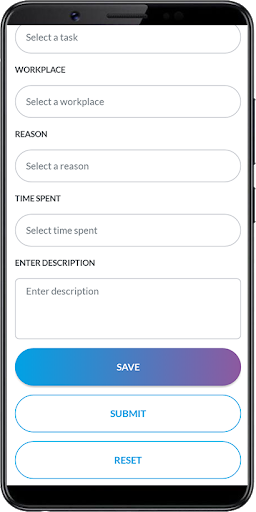
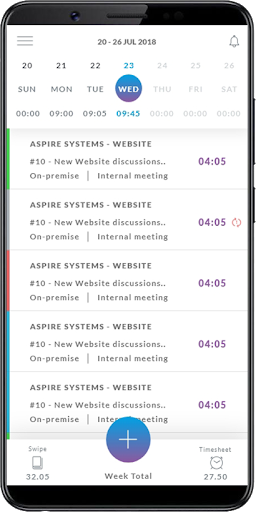
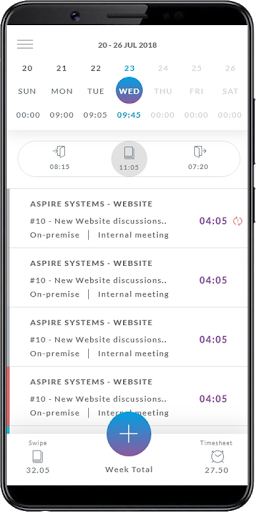
In an effort to make the key features of our internal applications easily accessible to you , we are proud to launch My Aspire - our one-of-its-kind mobile app.
To begin with, the mobile app will enable seamless timesheet entry and submission, be it while traveling or at home.
Another major highlight of this app is the ability to add your time entries online as well as offline*.
With app installed on your phone, you can:
• View, Save and Submit time entries
• Edit/ Delete Saved entries
• View the status of submitted entries (Approved / Rejected)
• Enter time for unlocked week and submit with appropriate reasons and comments
• View list of allotted projects or the ones you have access to
• View list of tickets that user has created or estimated
• Enter timesheet for the selected tickets with appropriate reasons and comments
* You can Save and Submit entries offline but should sync the data while online.
Note: Data sync between the app and web can either be automated or done manually.
Install the app now to join the digital bandwagon. Share your experience about
the app with us via the integrated feedback section.
Search Keywords: Aspire, MyAspire, Aspire Systems, Timesheet.



9Apps 4.9