
InboxIt - Share to mail icon

InboxIt - Share to mail

1.3.0.4 for Android
4.3 | 10,000+ Installs | Reviews

Lowenhardt studios

Description of InboxIt - Share to mail

Ever find something you really want to read or review later, and then forget about it?
Whether it is an article, image, video, or anything else, easily send it to yourself with a single click and find it waiting for you later!
How it works?
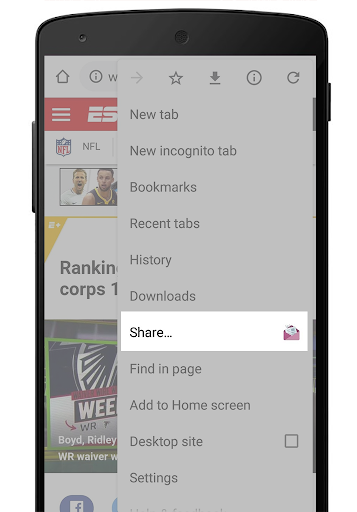
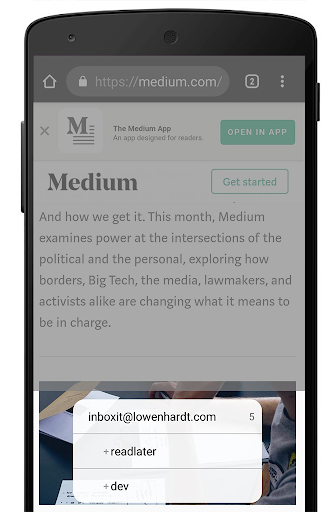
InboxIt appears in your share menu. Click to share via InboxIt, and your item will instantly and privately be waiting for you in your email inbox.
What's easier than that?
What makes InboxIt better?
There is no need to type your email address, subject title or email body manually. InboxIt
does it all with a 'single click'.
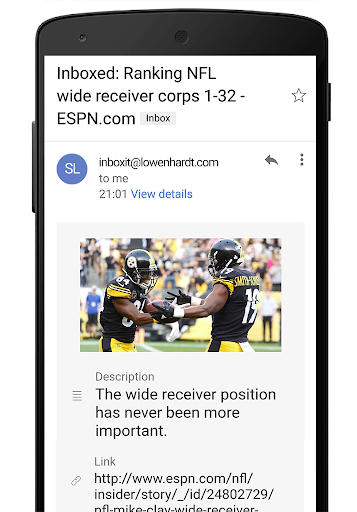
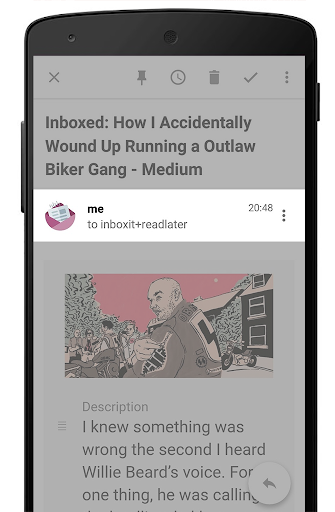
In addition, InboxIt grabs the website's image and description for nicer and more readable emails.
In other words, InboxIt is better than sharing to your email app!
No more clicking on emails to figure what article that was. Images and videos are also supported (up to Gmail's size limit of about 35 MB, may change)
That's not all
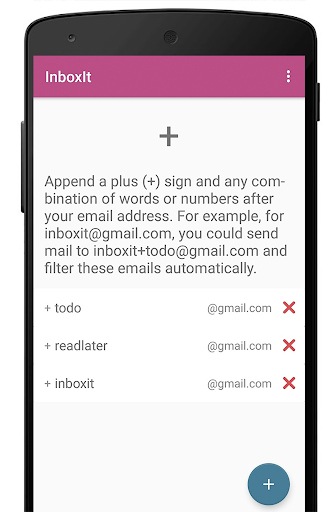
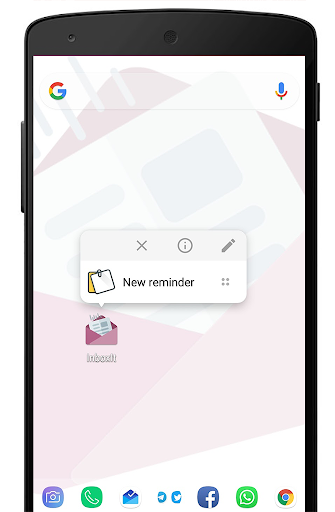
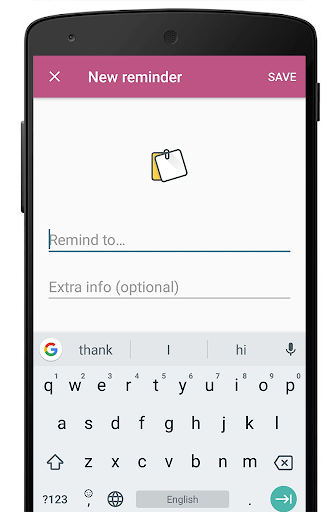
You can also create quick reminders using the app shortcut/widget.
This way all of your items will be waiting in the same place!
Premium features:
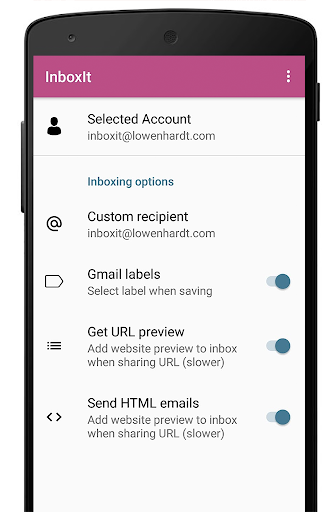
- Custom subject prefixes
- Custom recipient
- Automatically apply Gmail labels
- Scheduled reminders
- Remove InboxIt branding
Notes:
*
THIS IS NOT A REPLACEMENT FOR THE INBOX APP
and
IT'S NOT AN EMAIL
CLIENT
. Please read the full description and watch the demo video.
* A Gmail account is required for using the app. Items can be saved to
ANY
account.

Information

  • Category:
    Productivity
  • Latest Version:
    1.3.0.4
  • Updated:
    2020-12-19
  • File size:
    6.0MB
  • Requirements:
    Android 4.1 or later
  • Developer:
    Lowenhardt studios
  • ID:
    com.lowenhardt.inboxit
  • Available on:
Reviews
  • avatar
    Great idea. Works perfectly
    2020-10-14 02:11
  • avatar
    I wasn't sure about this til I finally used it. No more typing in my own email to send a save from other apps and sites. Just hit inboxit and it's done!
    2020-04-16 09:18
  • avatar
    Very useful... when it works. I find that I have to set it up repeatedly for it to work. It shows up fine in Gmail, but not when forwarded/read in Outlook. Great idea, but the execution is lacking.
    2019-08-19 01:54
  • avatar
    The app has worked very well for me. I have used it enough to increase my four star rating to five stars.
    2019-08-04 12:33
  • avatar
    Almost exactly what I want. The one thing I'd like to see is an option to set the default screen to the "new reminder" one so I could open the app, type something, and send it. Currently I have to long press on the app in my launcher and choose New Reminder. A little clunky, but it's better than nothing. The one click sharing is perfect though.
    2019-08-02 06:18
  • avatar
    Really useful for fast sharing, love it. 😊
    2019-06-03 07:15














