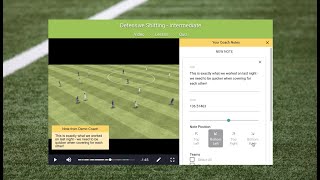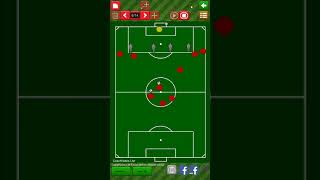
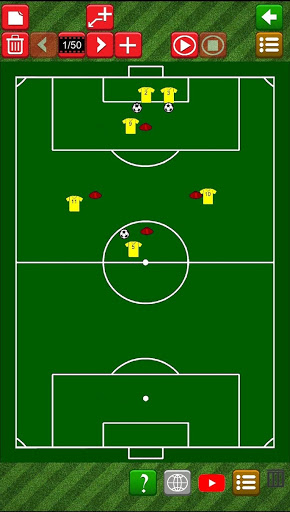
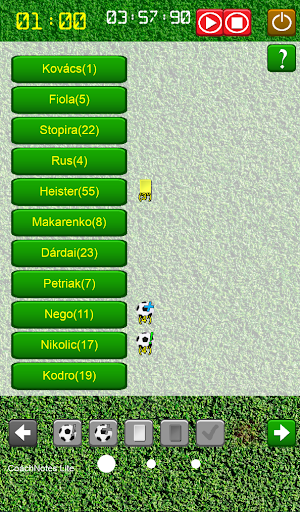
Main functions:
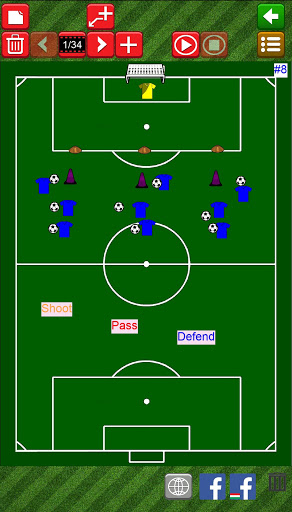
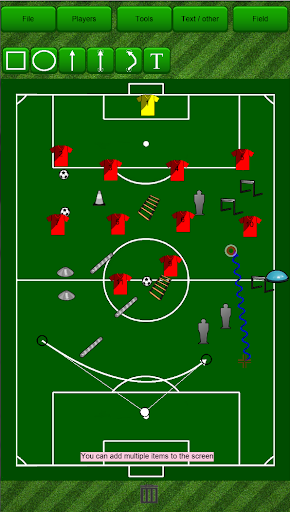
1. Football training plan (you can move / animate)
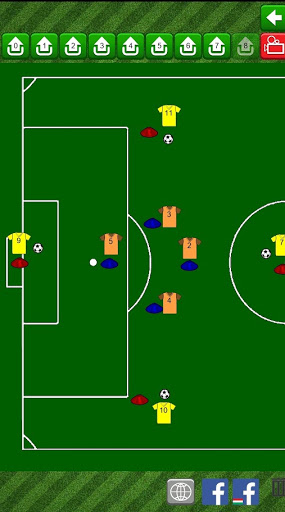
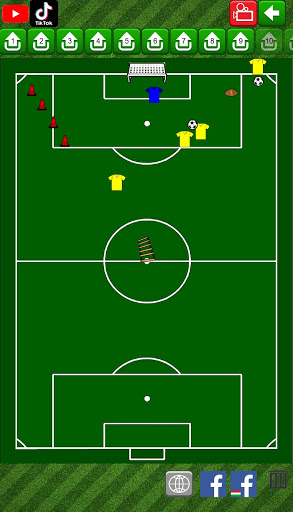
2. Football training library (collection of football drills)
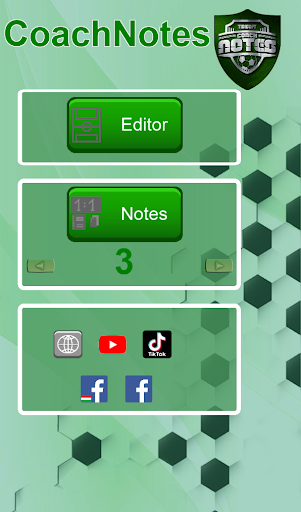
3. Record key data of a match right in time
The app is can be useful for a soccer coaches, players, bloggers, or parent of youth footballers.
Easy to use functions to use the built in drills, edit them or create your own one.
Contnously increased number of soccer training drills, plans and exercises. You are free to modify it according to you needs.
You can create and save your drill anywhere, record your ideas or a momentum of a soccer game what had you seen, share the result as a picture with your team, colleagues or friends, or post it directly on social media.
You can use multiple player-markers, tools on different soccer fields, including indoor version too.
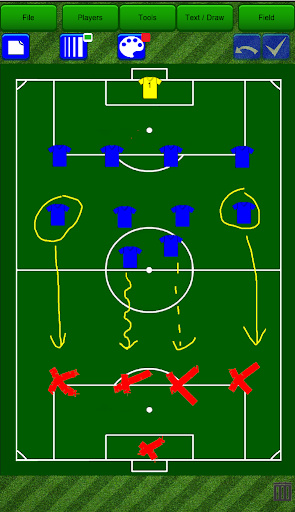
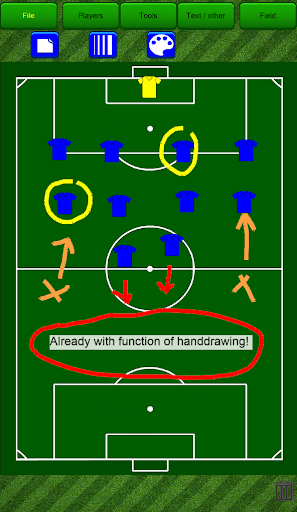
If a tactical board is not there you can use this app as a digital tactical board to draw up a team or explain a certain in-game situation for the players. Use your fingers to draw, what you can delete with one click.
If you are a football fan, or a blogger, you can create your favorite team's real or suggested starting-11 and immediately share it with your friends or audience before the match is started. You are free to use any of the available apps on your phone to share this content, like your Blog, Facebook, Google Photos, Insta, e-mail, Google Drive, Viber, etc...
[New function]
Record the main details of a match during a match.
In addition to the running (stop) clock, the goal scorer, assist, yellow card, red card, useful moves and substitutions can be recorded with two clicks.
HANDLING:
Functions are easy-to-use, just click on top menu buttons to create the items, afterwards you are able to drag'n'drop them to the desired place.
Some hints for easier handling:
Double Tap on any item on the field: Properties menu
Long press on Text-box: Edit the text
Animation mode (red icons):
- can be found at bottom right corner
- double click on " " or "-" will result 10 step forward or backward
Animation library: bottom right corner, light brown 3dot-3line button (or now same button on main screen, at bottom-left corner)
Handdraw mode (blue icons): can be found under "Text / Draw" menu
DEVELOPMENT:
The functions are continously improved, actually focusing on animation features, but we would appreciate any feedback or idea about what items You would like to add.
- Notes options, adjustable team size
- main menu
- new warm-up exercise (#15)
- Bug fix (time, substitutes)





9Apps 4.9