
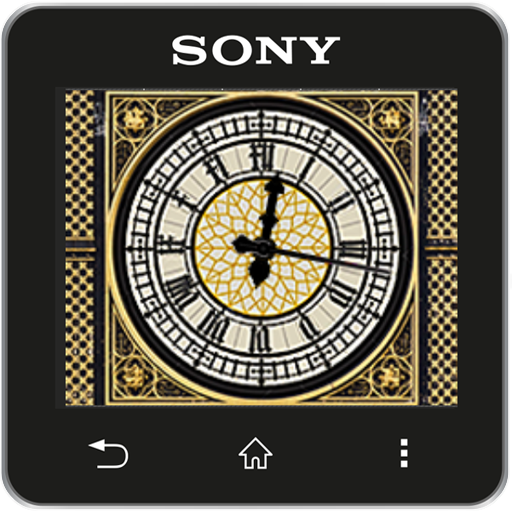
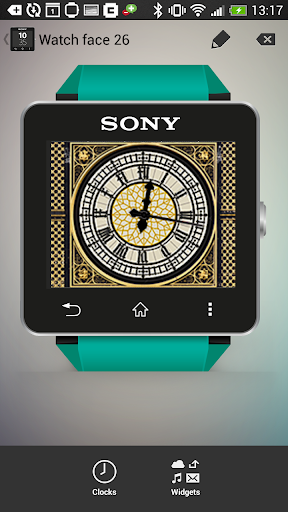
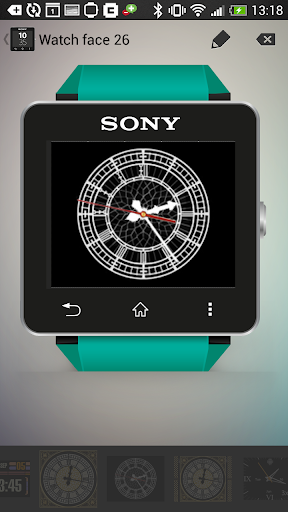
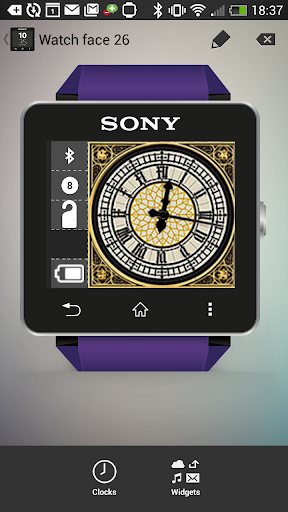
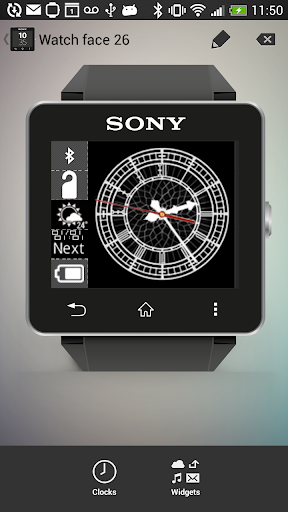
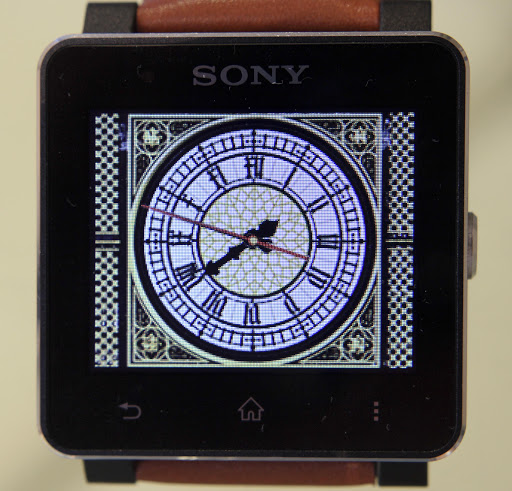
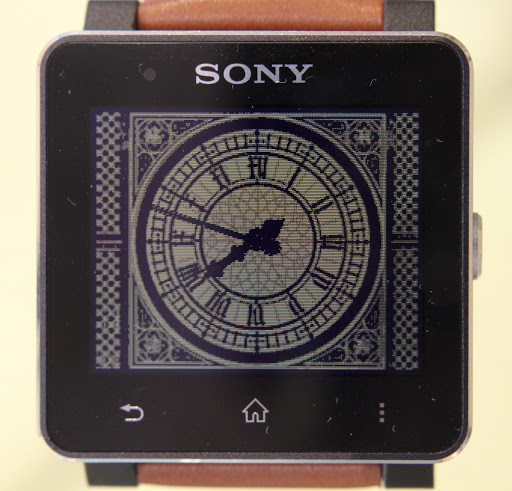
Analog clock watchface widgets for Sony SmartWatch2 based on the Big Ben clock face. Optimised for low power mode and can be configured for 4x5 layout to allow for additional widgets.
Installation instructions:
1. Download app via Google Play
2. Click the 'SmartWatch 2' notification in the notifications bar to open the SmartWatch 2 configuration app
3. Click 'Edit watch faces' button
4. Create a new watchface or edit an existing one
5. Click 'Clocks'
6. Choose the new watchface from the list of watchfaces
7. Enjoy!
Thanks to Naheel from XDA forums for providing the guide on how to make custom watchfaces.
Smart Connect extension for SmartWatch 2
Smart extension for SmartWatch 2 clocks
Sony and the Sony logo are trademarks or registered trademarks of Sony Corporation.
This app is in no way associated with, endorsed by, or affiliated with, SONY or Sony Mobile.
Improved positioning of minute and hour hands on main Big Ben watch face


9Apps 4.9















