
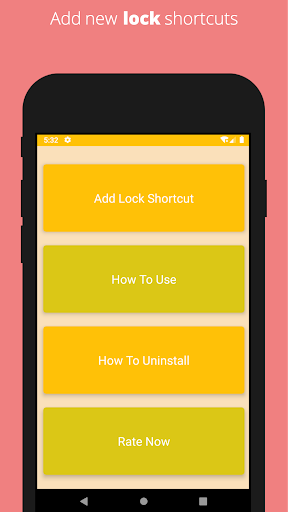
Lock your phone by creating new shortcuts by using your photos. Select your favourite picture from gallery and use it to lock/screen off of your phone.
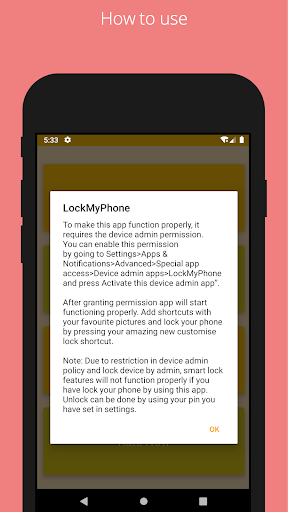
To make this app function properly, it requires the device admin permission.
You can enable this permission by going to Settings>Apps & Notifications>Advanced>Special app access>Device admin apps>LockMyPhone and press “Activate this device admin app”.
After granting permission app will start functioning properly. Add shortcuts with your favourite pictures and lock your phone by pressing your amazing new customise lock shortcut.
Note: Due to restriction in device admin policy and lock device by admin, smart lock features will not function properly if you have lock your phone by using this app. Unlock can be done by using your pin you have set in settings.
To uninstall this application first you need to disable the admin permission from Device admin apps.
To do so, go to Settings>Apps & Notifications>Advanced>Special app access>Device admin apps>LockMyPhone and press “Deactivate this device admin app”. And directly uninstall from here or drag from menu to uninstall bin icon.
Initial release to LockMyPhone service.



9Apps 4.9














