

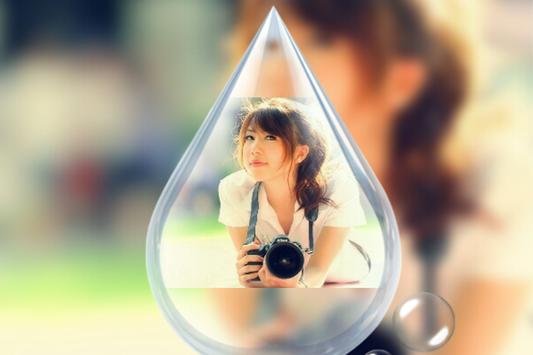
DSLR
Blur Camera
is your go-to for picture editing, designs, text, filters, effects, collages and more.
DSLR
Blur Camera
is a powerful photo editor which we created because we wanted a quick and easy way to edit our photos on the go with no fuss.
DSLR
Blur Camera
is packed with templates, stickers, grid and layout options, photo effects, and exciting photo editor tools to make photos extra special.
DSLR
Blur Camera
All-in-one photo editor, collage maker and PIP camera
DSLR
Blur Camera
is an easy to use and powerful photo editor and collage maker!
Add emoticons to your photos with Emojis smiles and smiles and popular tags.
DSLR
Blur Camera
has a simple user interface with a powerful photo editor that gives you everything to create amazing collage of your photos
DSLR
Blur Camera
instantly with this powerful Photo Studio app, which is one of the best photo editing tool in android. Get the best photography art in your photos with large number of amazing photo effects.
DSLR
Blur Camera
photo effect lets you to create amazing collages using your photos, cool stickers, backgrounds,sticker and text with fun fonts
DSLR
Blur Camera
Explore the unique features of this pic editing app to edit pics in numerous ways. What makes this pic editor app special is the variety of options it offers for pic editing
DSLR
Blur Camera
photo effect add New effects & filters will be ready. Numerous amazing filters with artistic styles and artwork effects, easily turn your photos into artworks
DSLR
Blur Camera
Select a few photos and instantly get an awesome photo collage (a grid of photos).
Incredibly easy to use, yet highly powerful and has many options to customize and make it personal.
#--------- MAIN FEATURES
DSLR
Blur Camera
---------#
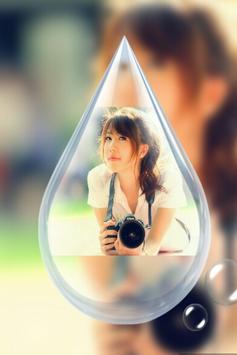
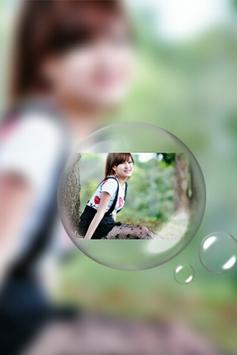
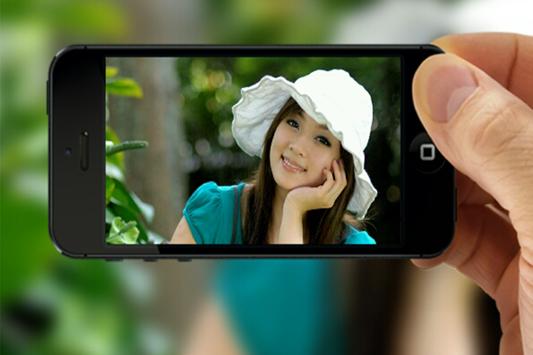
PIP Style Photo
Blur Photo Effect
Grid Collage
Photo Collage
HD fream
Easy Photo Editor
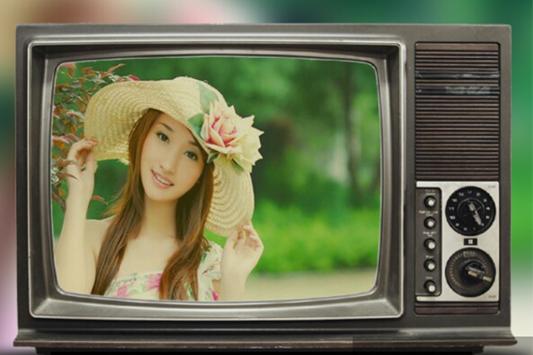
Photo Frame
Add text
Add Effect
Add Sticker
Save and Share On Social networking
#--------- Key Features
DSLR
Blur Camera
---------#
Unique effects and filters
Add text
Photo filters
Amazing photo effects & filters
borders and frames
Color balance
Fun stickers
Auto contrast
Easy to use UI
Adjust brightness, contrast, color temperature
Share to social network
#--------- How to use
DSLR
Blur Camera
---------#
1. Import photos/pictures from gallery or take from camera.
2. More than 50 collage frames. Use Photo Collage function to collage your photos and pictures with awesome magazine layouts and frames to be the popular guy on the magazine cover.
3. Photo filters for decorating your photos/pictures.
5. Click on Right corner button and save.
6. Easily share the photo on Instagram, Twitter and Facebook and share this wonderful Photo Collage Editor.



9Apps 4.9















