
It can be said with certainty that 20,000+ users downloaded WIFI ChatServer latest version on 9Apps for free every week! The app has made a strong effect. This hot app was released on 2017-02-03. That’s it! You’re done?
A simple chat server for local seti.Rabotaet on WIFI not require an internet connection or 3G.
To client devices without having to install programm.Klienty work through the WEB browser. Chat can be carried out as between the smartphone and the PC. The server can run as an external WIFI access point, and if the device is enabled access point. The number of clients is unlimited. Customer Registration trebuetsya.Mozhet not be used in games, schools, general meetings, etc. :) The server can also be a customer.
Working with the program:
1.Variant when working through an external access point
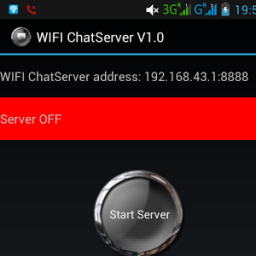
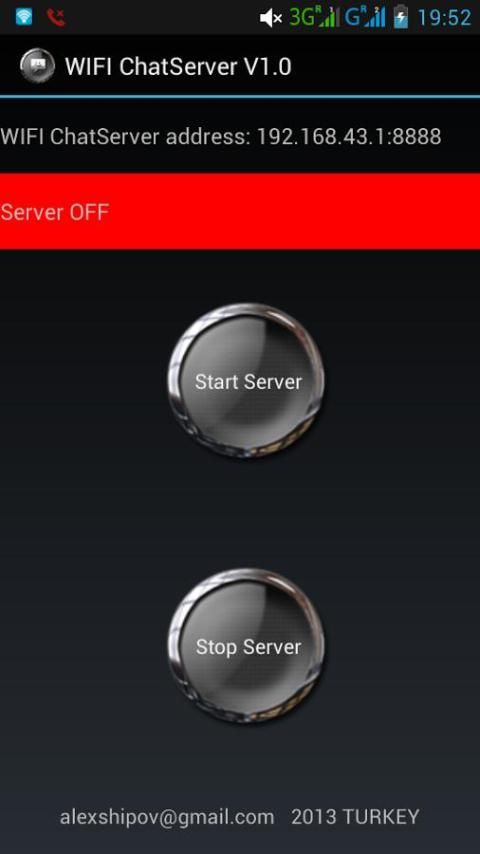
On one of the android devices run WIFI ChatServer, and press the start button. The top line will be the IP address and port for example 192.168.0.225:8888
All other devices in the network are open in the browser address
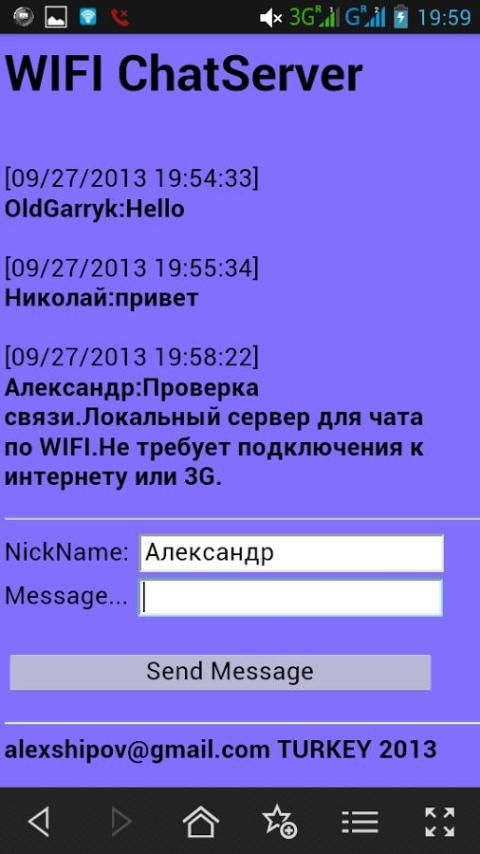
http://192.168.0.225:8888, in the page that opens, enter a name and a message and begin to chat.
The server works in background and so on a smartphone that is running, you can open the browser, type http://192.168.0.225:8888 and also keep chat.
2.Variant when when the smartphone is running the server itself is the access point.
Turn on your phone WIFI access point.
Run the program WIFI ChatServer, and press the start button. The top line will be the IP address and port for example 192.168.43.1:8888
Other devices are connected to this network and WIFI open in the browser address http://192.168.43.1:8888, in the page that opens, enter a name and a message and begin to chat.
On a smartphone that is running, you can open the browser, type http://192.168.43.1:8888 or http://127.0.0.1:8888 and also keep chat.

9Apps 4.9















