
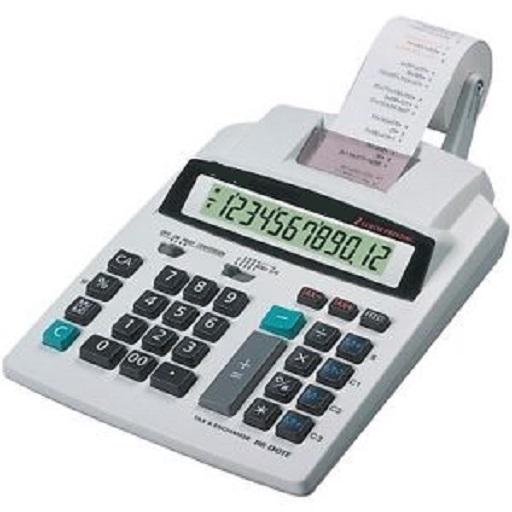

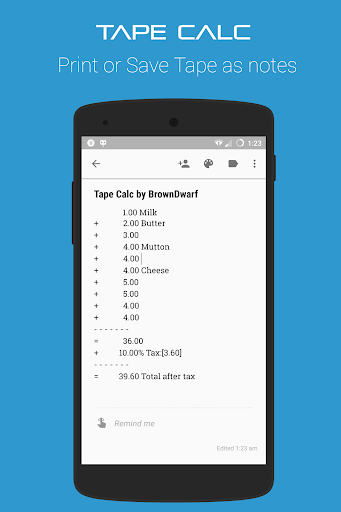
A tape calculator with a detailed list of all the operands presented in a such a way that you will fall in love with.
Percent and tax calculation are very simple.
Disocunt can be calculated using percentage buttons or tax buttons.
Tape calculator is designed for people adding different items on a daily basis or for office expenses listing.
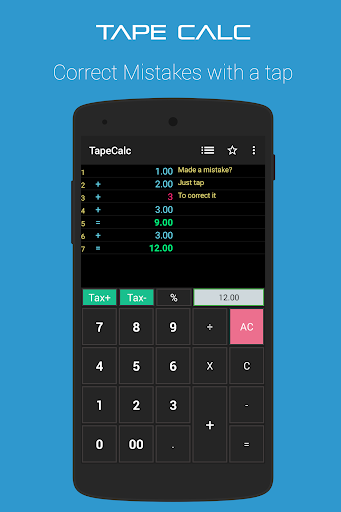
Tape calc list just shows every operand and allows you to edit it with just a single tap.
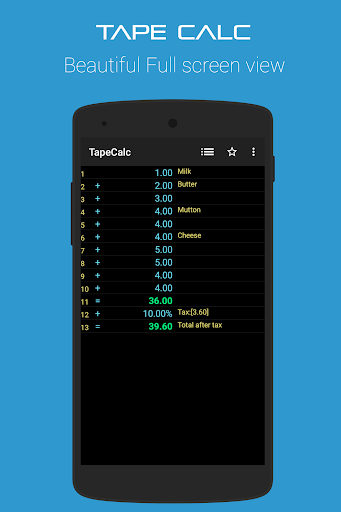
Tape calc allows you to add comments against every list item.
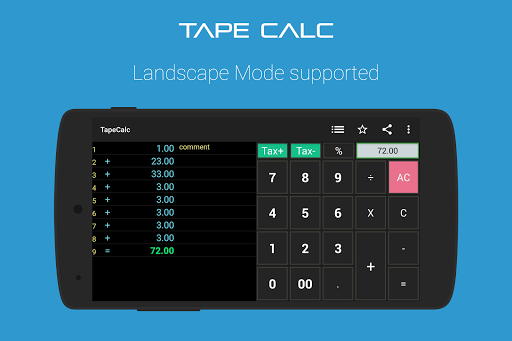
Tape calc has Tax+ and Tax- buttons to let the shopkeepers or office expense tracking simple.
Adding or subtratcing sales tax or VAT will become easier.
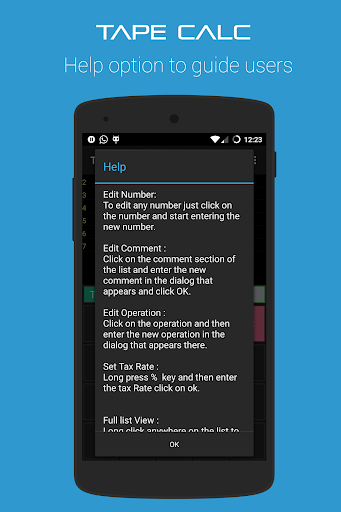
Following explains how to operate with the calculator,
Edit Number:
To edit any number just click on the number and start entering the new number.
Edit Comment :
Click on the comment section of the list and enter the new comment in the dialog that appears and click OK.
Edit Operation :
Click on the operation and then enter the new operation in the dialog that appears there.
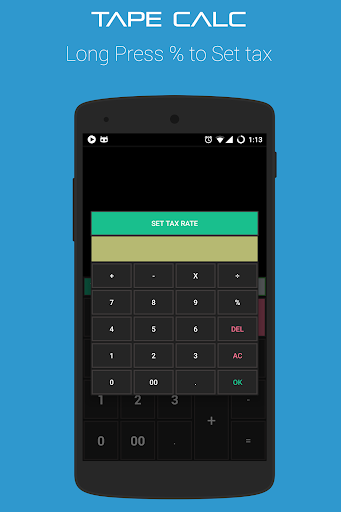
Set Tax Rate :
Long press "%"
key and then enter the tax Rate click on ok.
Full list View :
Long click anywhere on the list to view it full screen.
Bug Fixes
Fixed Tax Minus functionality
Fixed many crashes
You can now toggle fullscreen mode
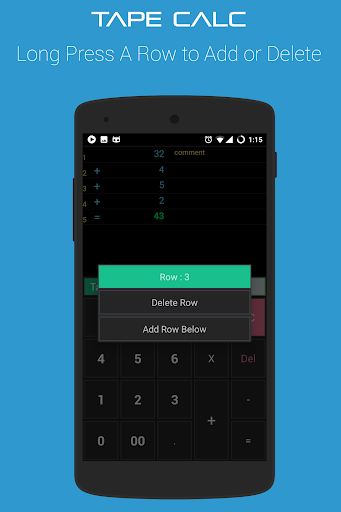
You can now Add Rows in between
You can delete unwanted Rows




9Apps 4.9















