
Screen Recorder
Subtitle :
Screen Recorder V Recorder - Audio, Video Editor
Description
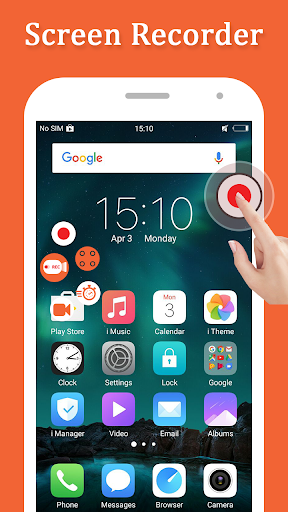
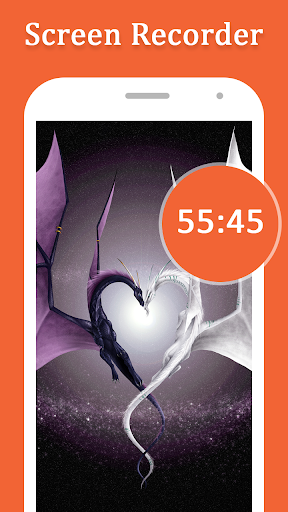
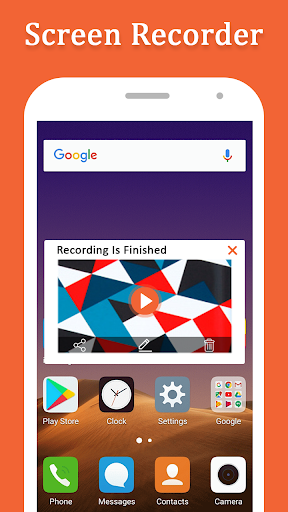
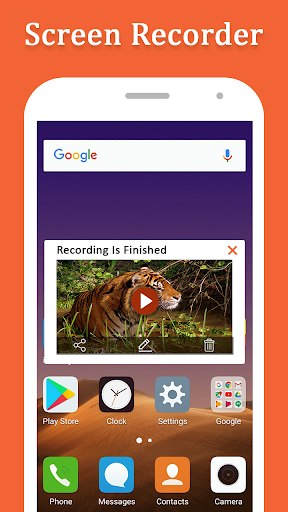
Fast & Easy Screen Recorder: Record your favorite games and apps for tutorials, games walk-trough, video demos and app training on your android phone.
Screen Recorder is a reliable and easy-to-use stream creator and screen recorder. With Screen Recorder, you can live stream your screen to YouTube, Face book and Twitch and record screen videos. Screen Recorder V Recorder- Audio, Video Editor makes it easy to live stream and record content from your screen, like games, live shows, sports, and more.
Advantages:
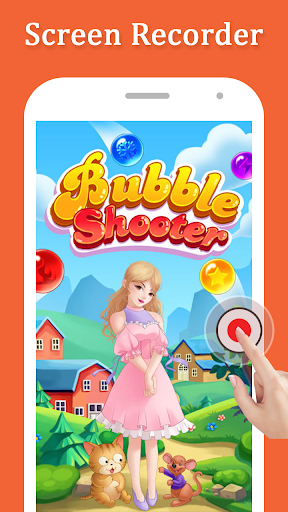
– Record your screen in all apps and games.
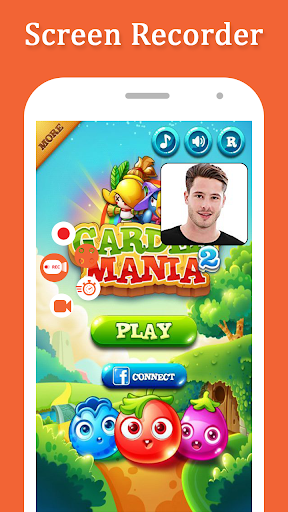
– React with Face Cam.
– Use your microphone to add audio commentary.
– Make your screen recordings amazing by using our editing tools.
–Add awesome background music to videos
–Clip videos, such as cut the extra part of the video
– Choose your transition style and splice multiple videos perfectly
–Adjust video speed easily
– Add Text & emoji on Video
–Add rotation and mirror effects to your videos
–Add filter effects and stickers to your videos
– Save & share your screen recordings.




9Apps 4.9















