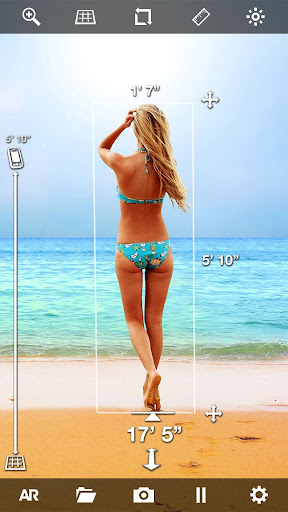
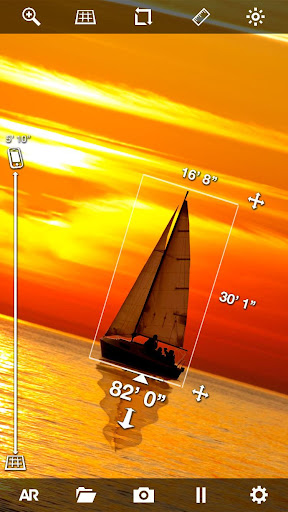
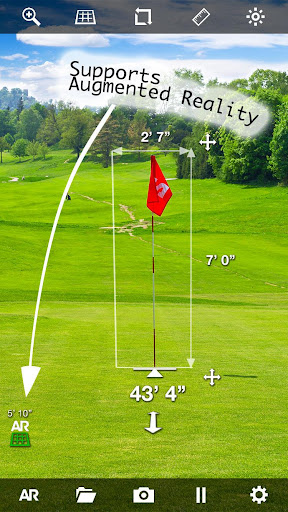
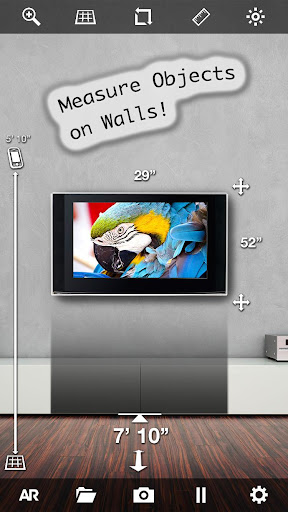

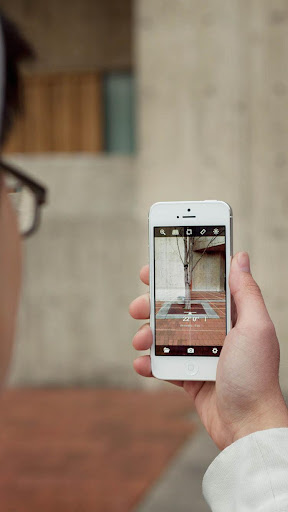

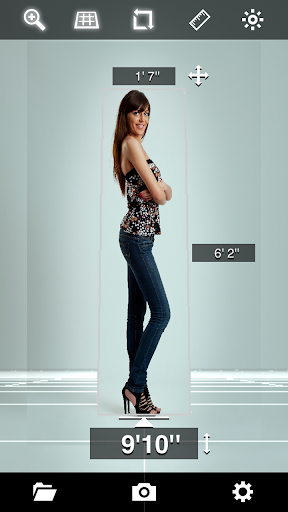
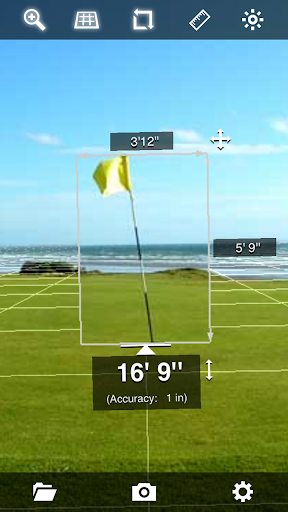
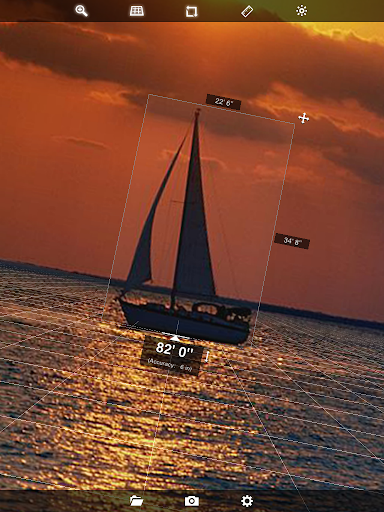
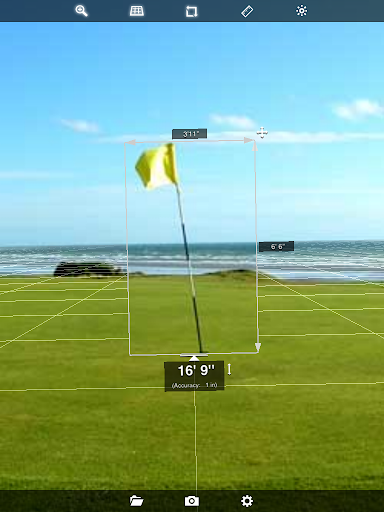
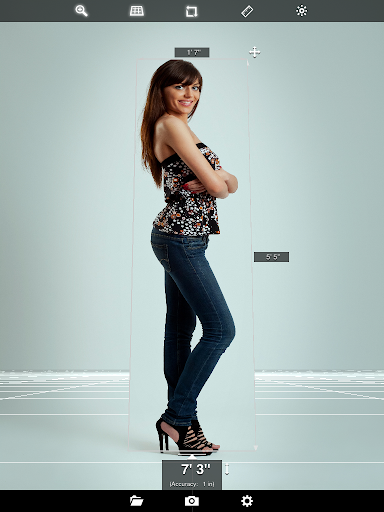
EasyMeasure shows you the distance to objects seen through the camera lens of your Android device. All without a tape measure or ruler! By installing EasyMeasure on your phone, you turn your device in a virtual tape measure & ruler. To conduct a measurement, simply aim your camera to an object in your surroundings, and EasyMeasure displays the distance towards that object on top of the camera image. The measurement can even determine the height and width of the object. With its amazing 3D Augmented Reality (AR) camera overlay grid, using EasyMeasure is very intuitive and easy!
Use the tape measure and ruler to find out how far it is towards that boat at the other side of the lake. Tape measure how tall buildings are. Use the app as a golf-aid ruler. Tape measure your friend's height. The possibilities of the tool are endless!
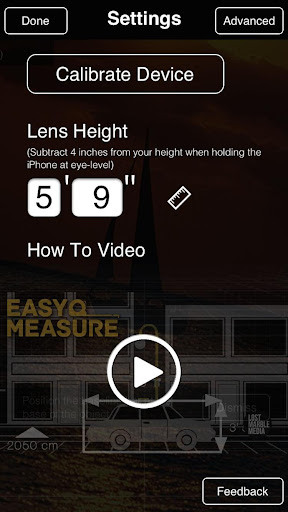
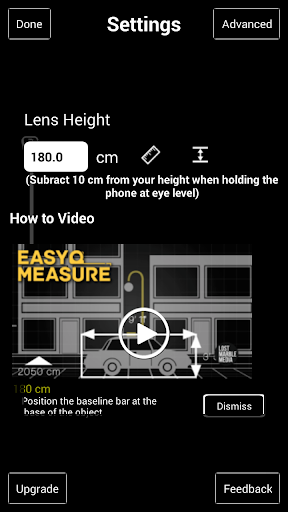
How does it work? The EasyMeasure tape measure and ruler app uses the height of the camera lens and its tilt angle to calculate the distance to the object. For the measurement, simple trigonometry based on geometric triangles is used. This approach is much more accurate than other approaches, like sonar and acoustics based methods. A comprehensive animated tutorial on how to use EasyMeasure is included.
Features
-User friendly interface with 3D Augmented Reality (AR) engine for tape measure and ruler
-Measures distance like a tape measure or ruler. Can be updated to tape measure the height and width of objects!
-Share your results by email, Facebook or Twitter!
-Includes the possibility to calibrate your phone for most accurate ruler results!
-Displays accuracy of tape measurement
-Make a picture of the image with the distance, height and width and store it in the photo album for later use.
-Supports Metric and Imperial units (meters, inches, foot, yards).
-Animated tutorial to explain the measurement procedure.
-"Dynamic Photos": Analyze and adapt measurements after photo is taken (Upgraded version)!
-Switch on flashlight for measurements in the dark
-Slick icon and user friendly interface
NOTE: Measurements taken with the EasyMeasure tool are not as accurate as measurements taken with standard tools like a tape measure or ruler. Do not use EasyMeasure for construction or other uses where inaccurate measurements could cause personal injury or property damage.
This version fixes an issue with storing photos.
EasyMeasure was the first measurement app in the Play Store and is still the best! Enjoy measuring!






9Apps 4.9