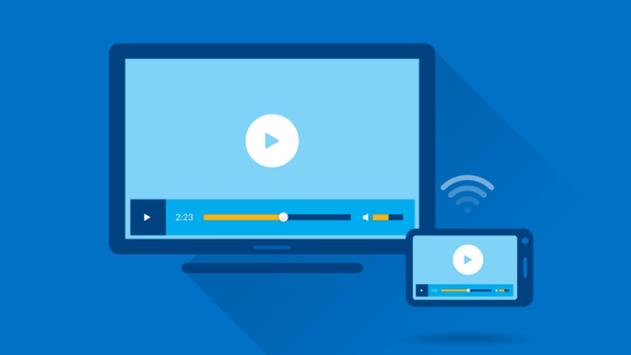
Easy to use, just choose your support and press to play, a step to play it on your TV !!!
Anytime, anywhere, from any device (enjoy with your friends and family), with TV Assist on your phone, you can play your favorite photos, videos and music any way you like, for example a TV nearby. Moments with everyone to see and hear.
TV Assist can also browse media content on other DLNA devices and play them on your TV or other DLNA device.
The TV support can function as a multimedia receiver (rendering), it can also receive multimedia files played from other DLNA devices, for example another phone / pad compatible with TV Assist !!!
The Miracast Display finder app will help you find your mobile device / tablet screen sharing on an appropriate / compatible Miracast / Wireless display device, such as Smart TV or wireless display dongles / adopters.
This app works (tested) on most mobile phones with Android 4.2 or later.
Miracast: Mirror screen sharing using wifi
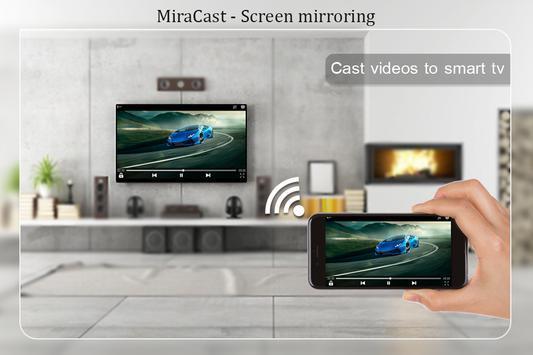
Share / duplicate the mobile screen on a SmartTV or Wifi Display dongle connected to the television,
By using the screens of the small smartphone and the tablet, you can use the much larger screen of your TV instead for an unforgettable experience. It's easy to share your screen with your phone or use an extra charge for your TV with this TV mirror screen.
Keywords :
Miracast - screen mirroring
Screen Sharing - Mirroring
Webcasting - Mirroring
Connect mobile to TV
Screen Mirroring - WIFI Display
Screen Mirroring Assistant
Screen Mirroring - Mirror Screen
Mirror your photo on TV
Display of the phone screen on TV
LG Smart TV - Streaming HD Video
Screen Mirroring with TV - Mirror Screen
screen mirroring application
mirror screen
screen mirror samsung tv
mirror screen samsung smart tv
samsung screen mirroring
cast mirror
screen cast android
samsung mirror application
mirror screen
android mirror screen
mirroring on TV
laptop with screen mirroring
The following steps must be performed:
1. Make sure your TV supports Wireless Display / Miracast.
2. Make sure the TV is connected to the same WiFi network as your mobile device. You can not connect it with a wired connection (LAN). !





9Apps 4.9